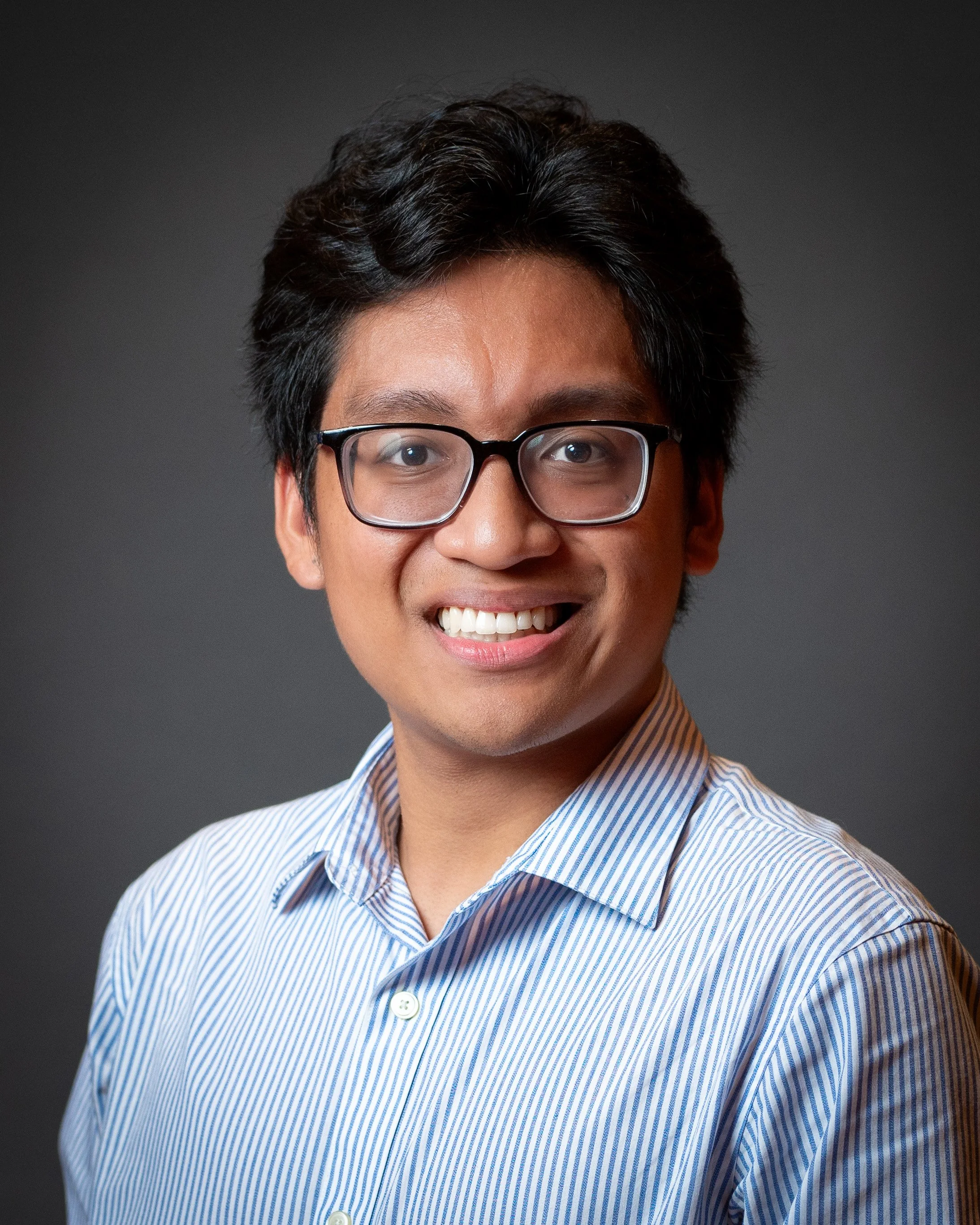
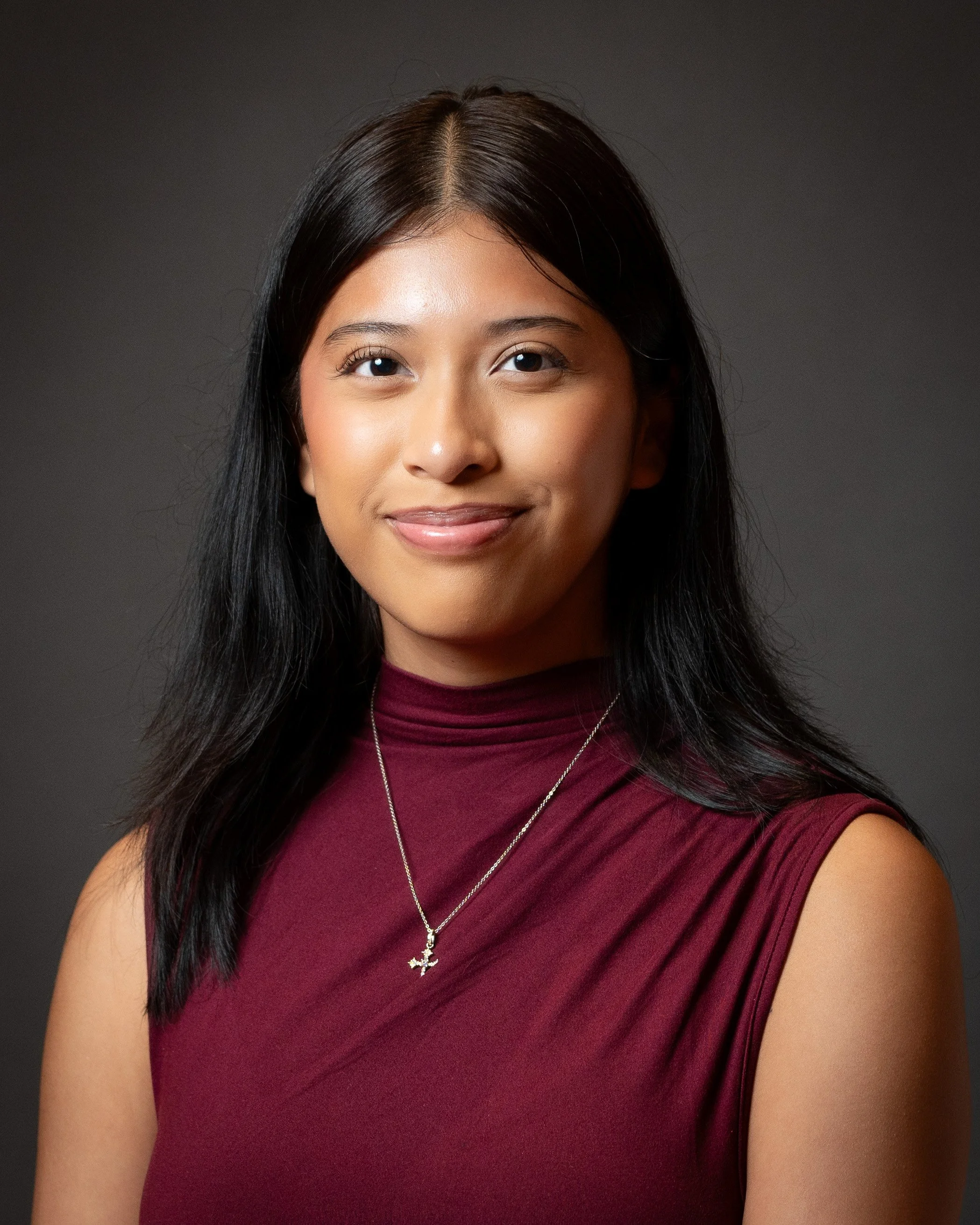
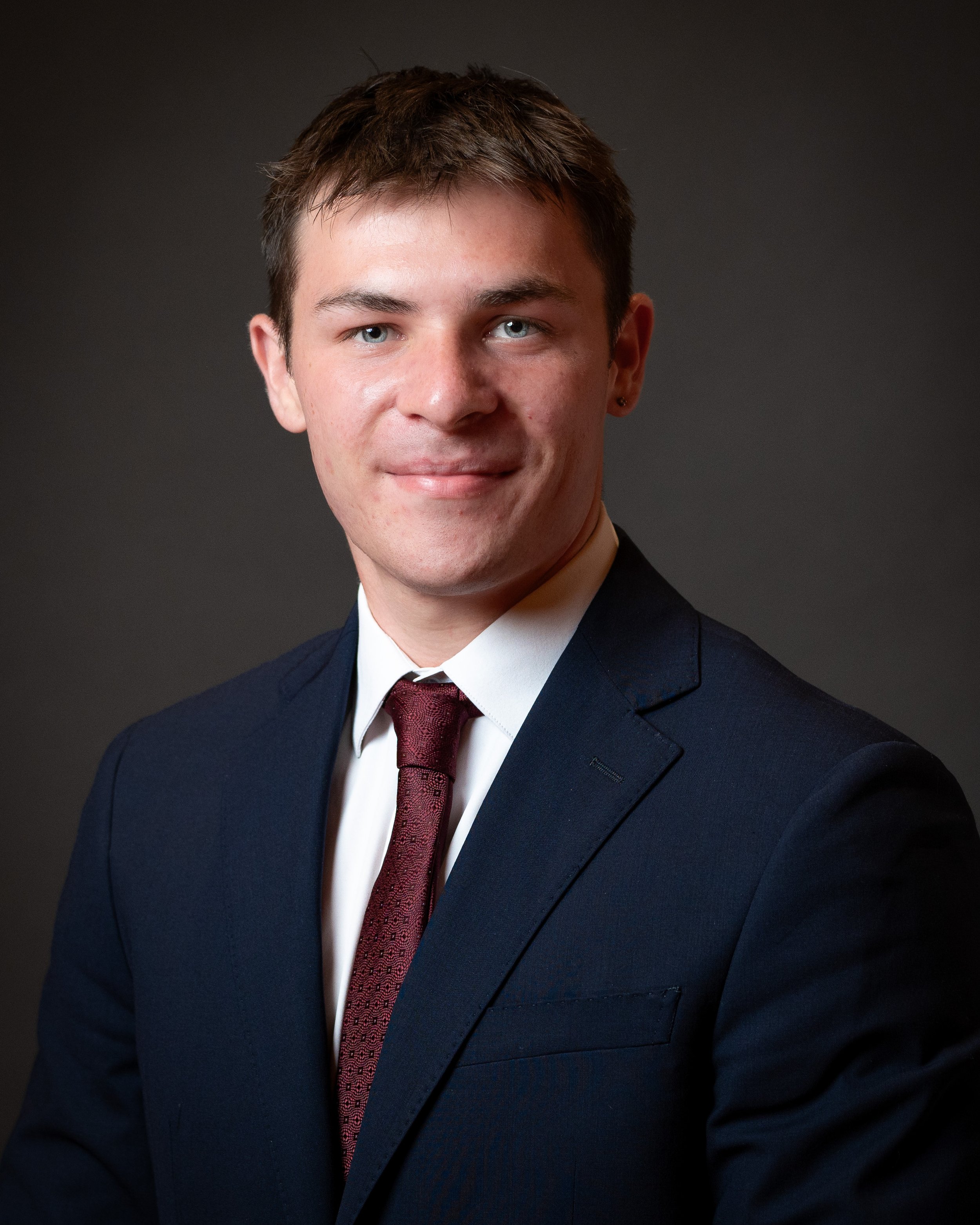
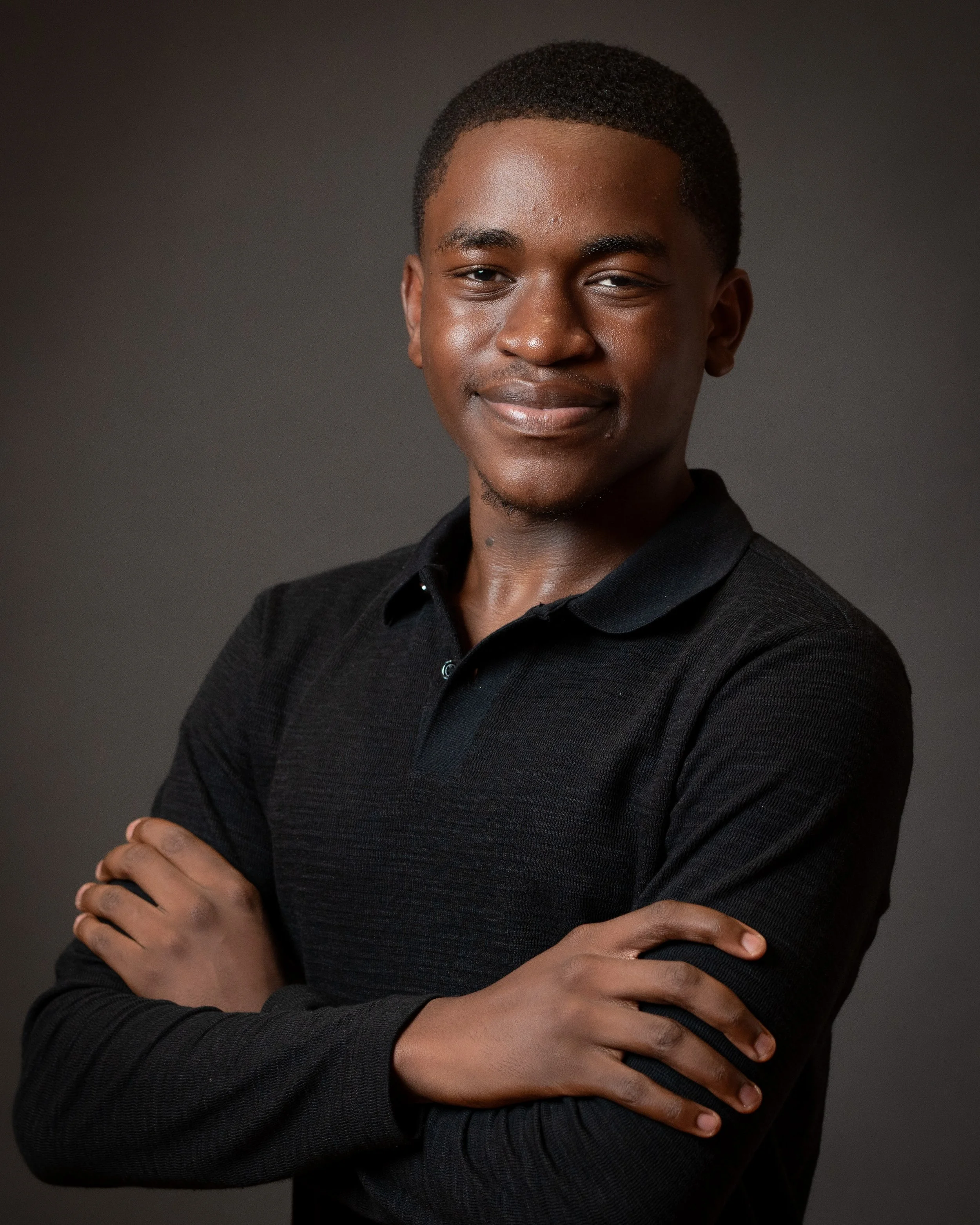
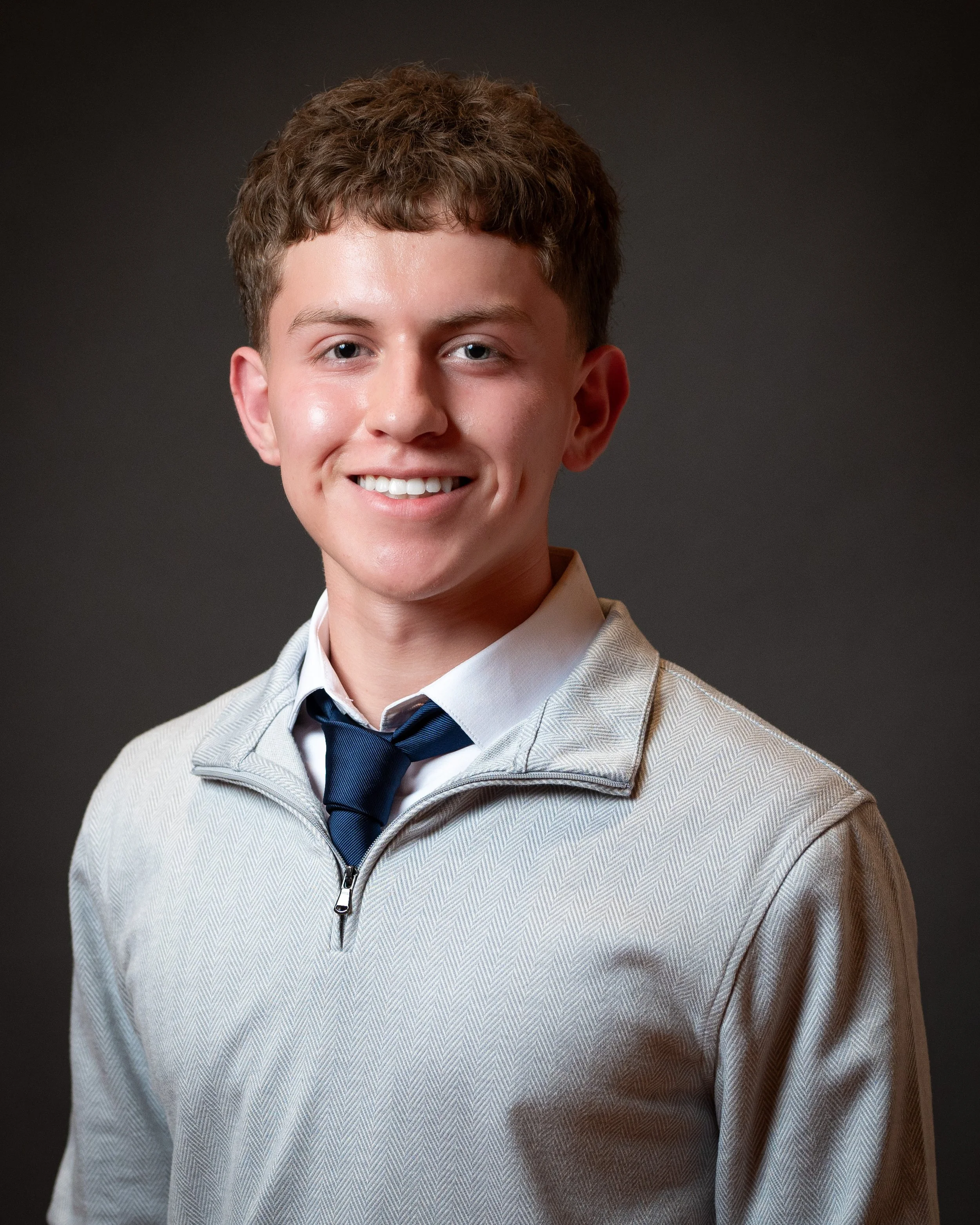
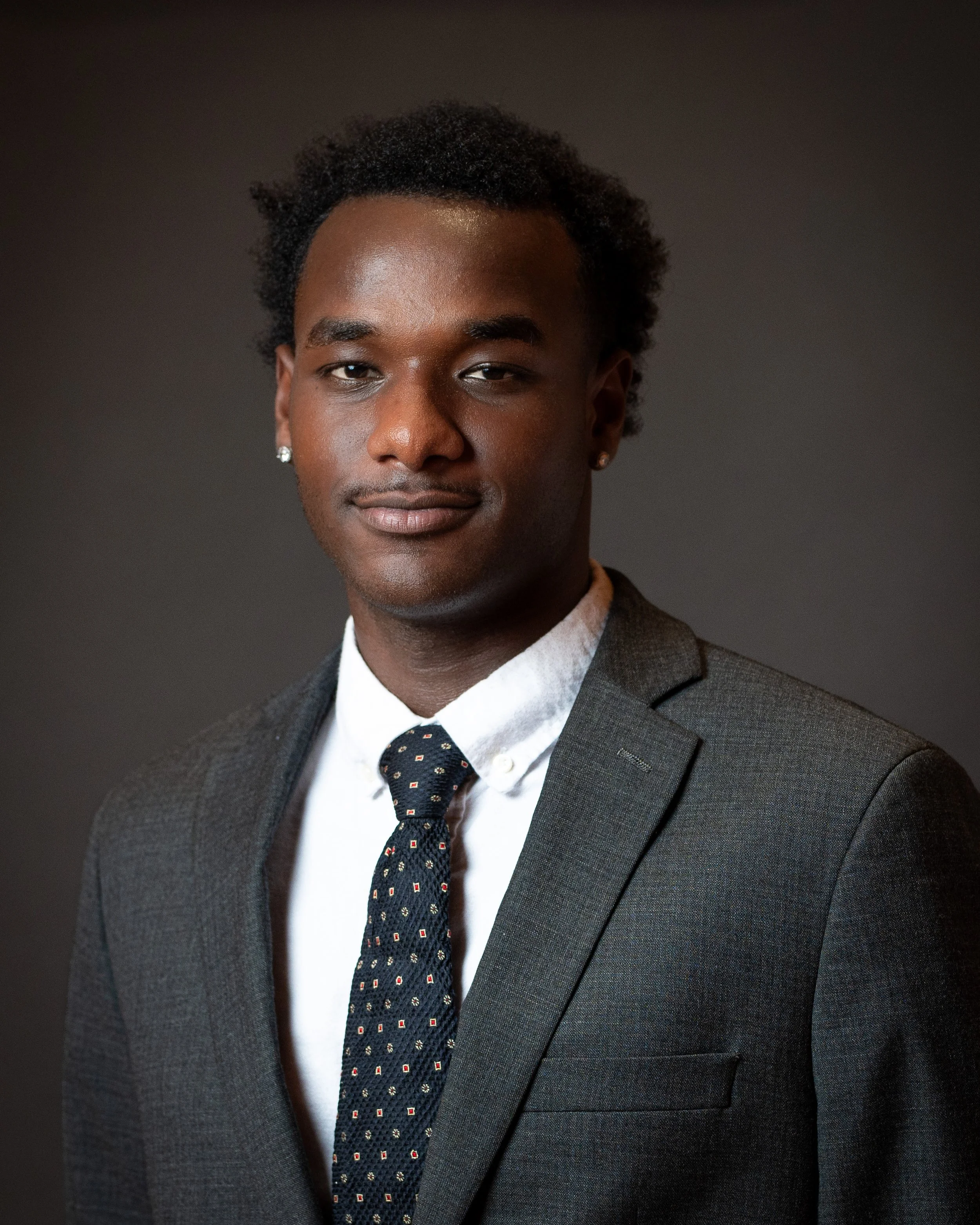
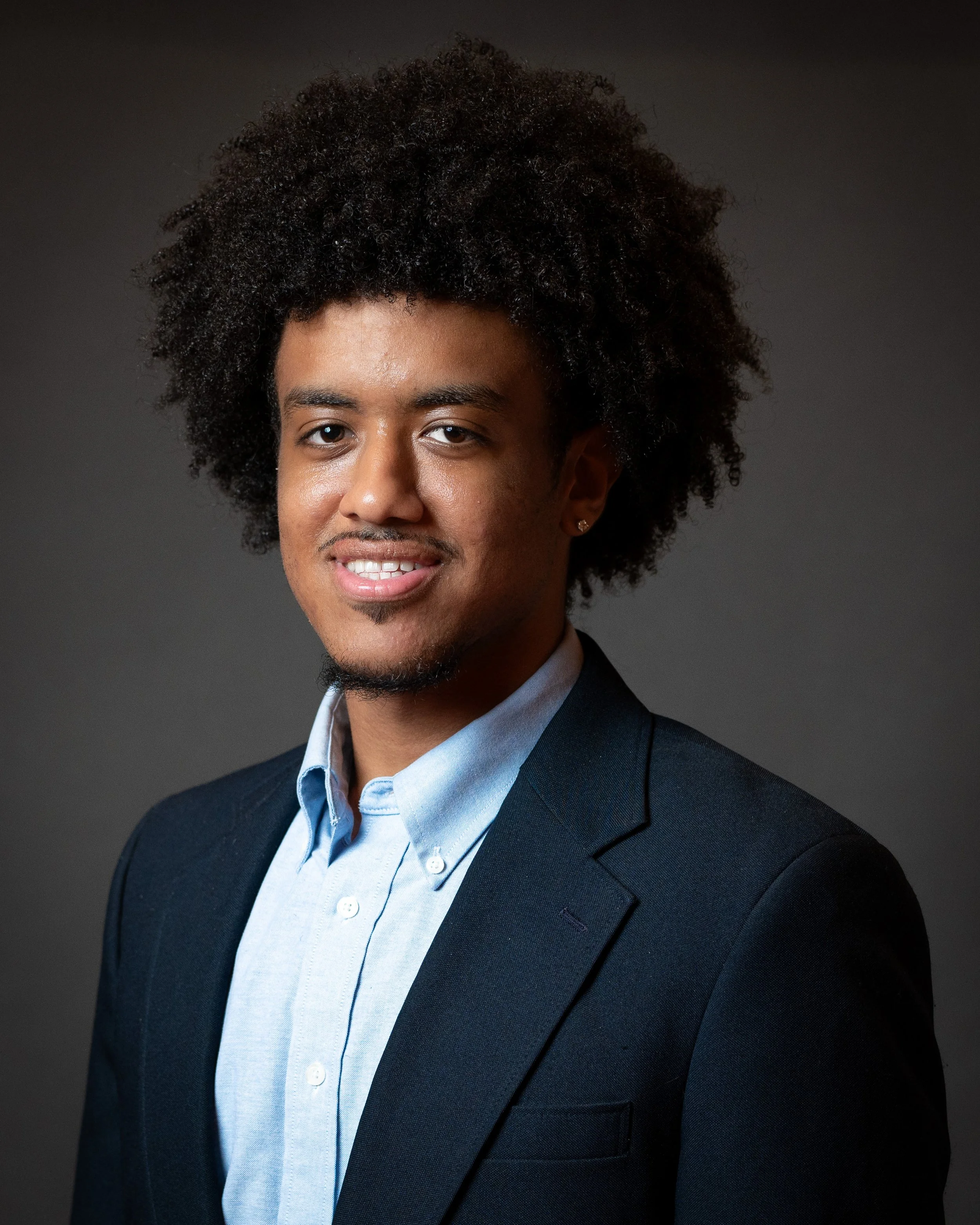
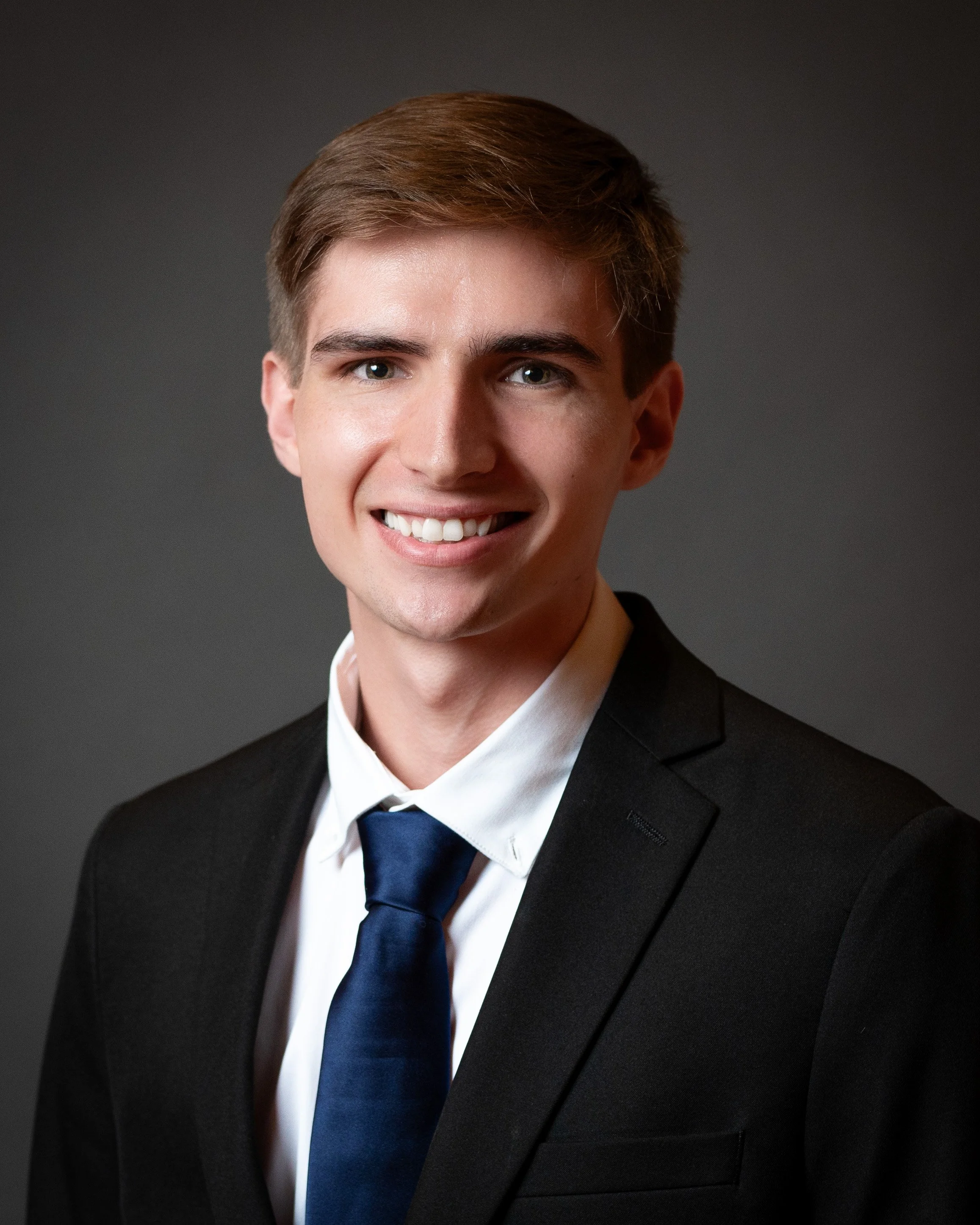
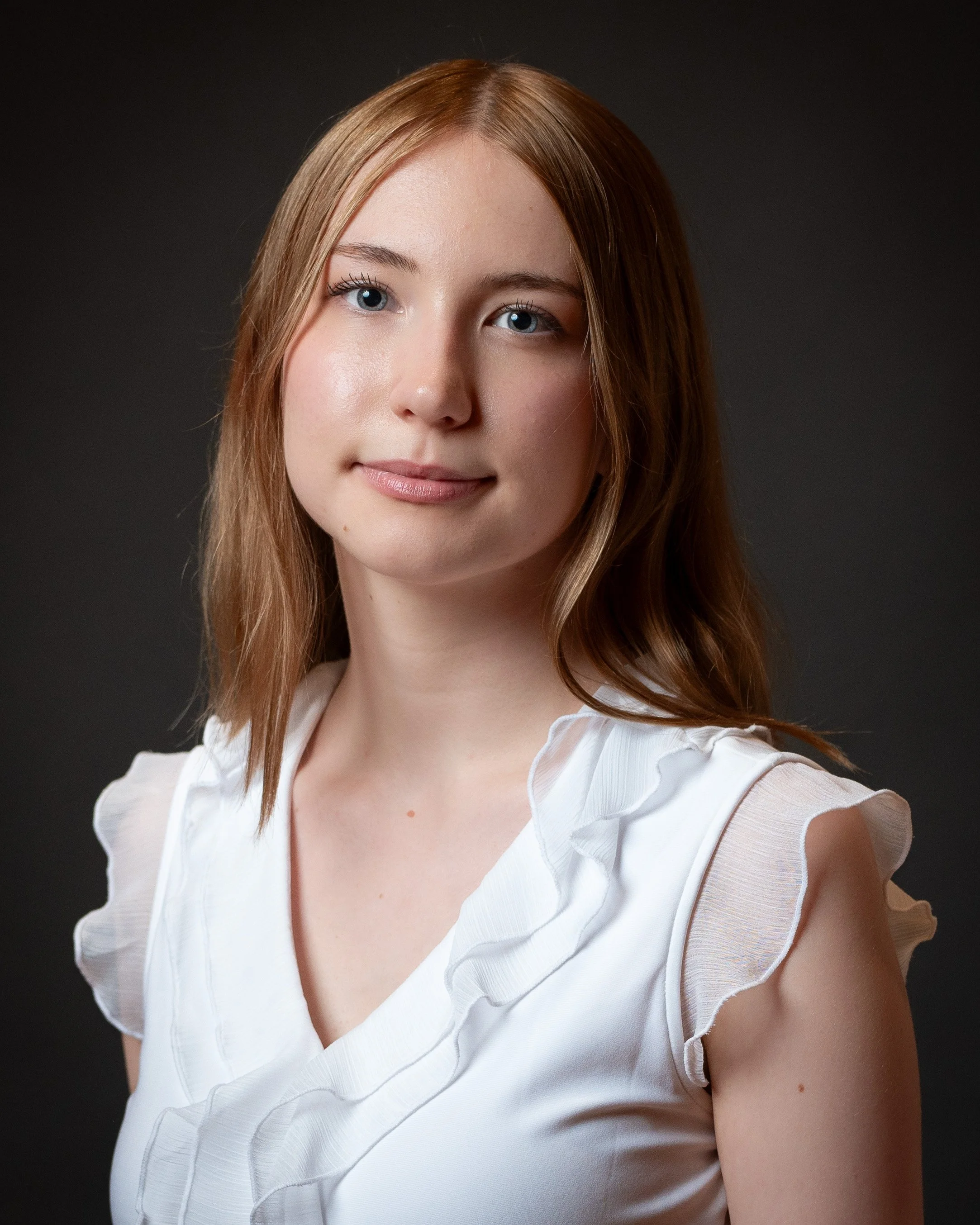
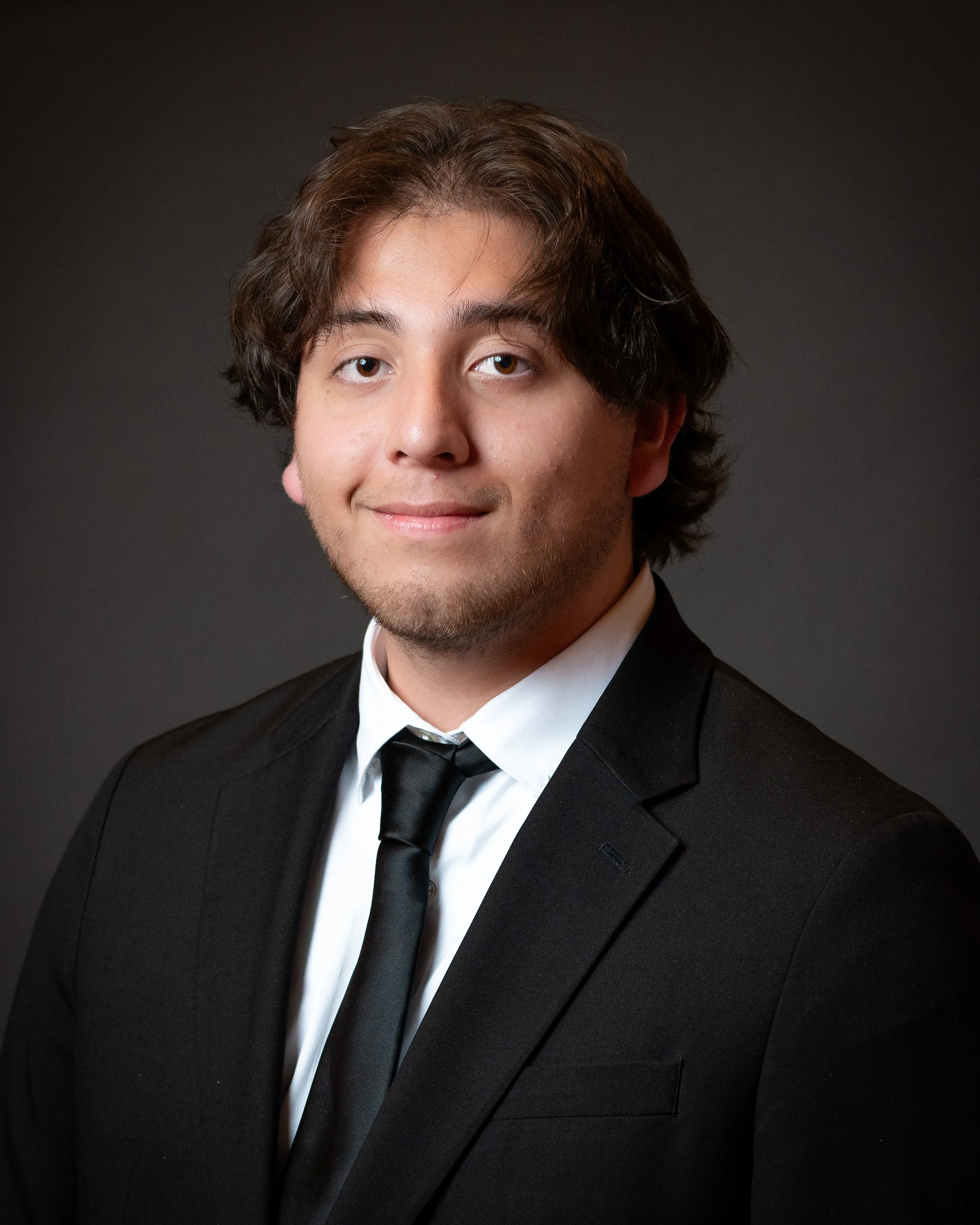
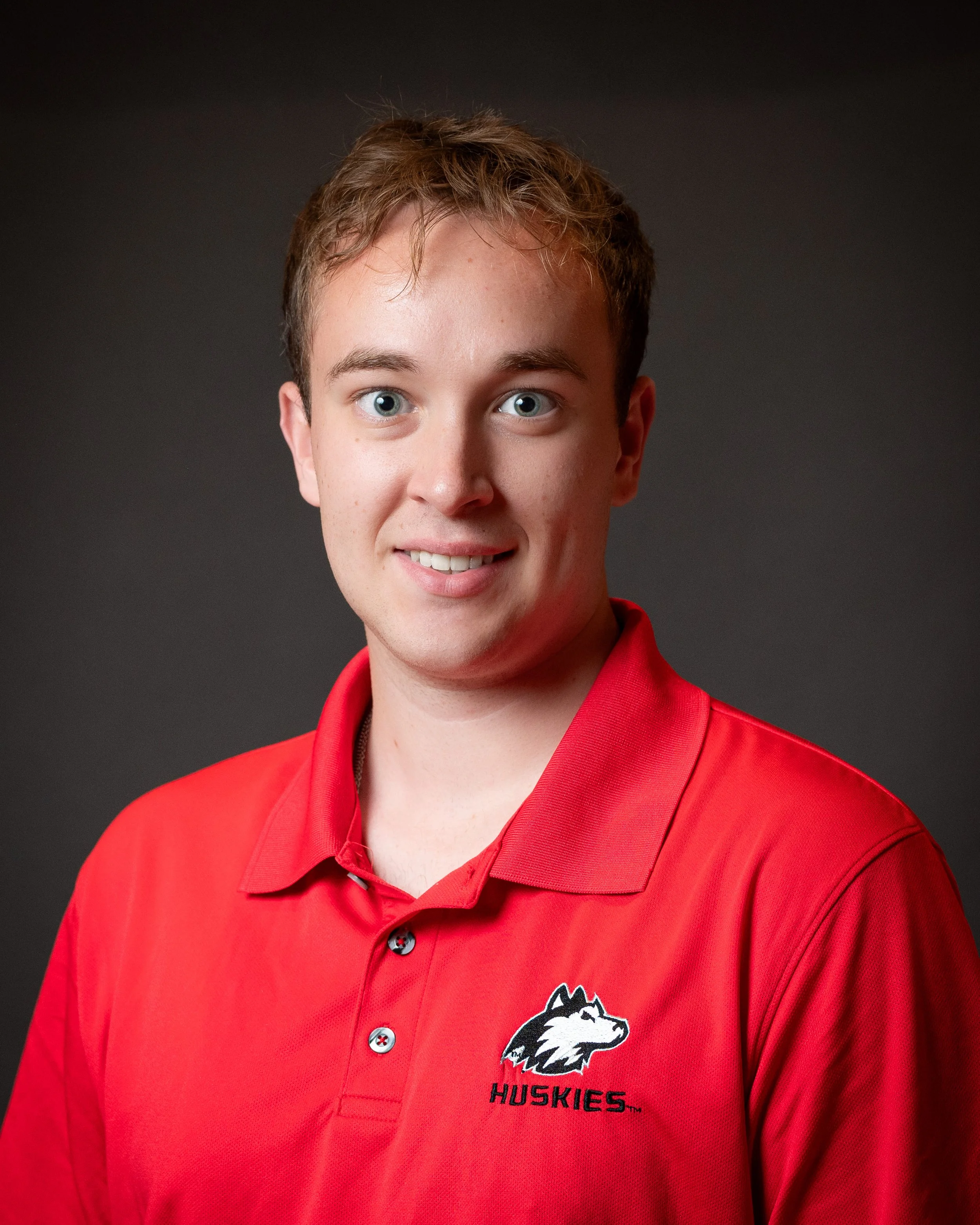
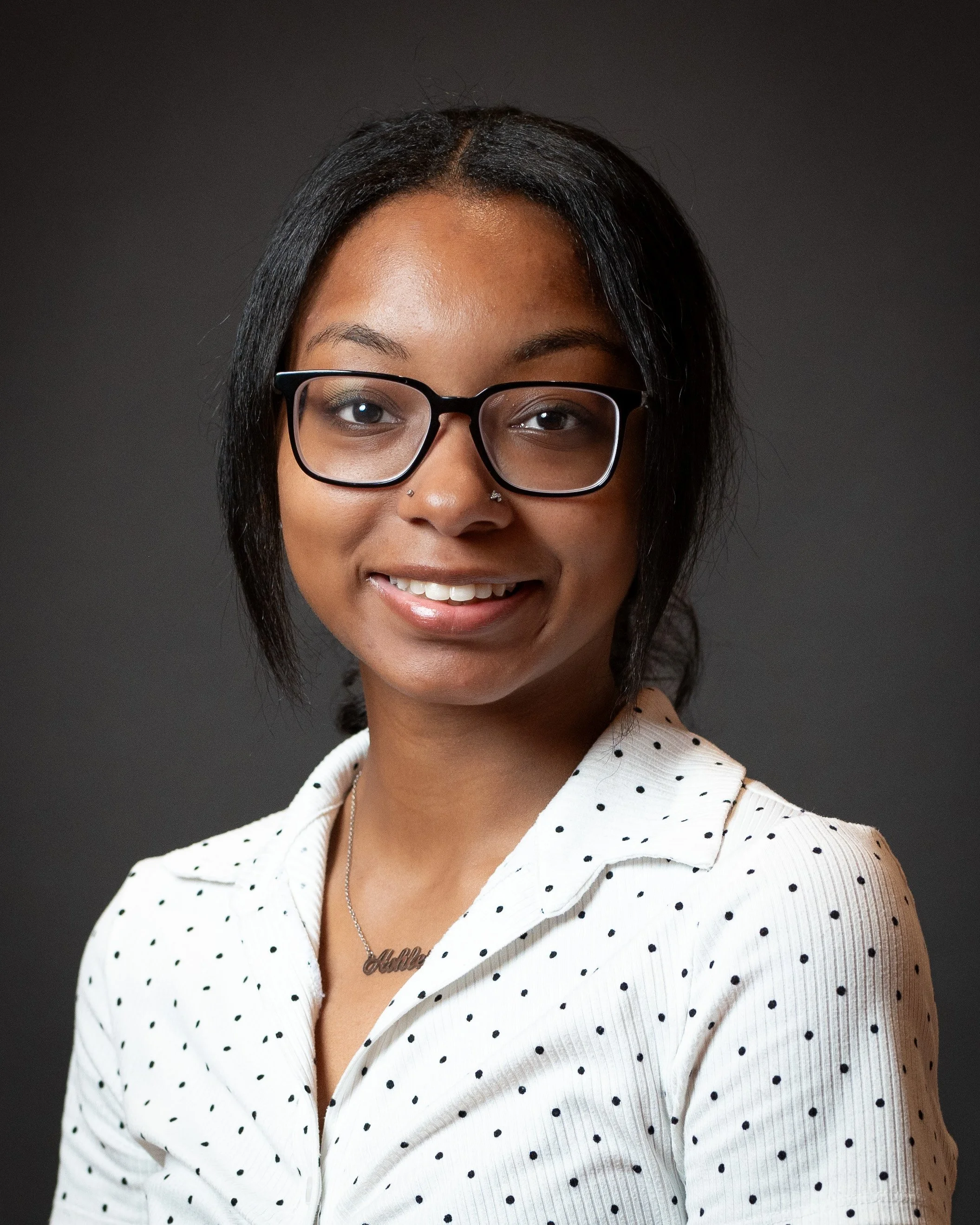
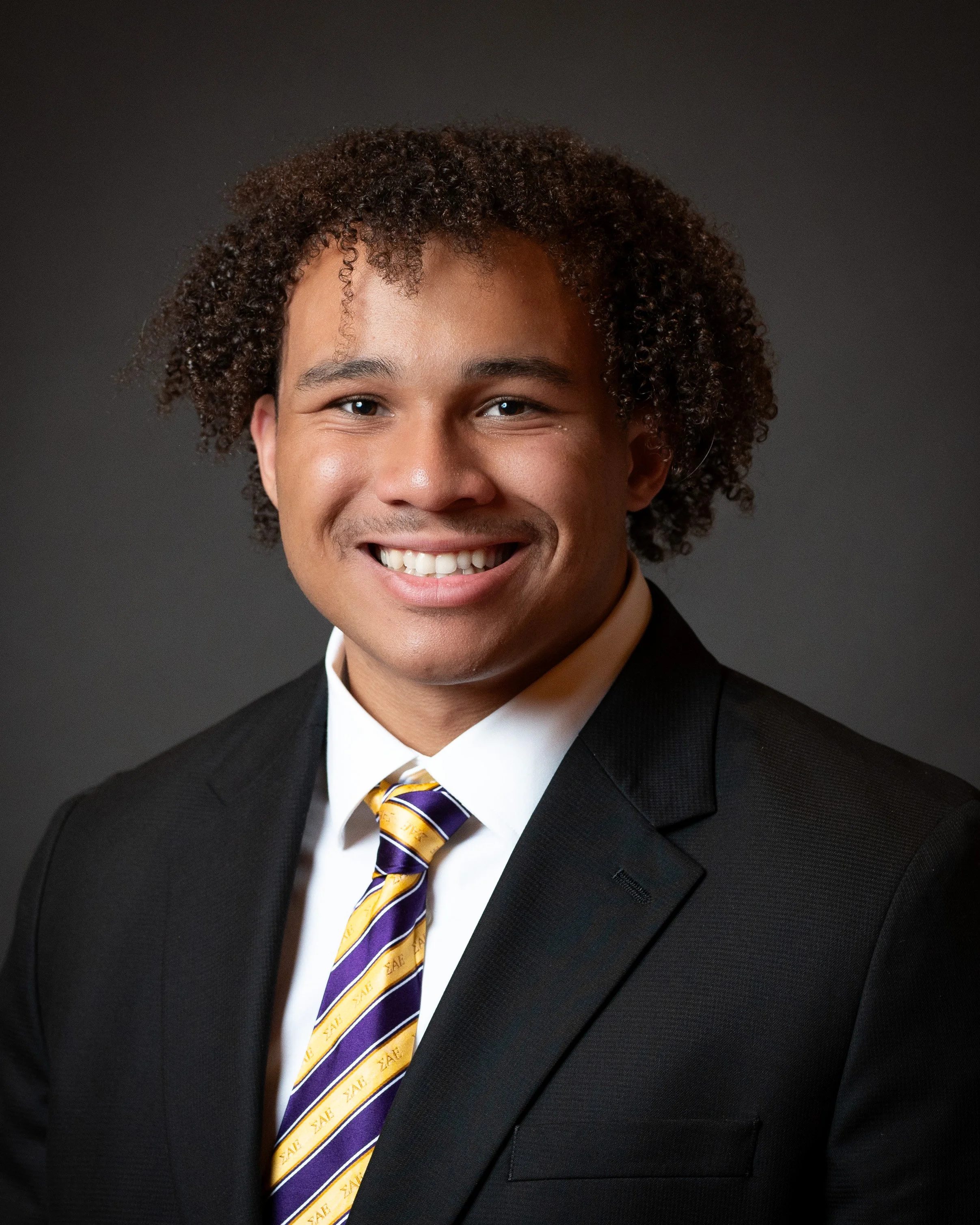
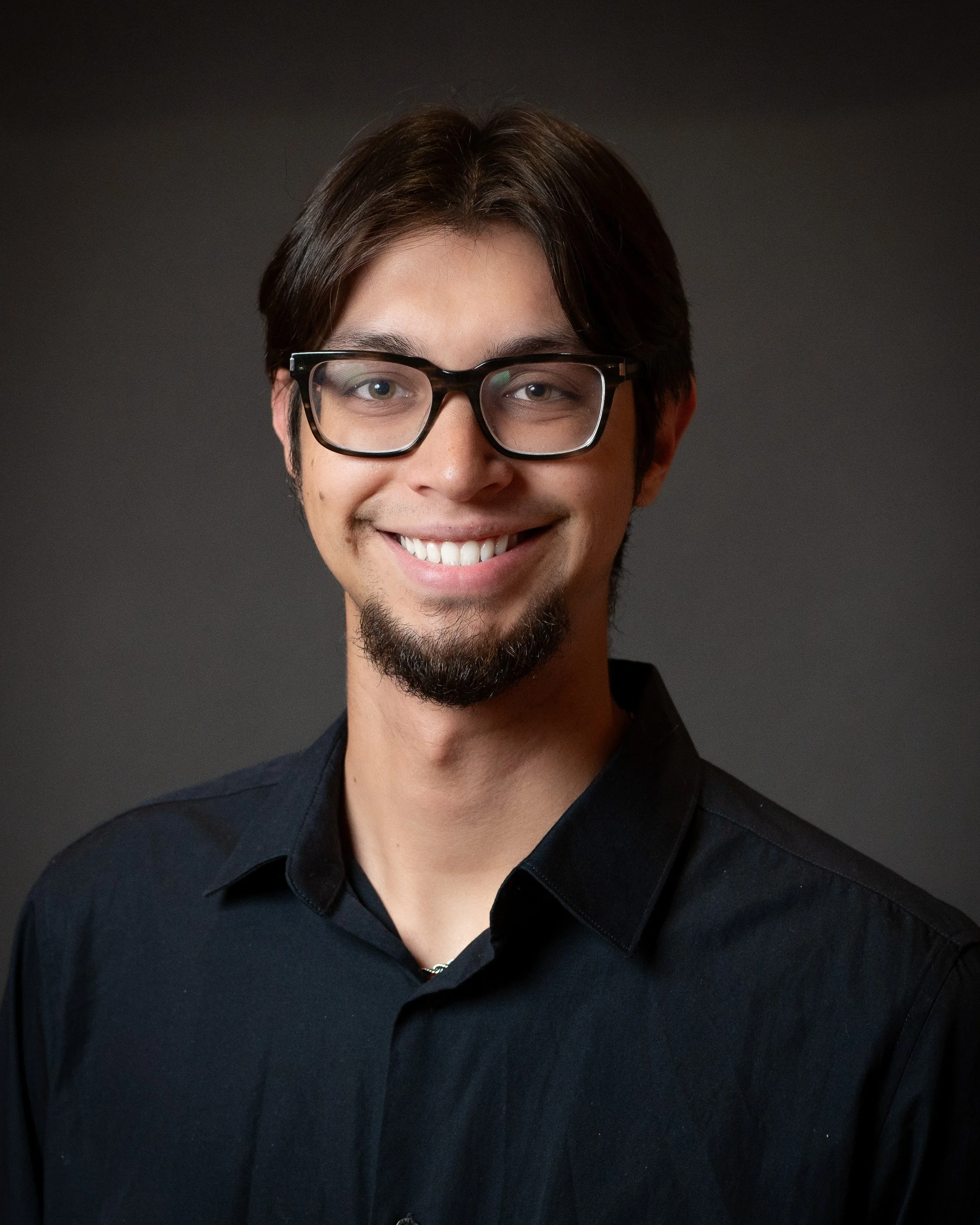
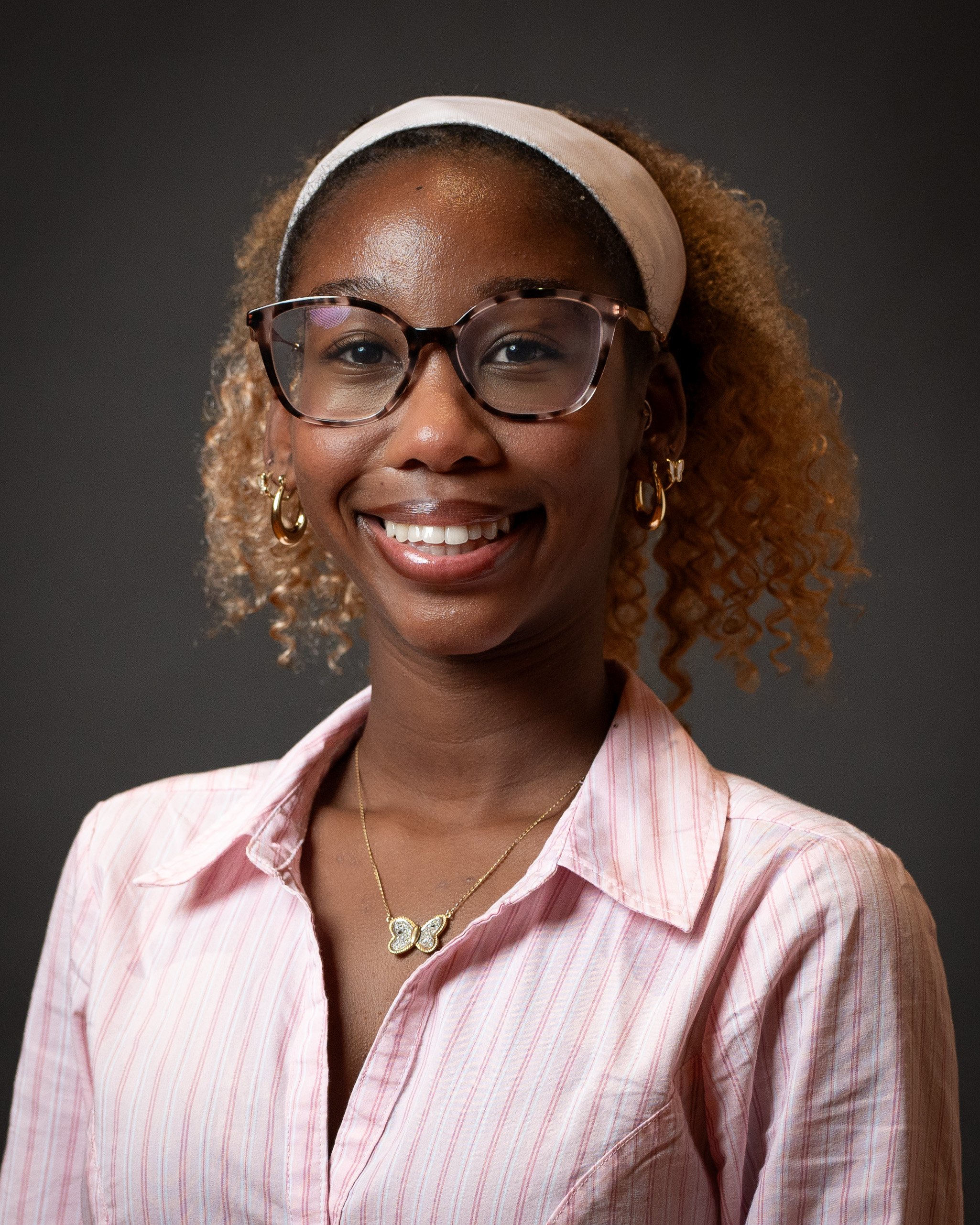
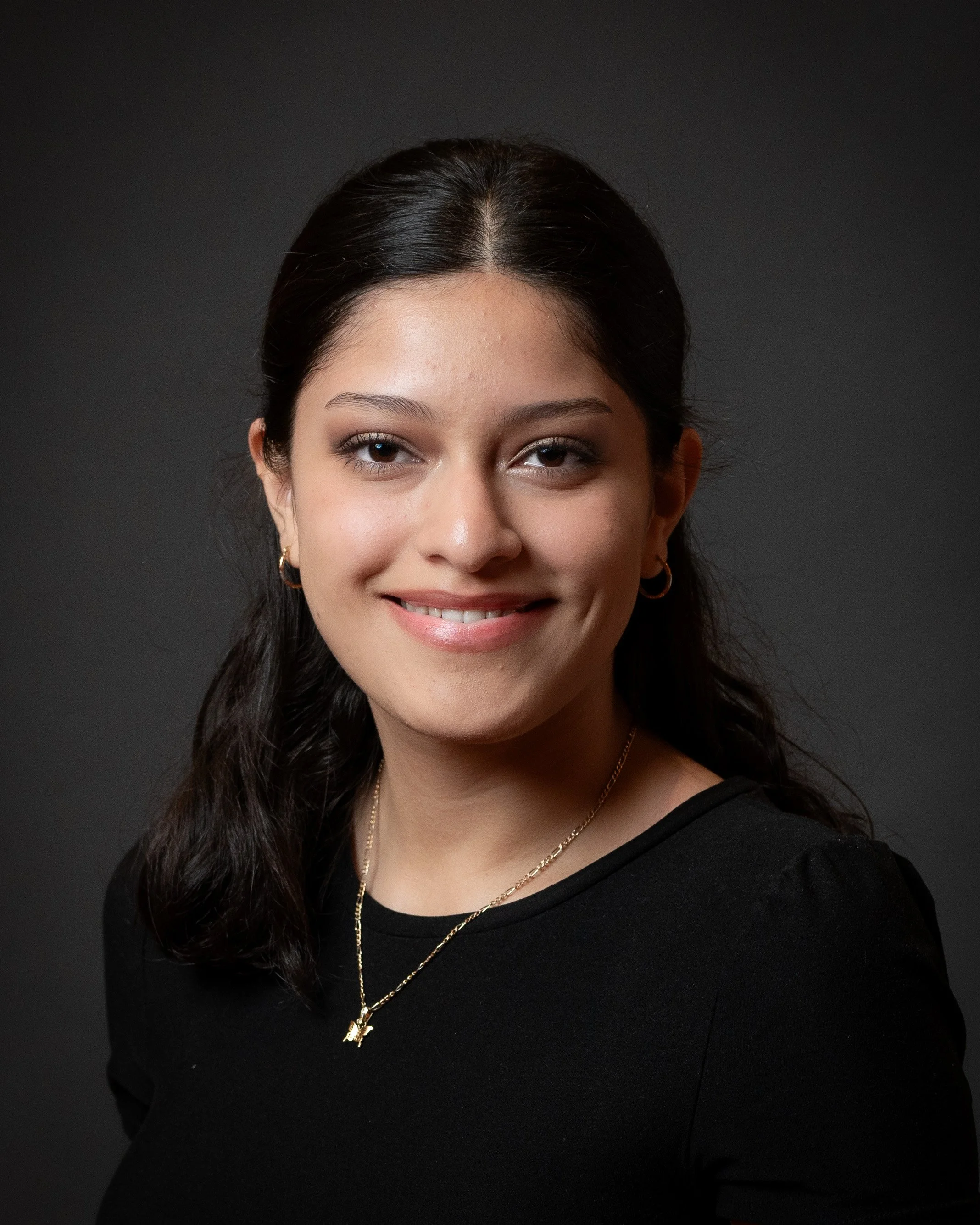
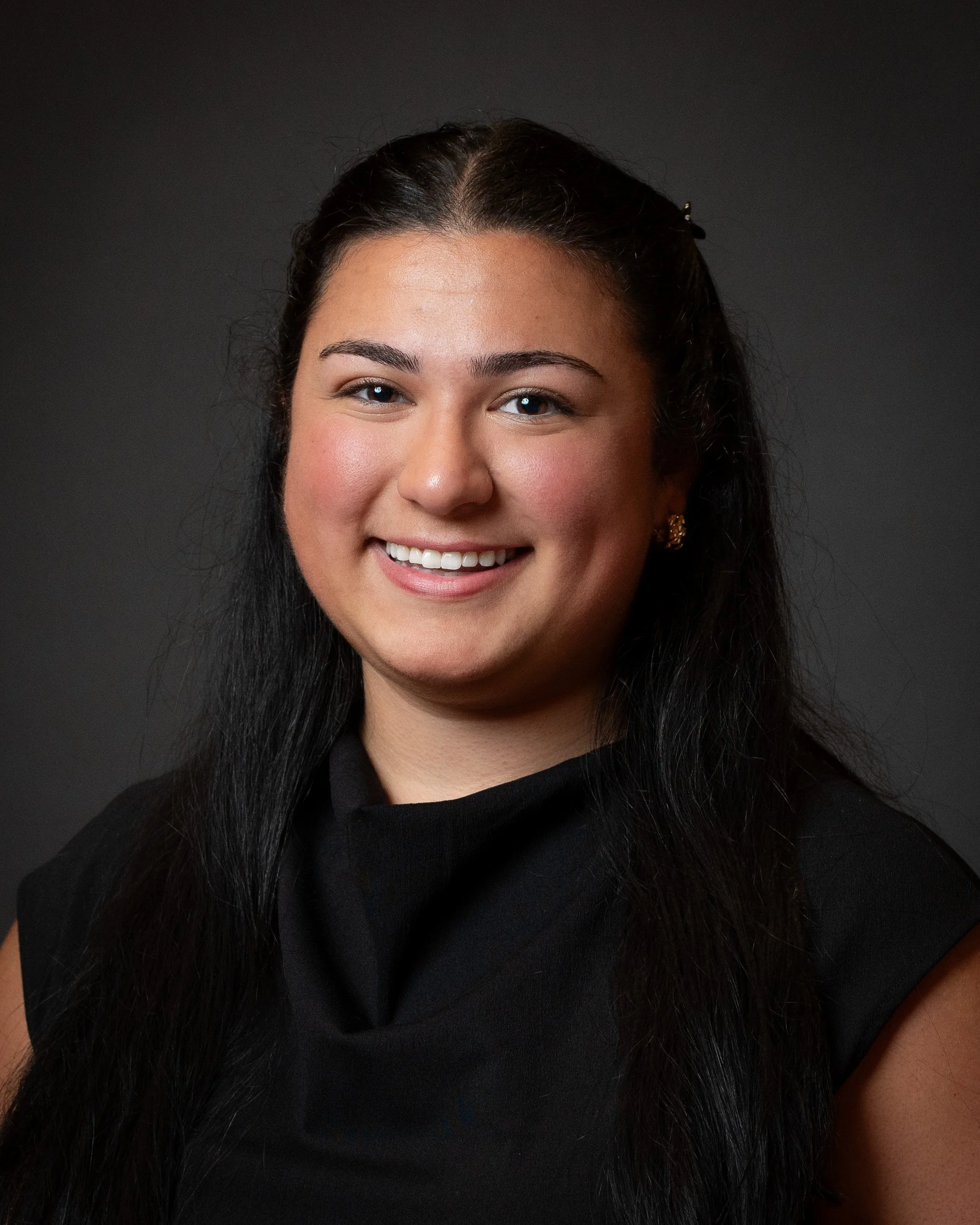
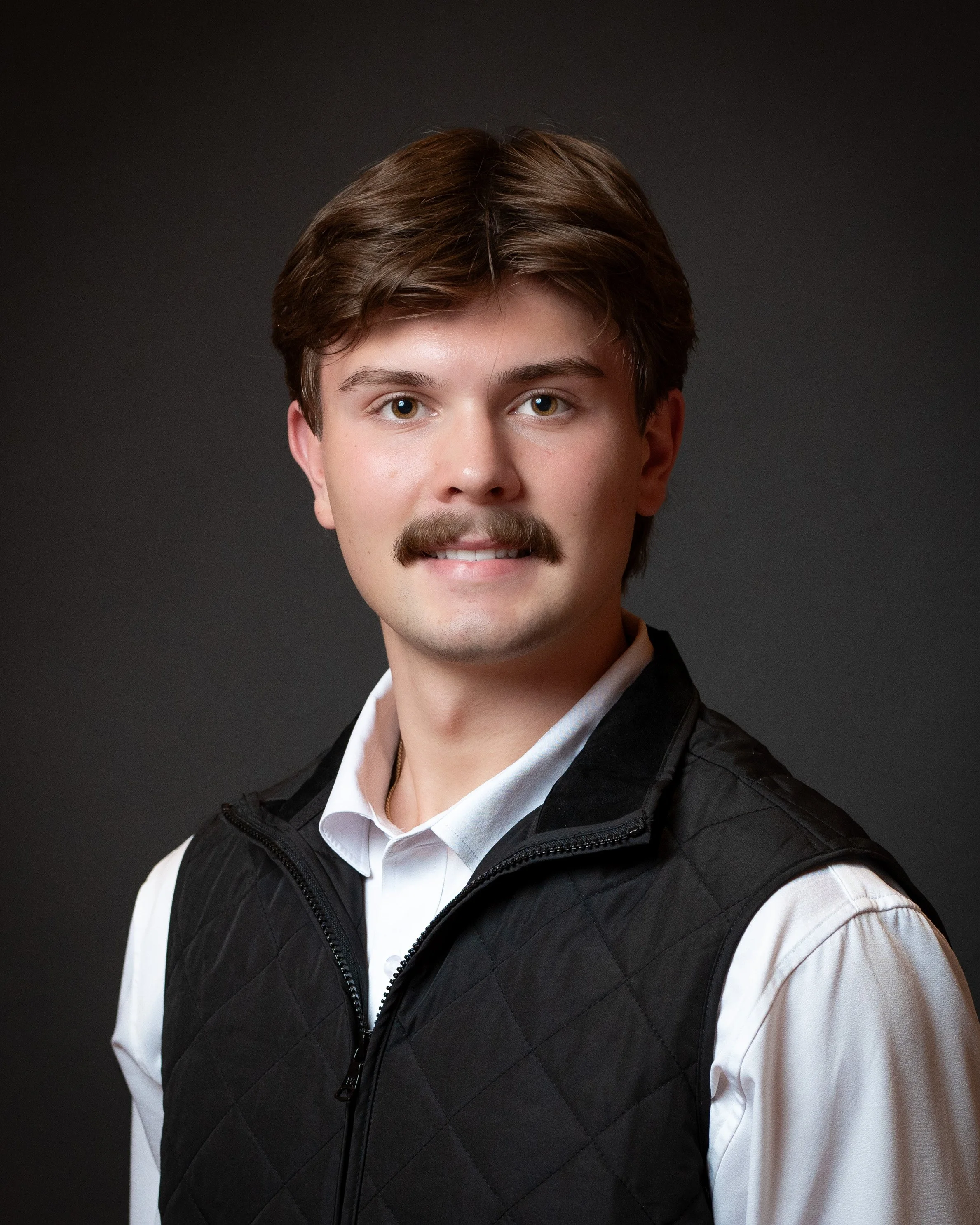
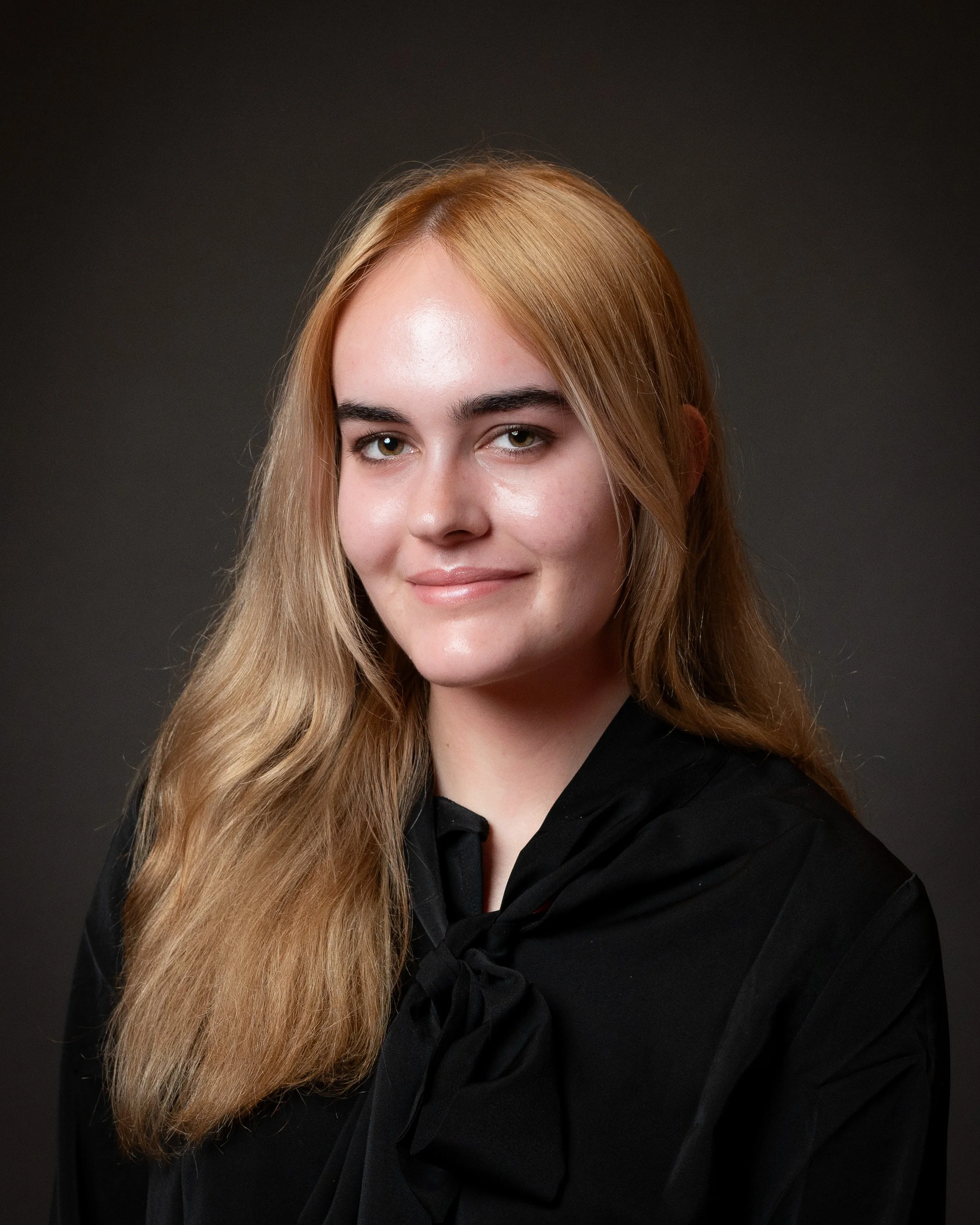
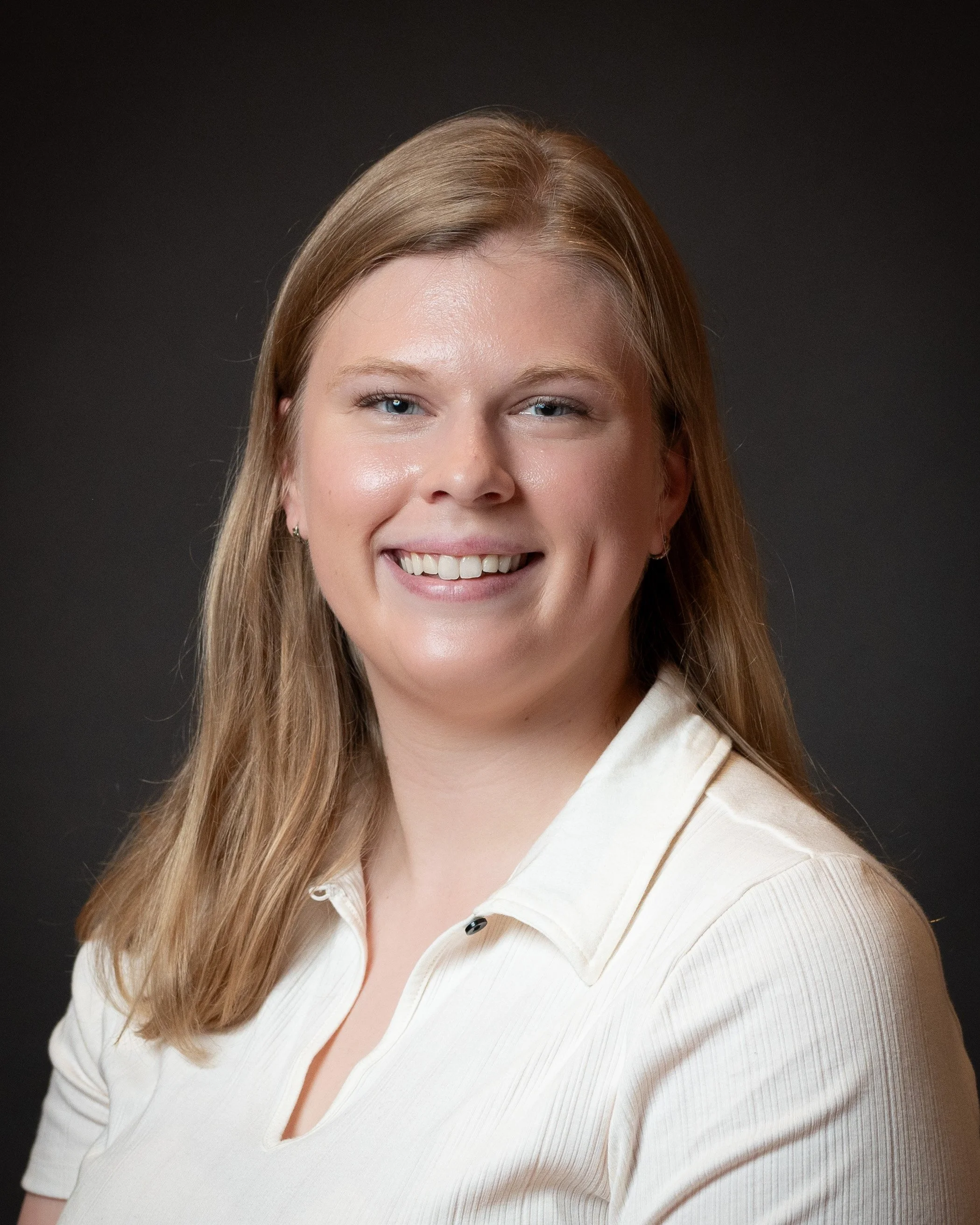
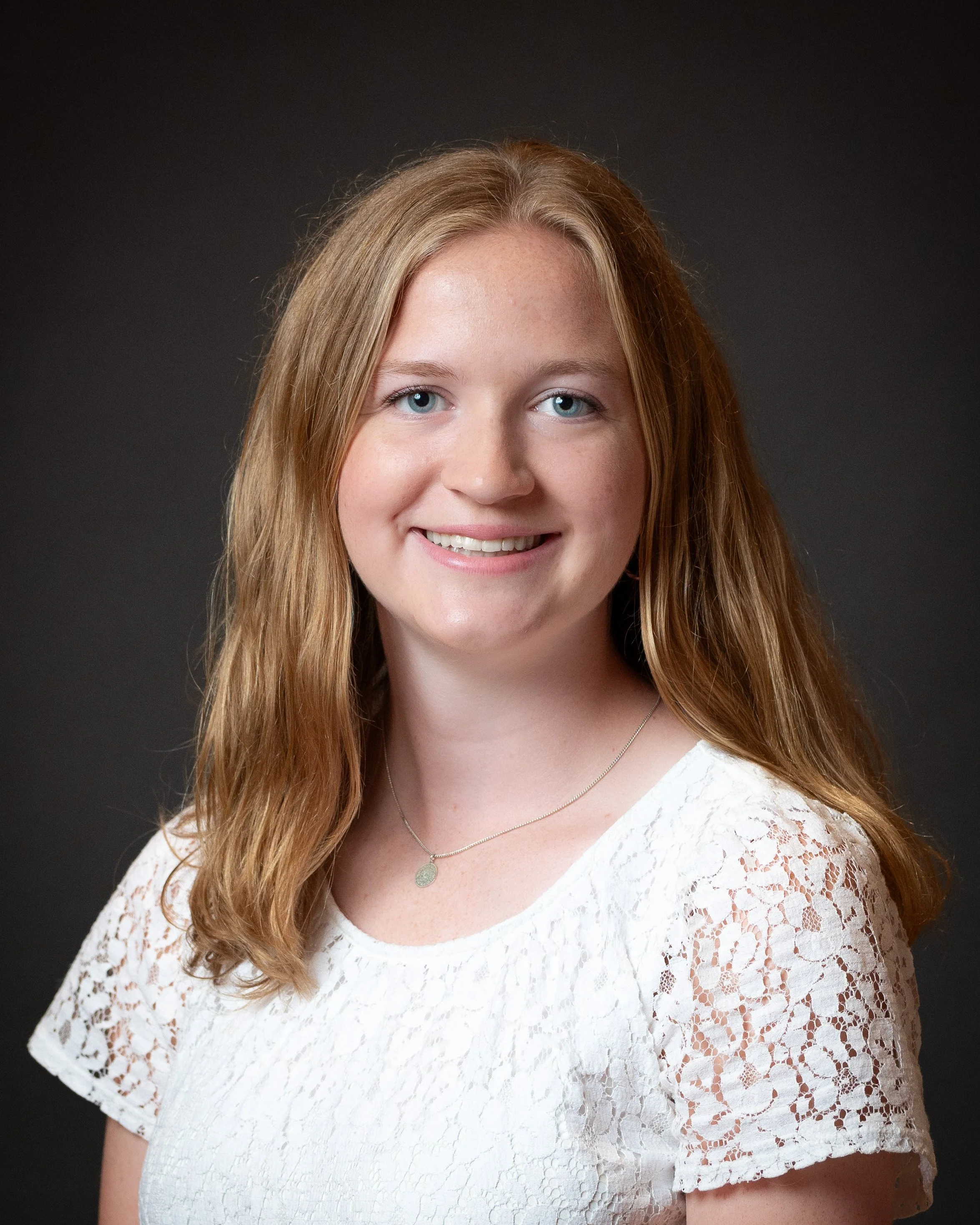
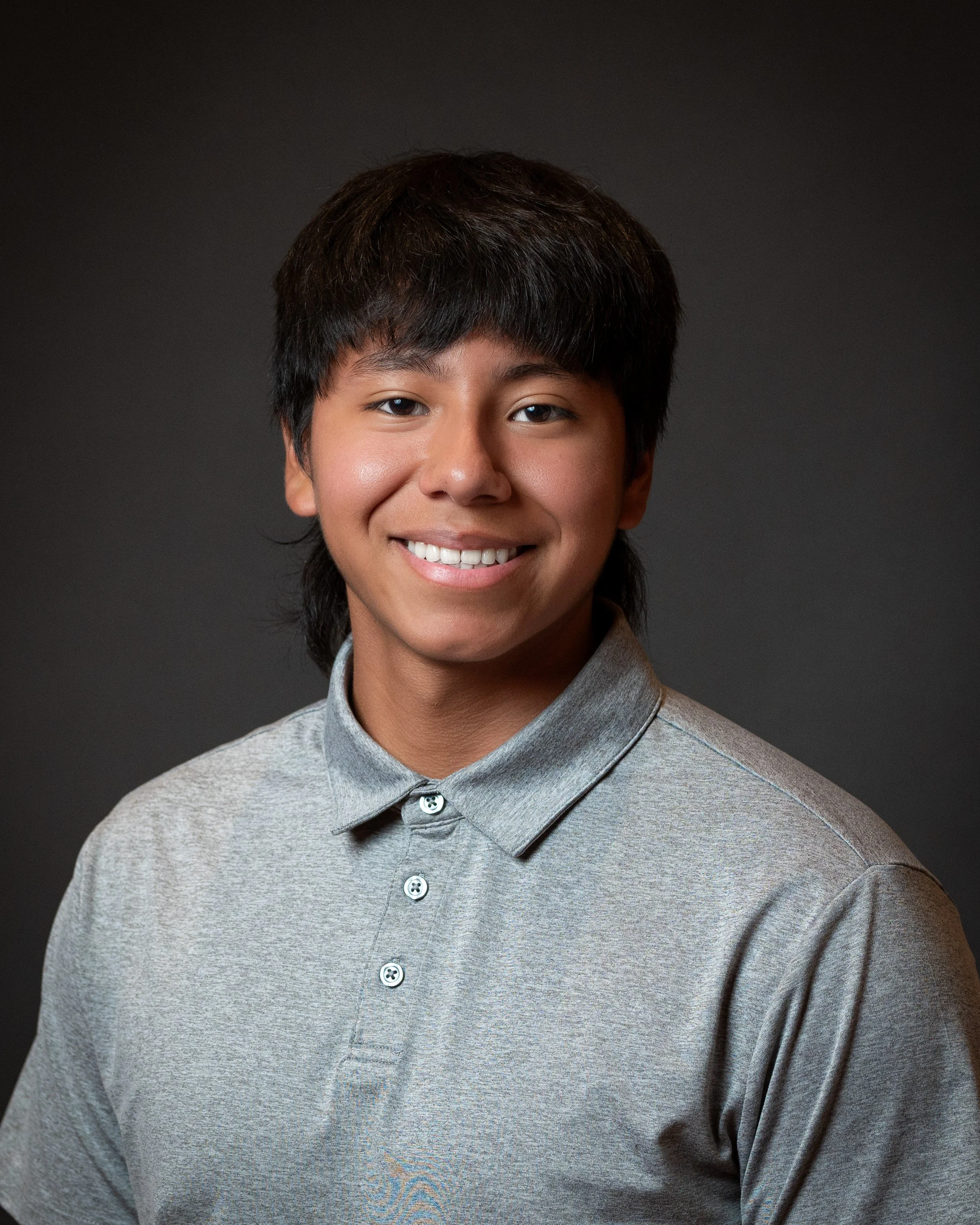
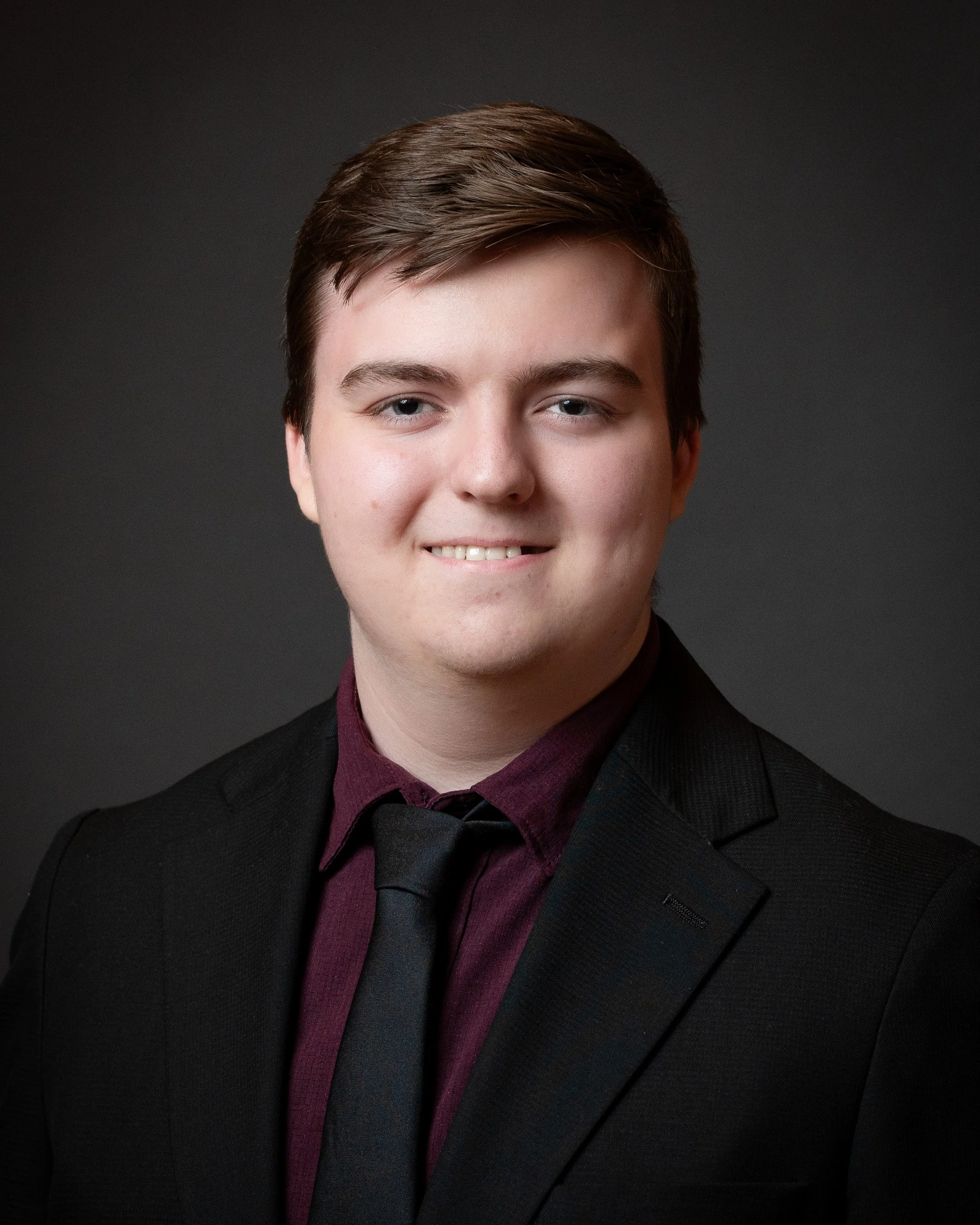
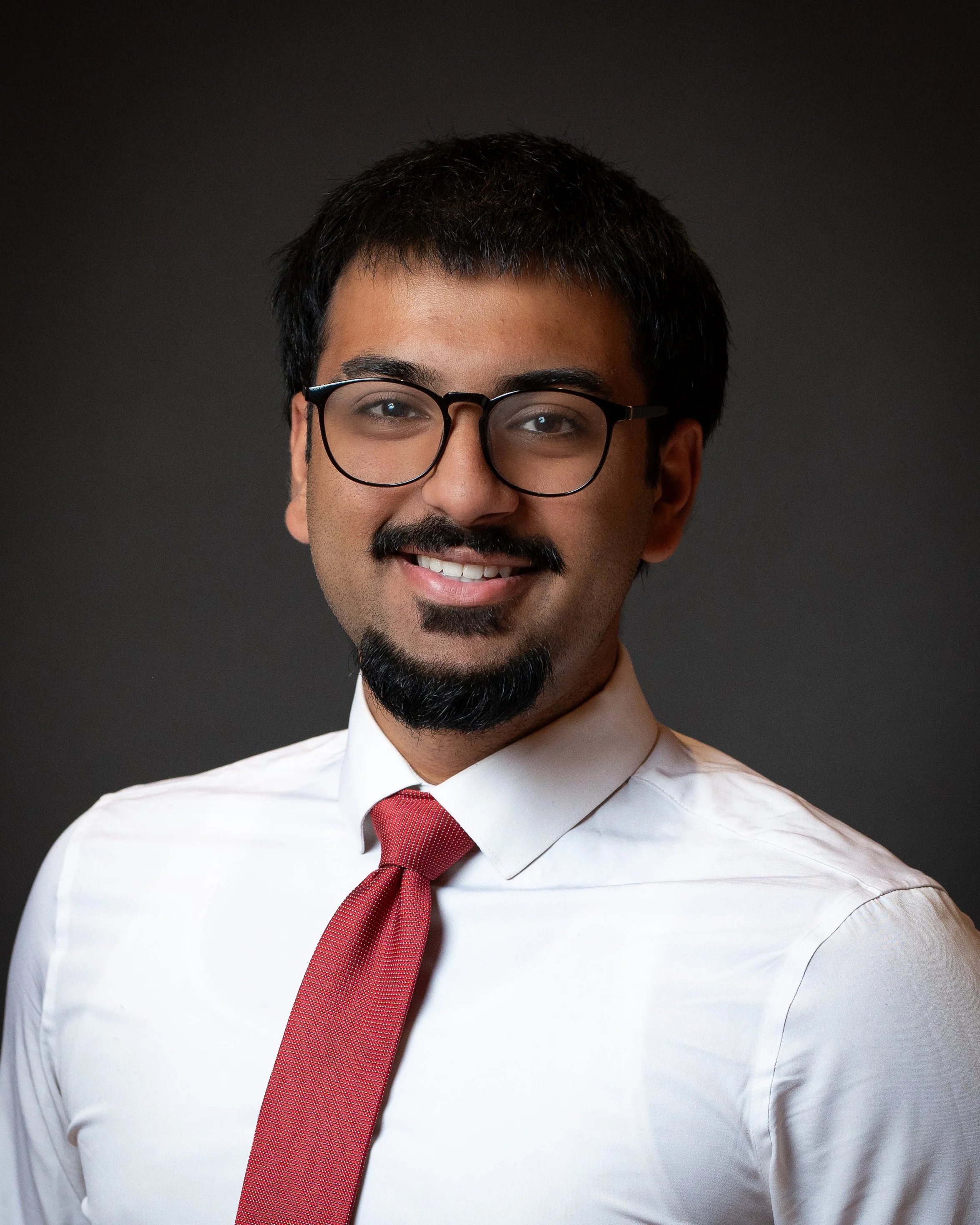
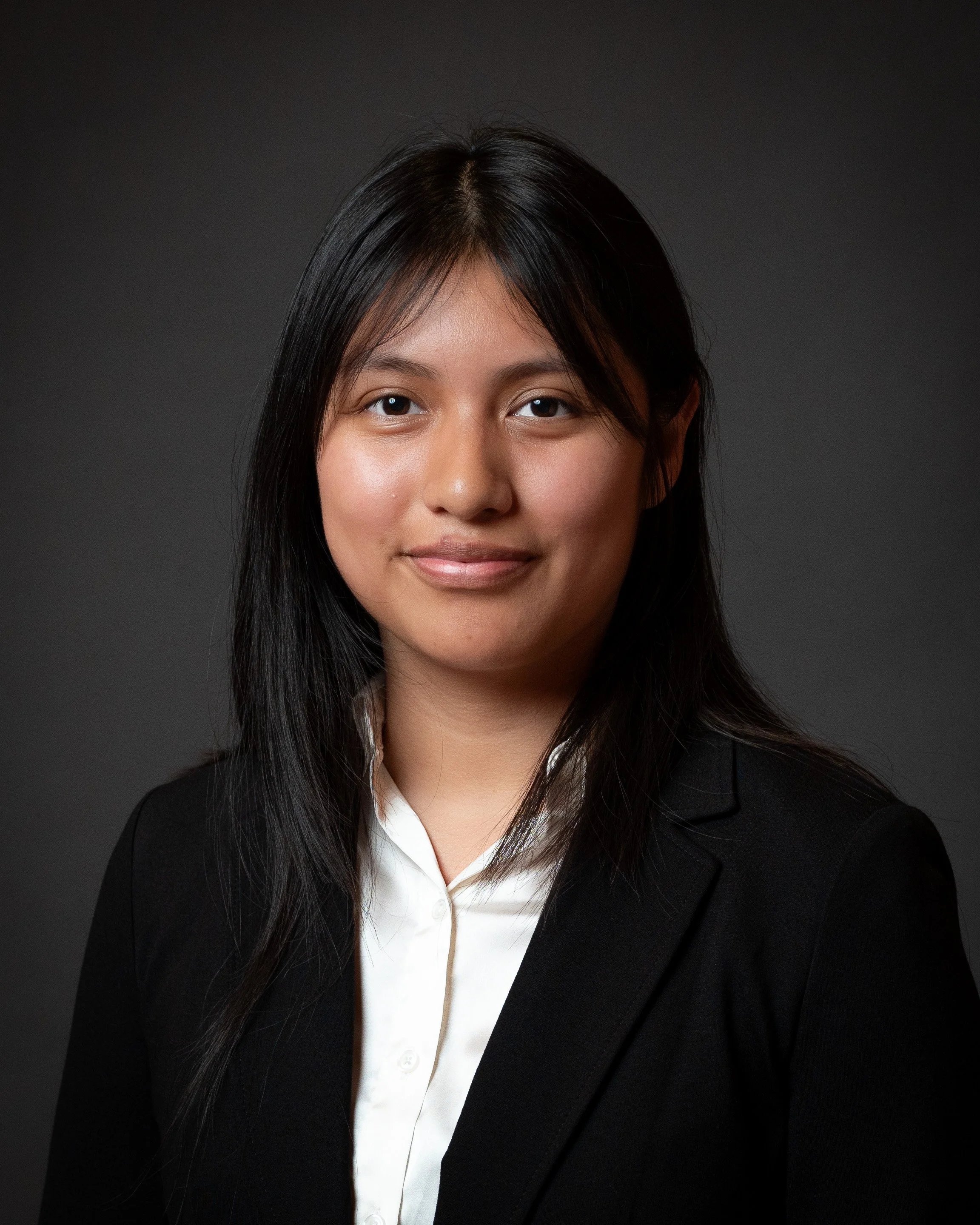
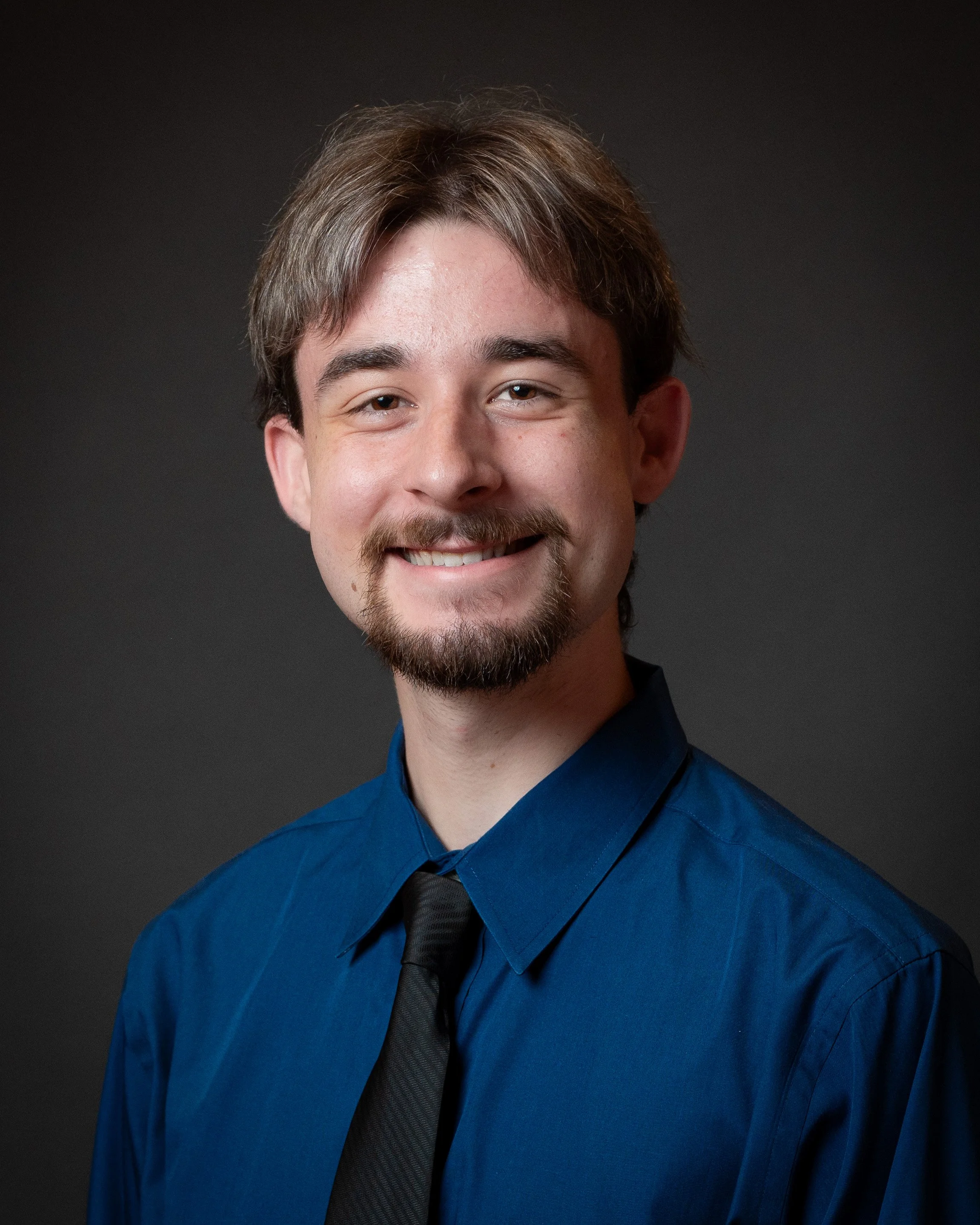
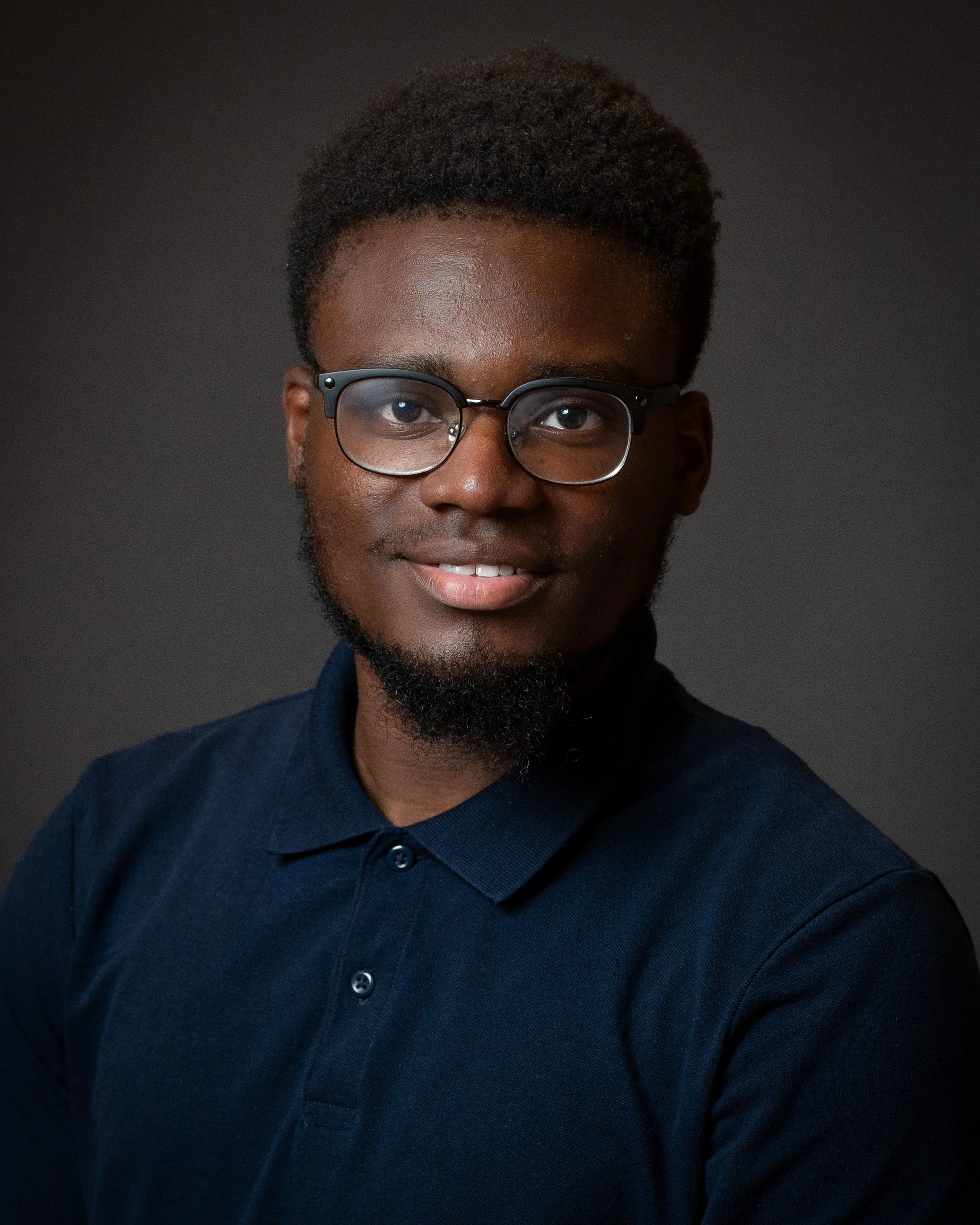
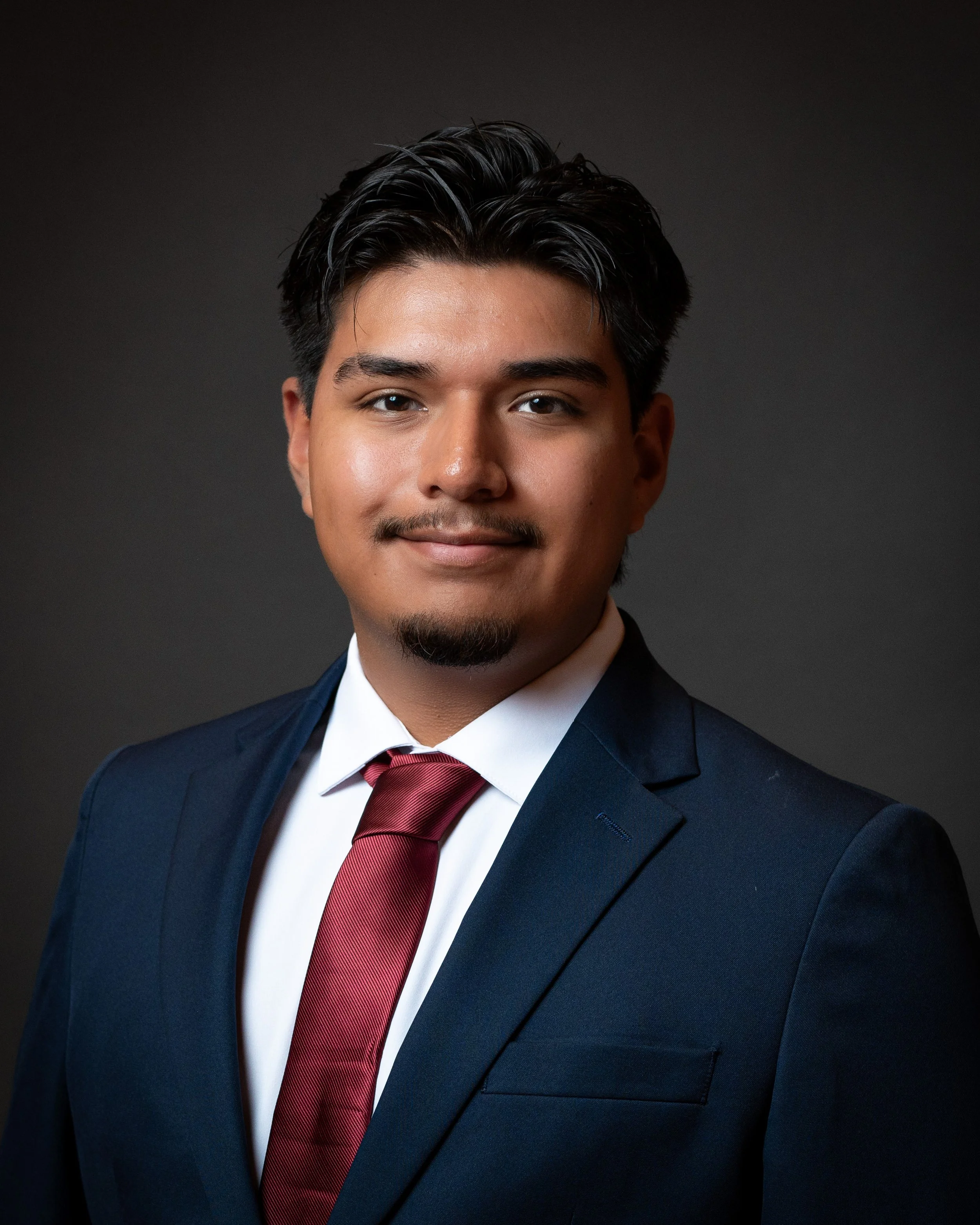
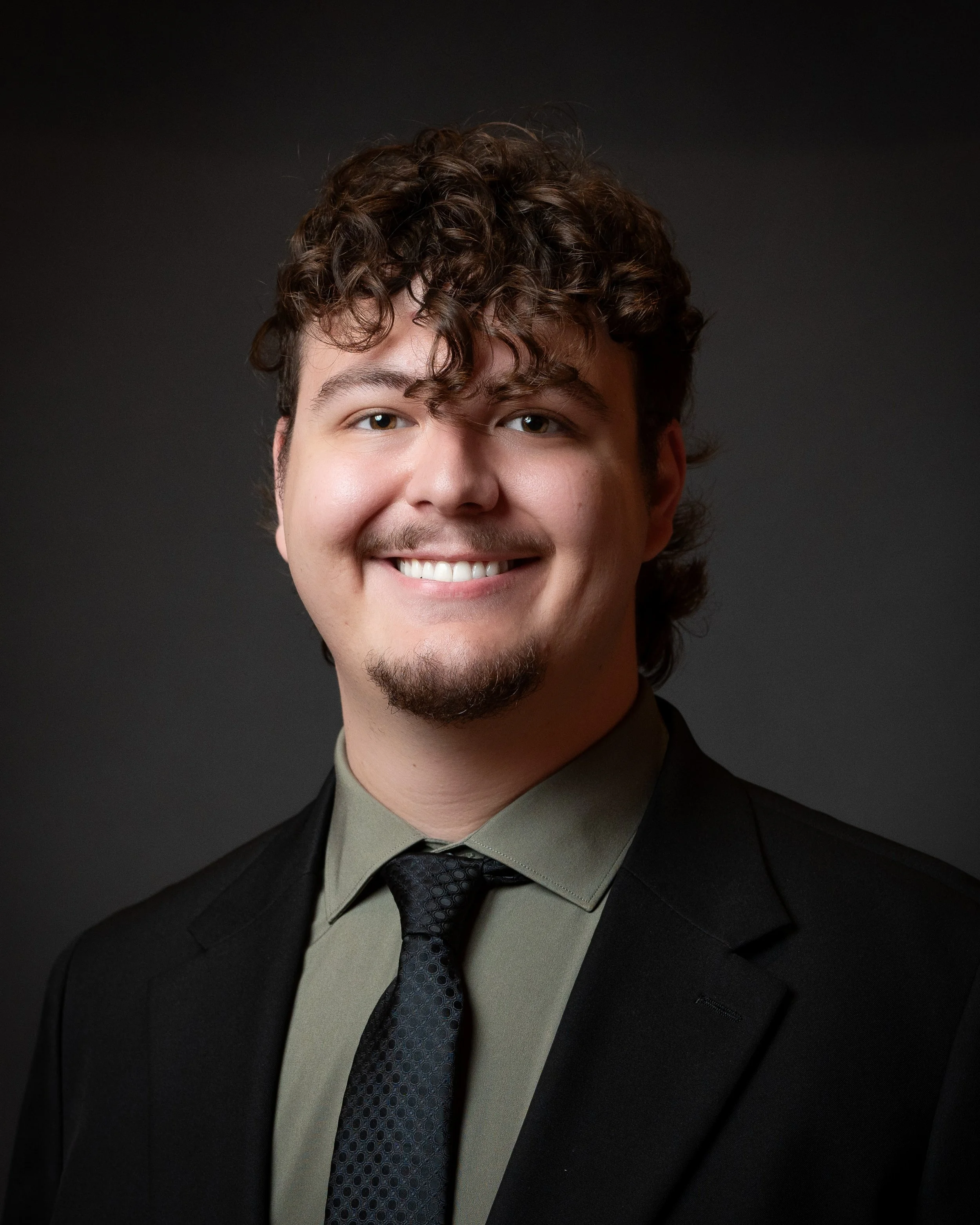
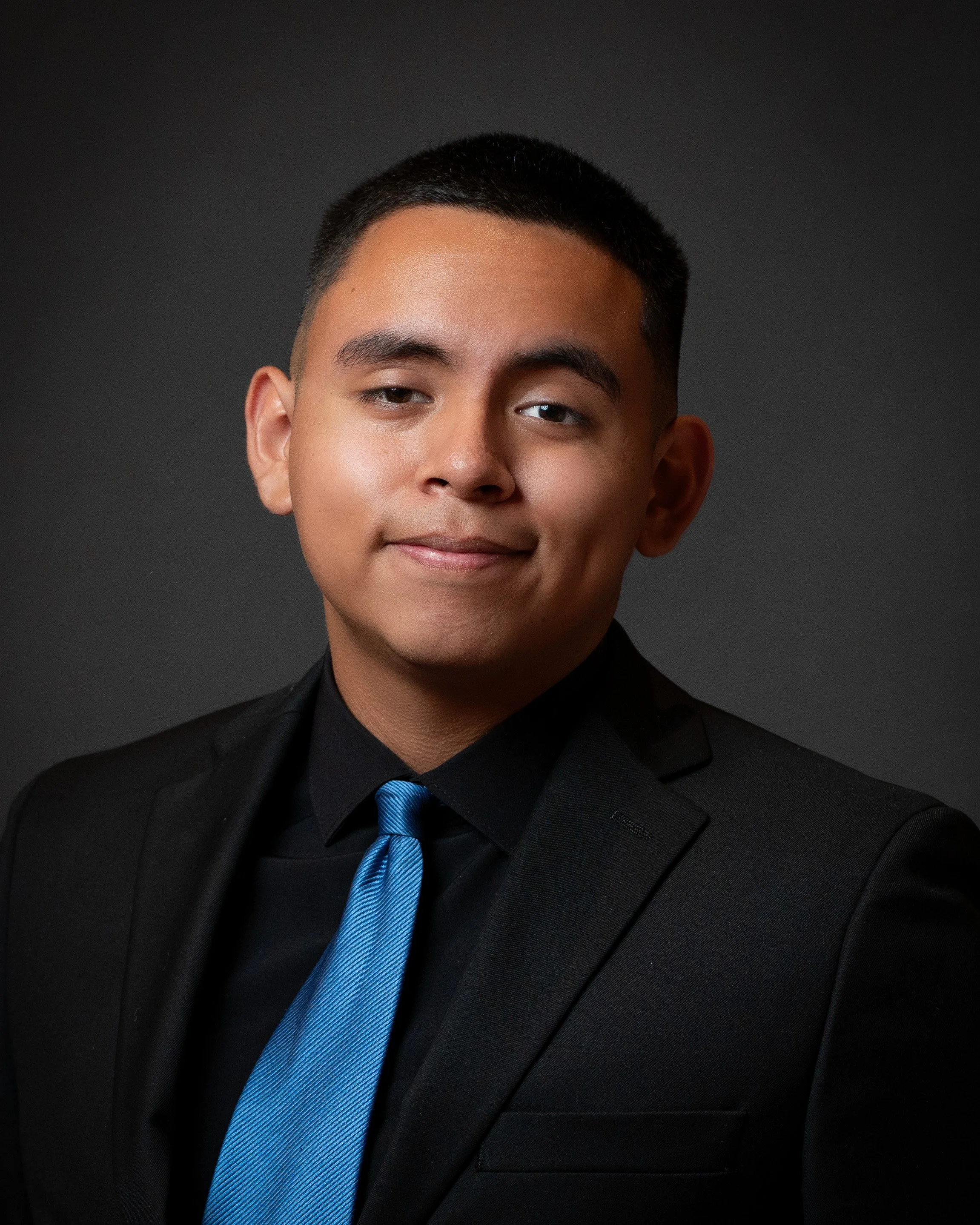
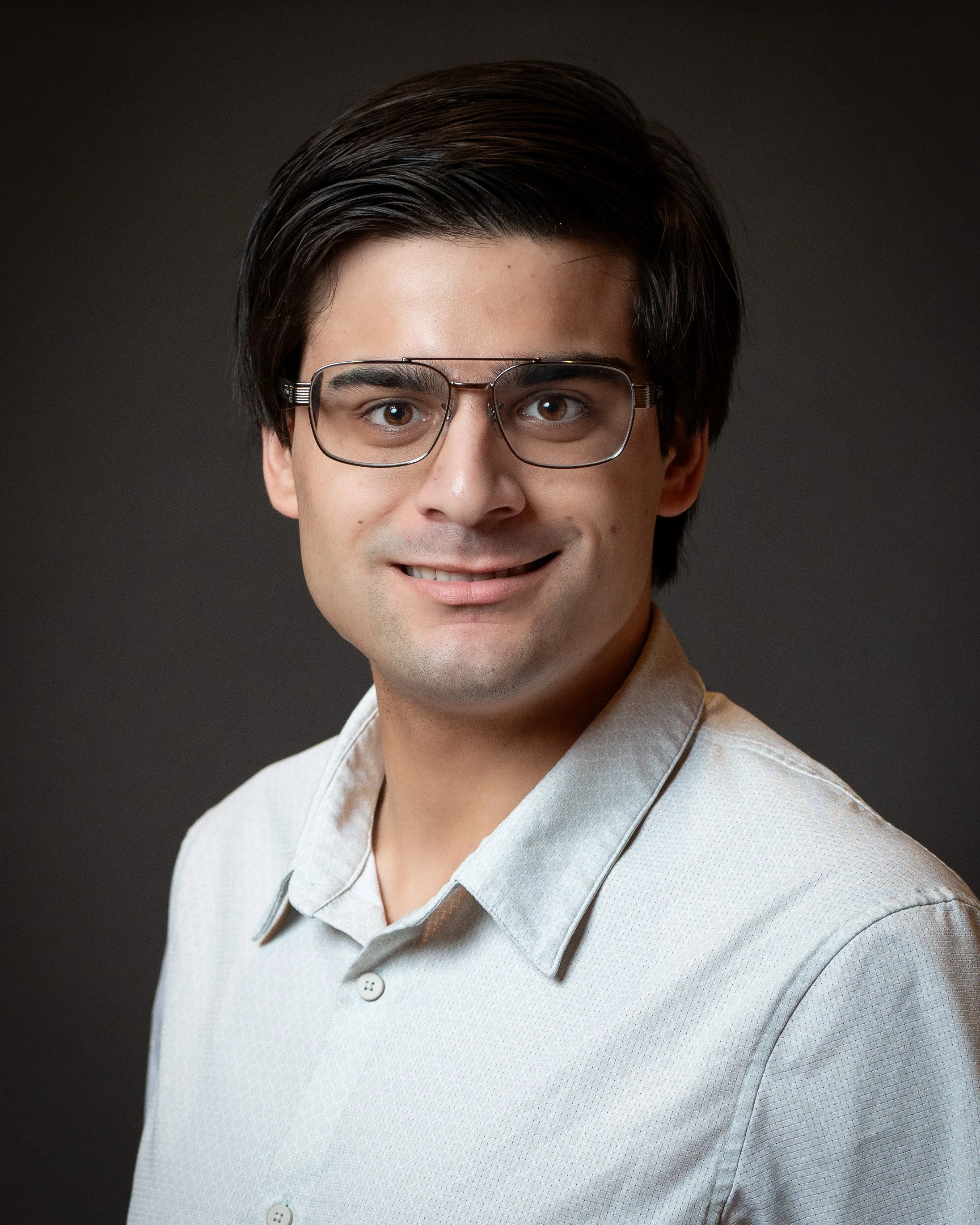
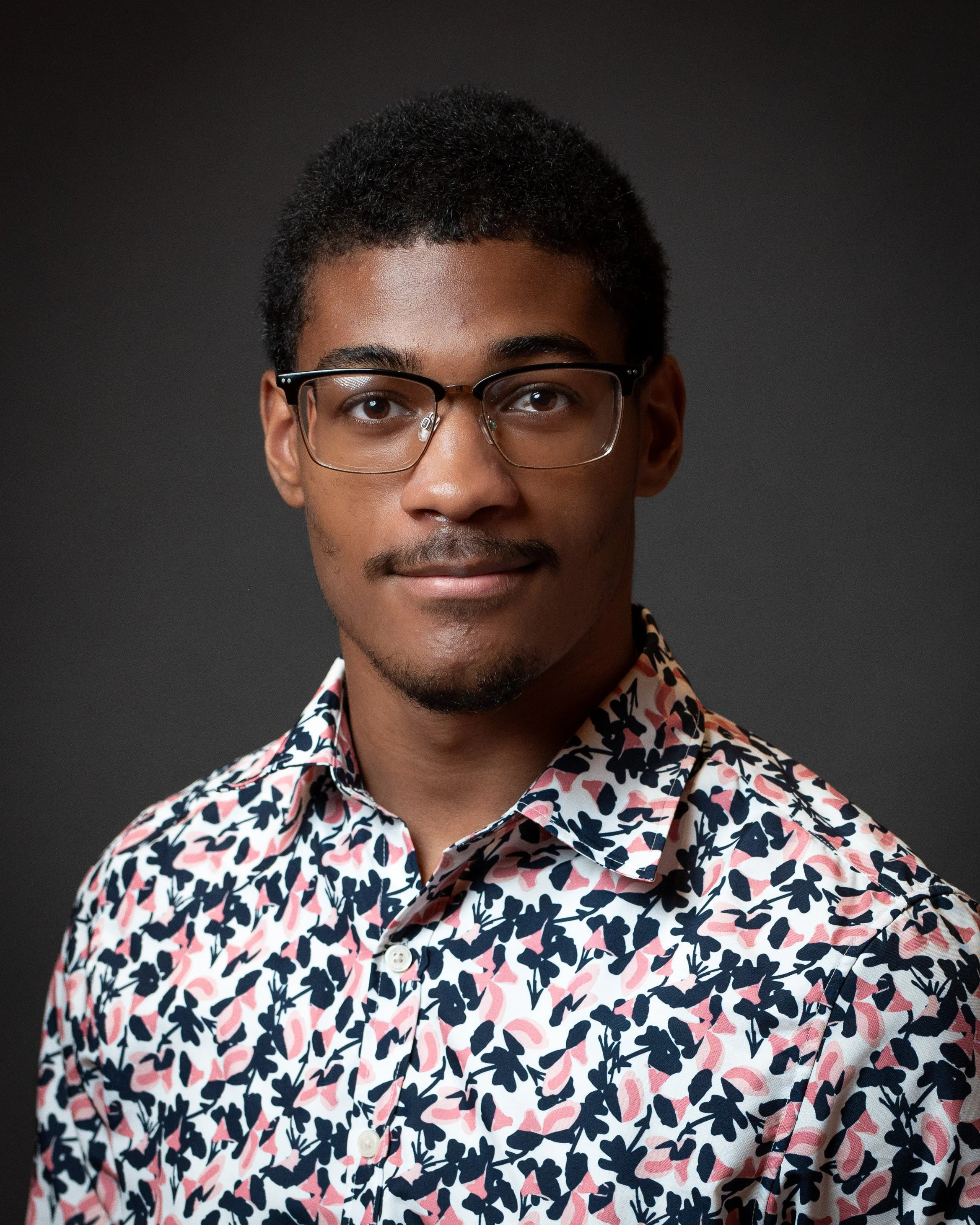
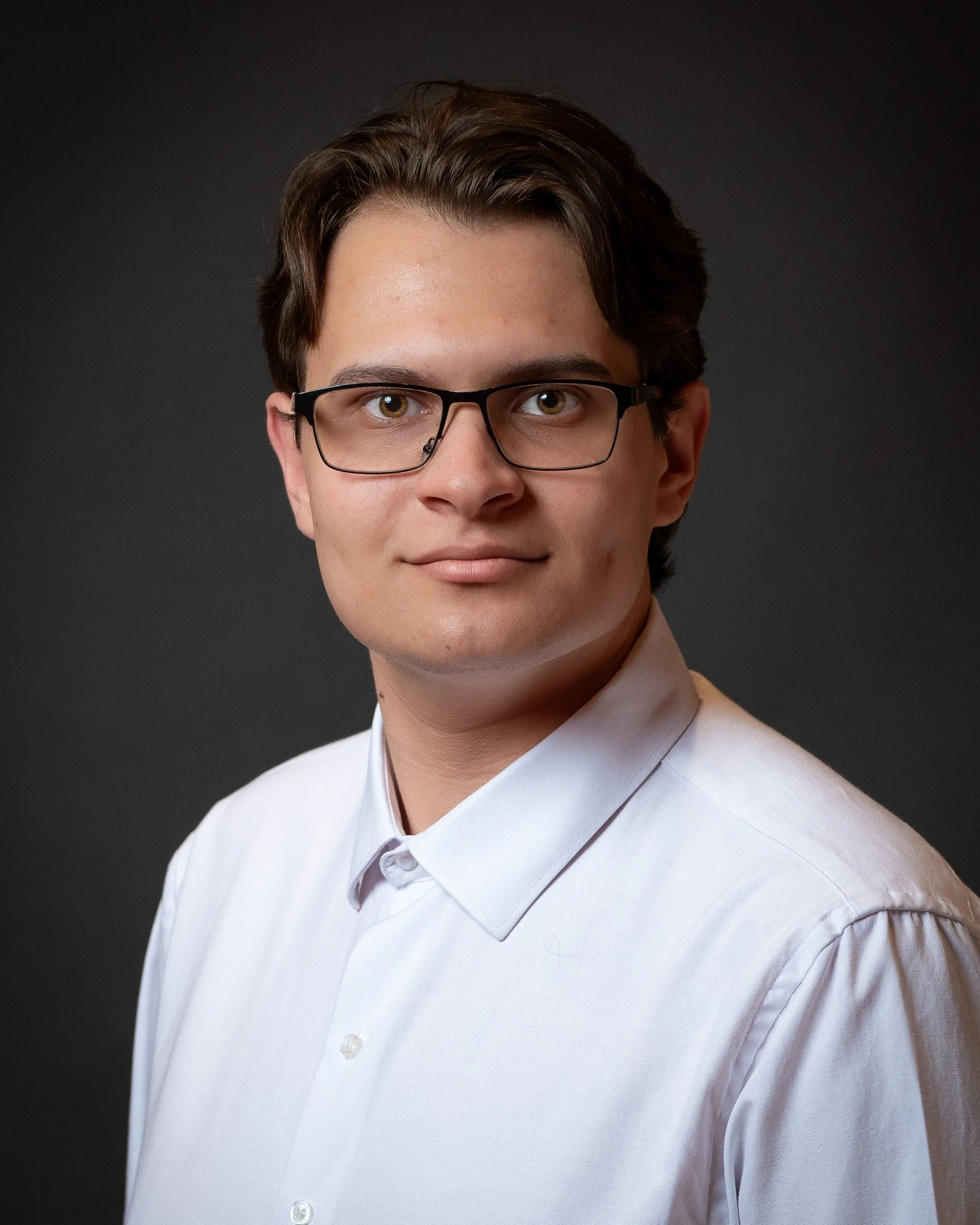
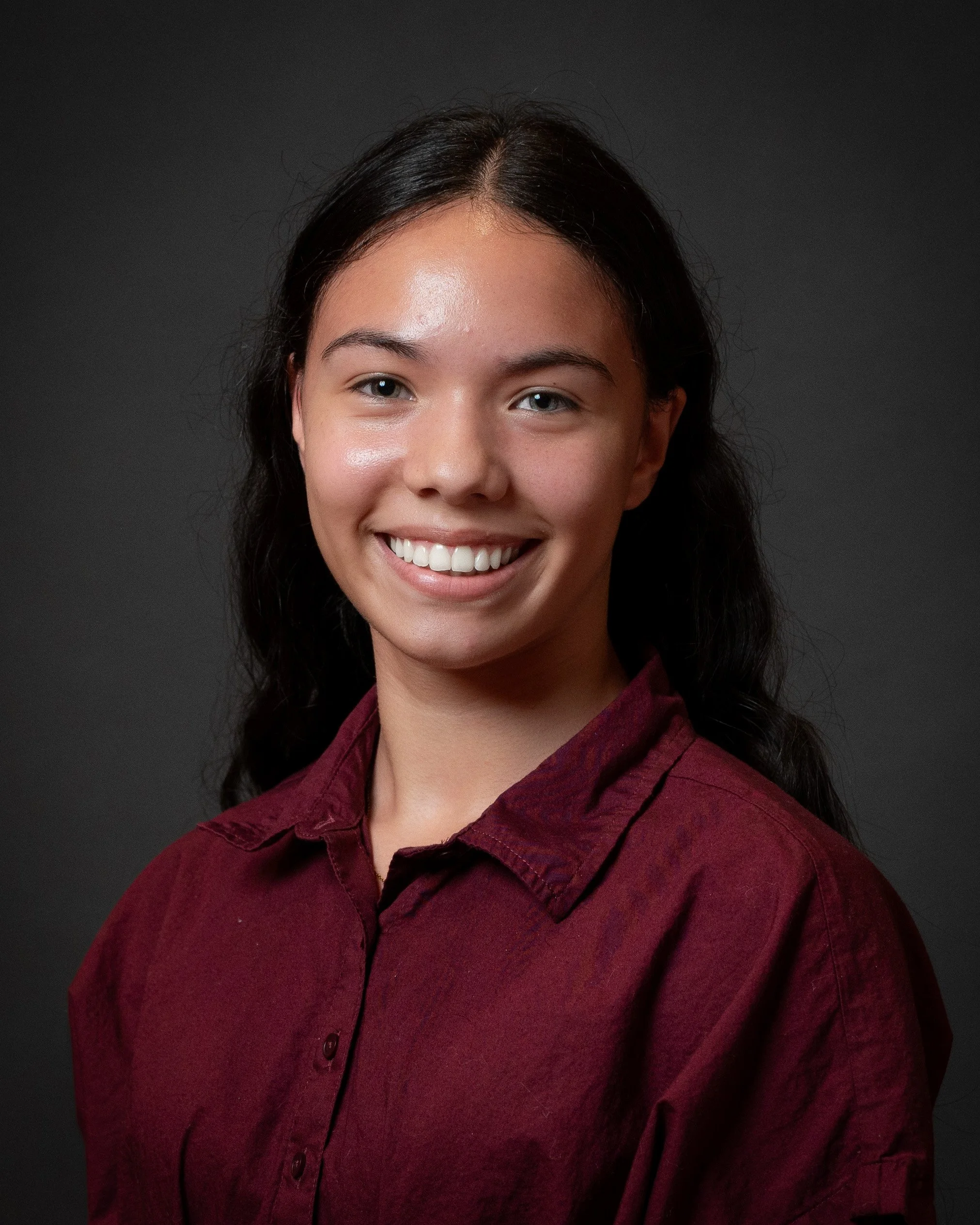
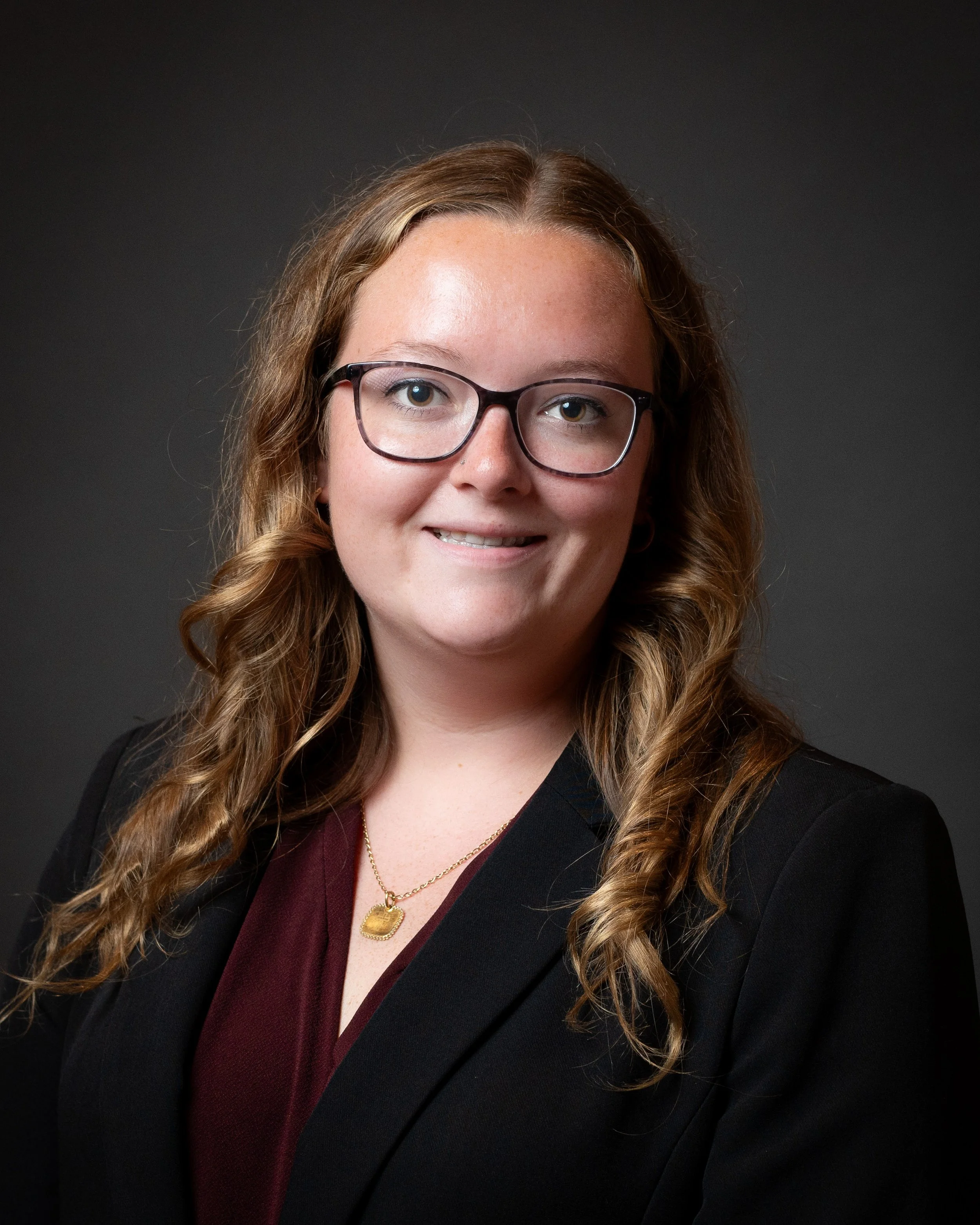
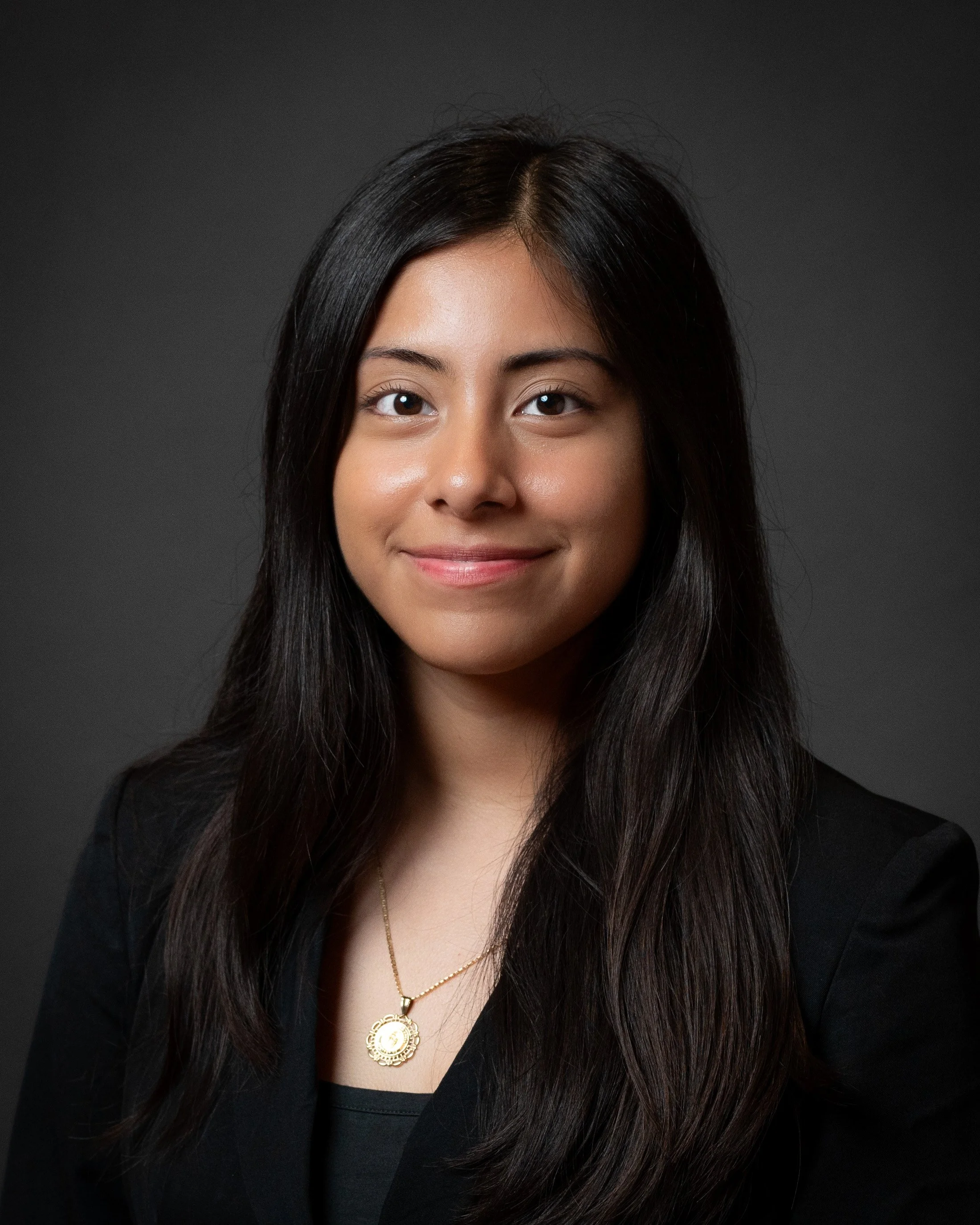
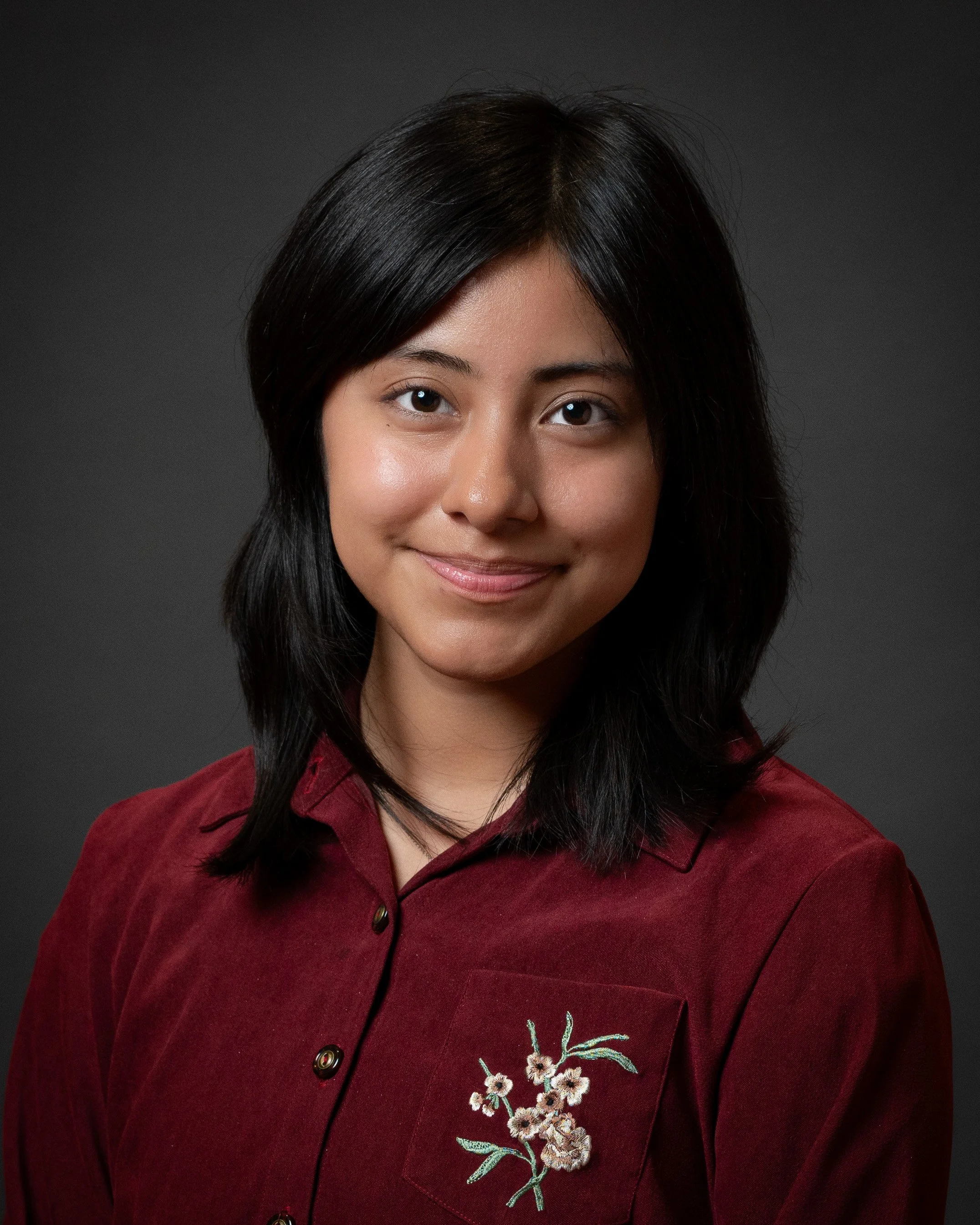
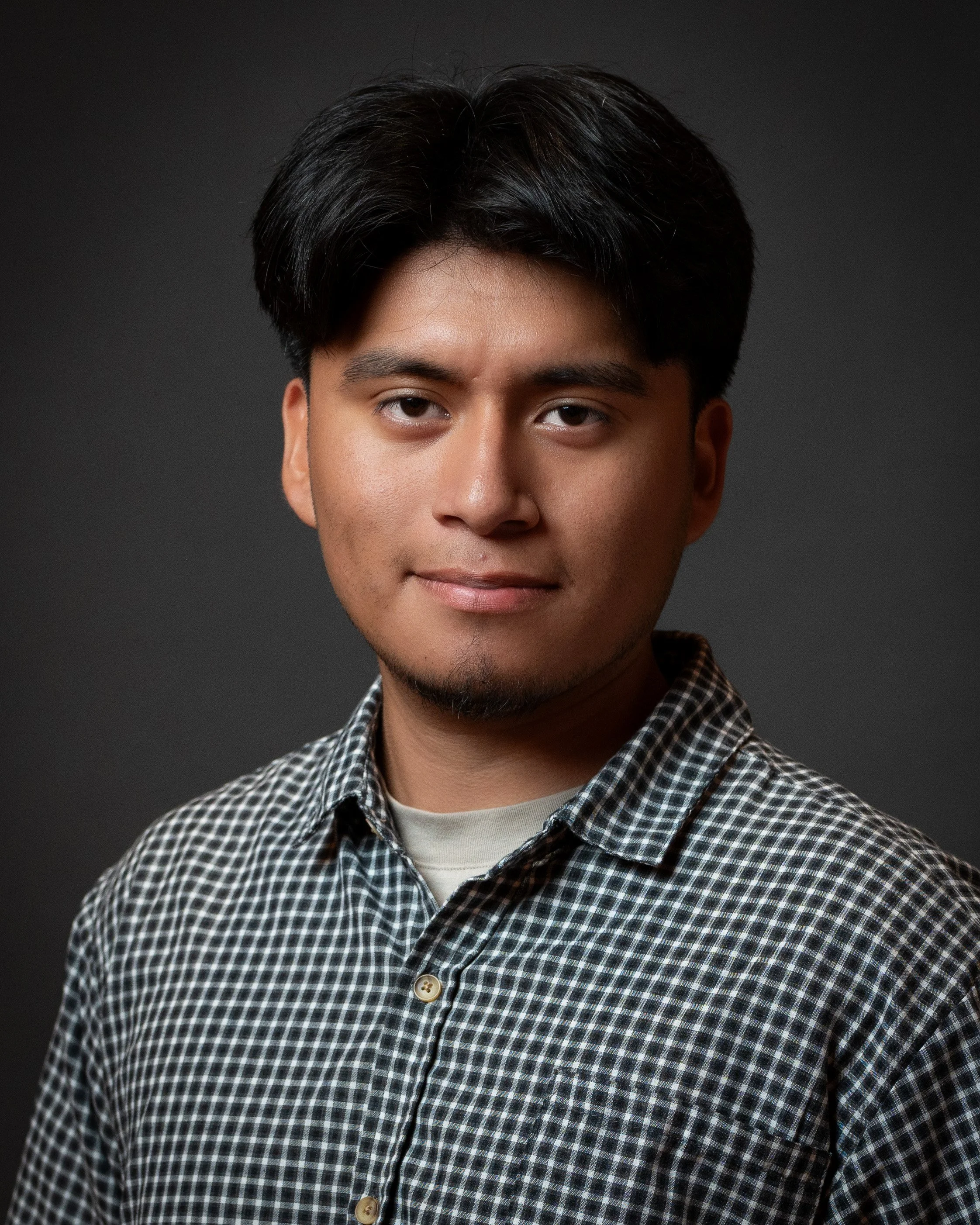
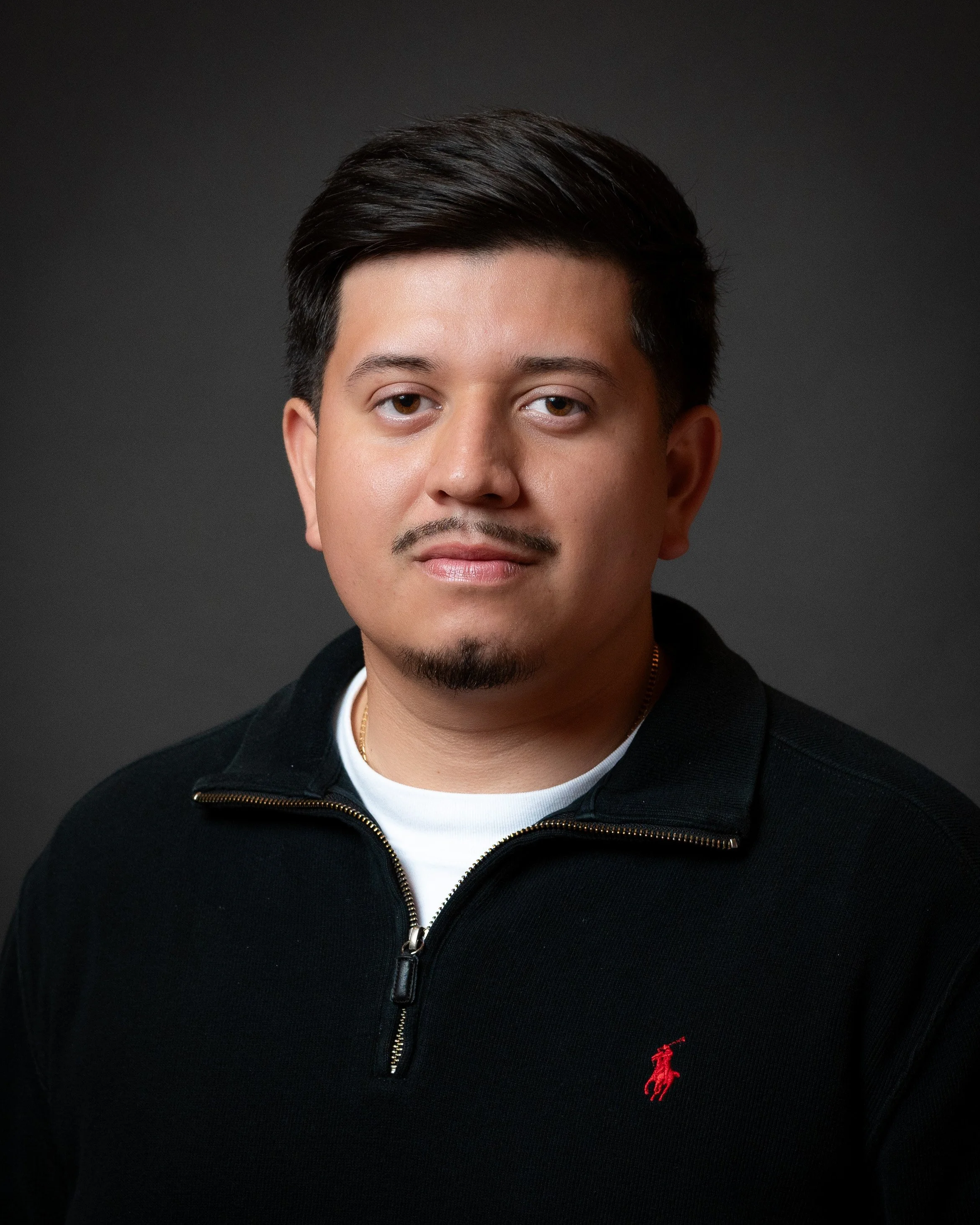
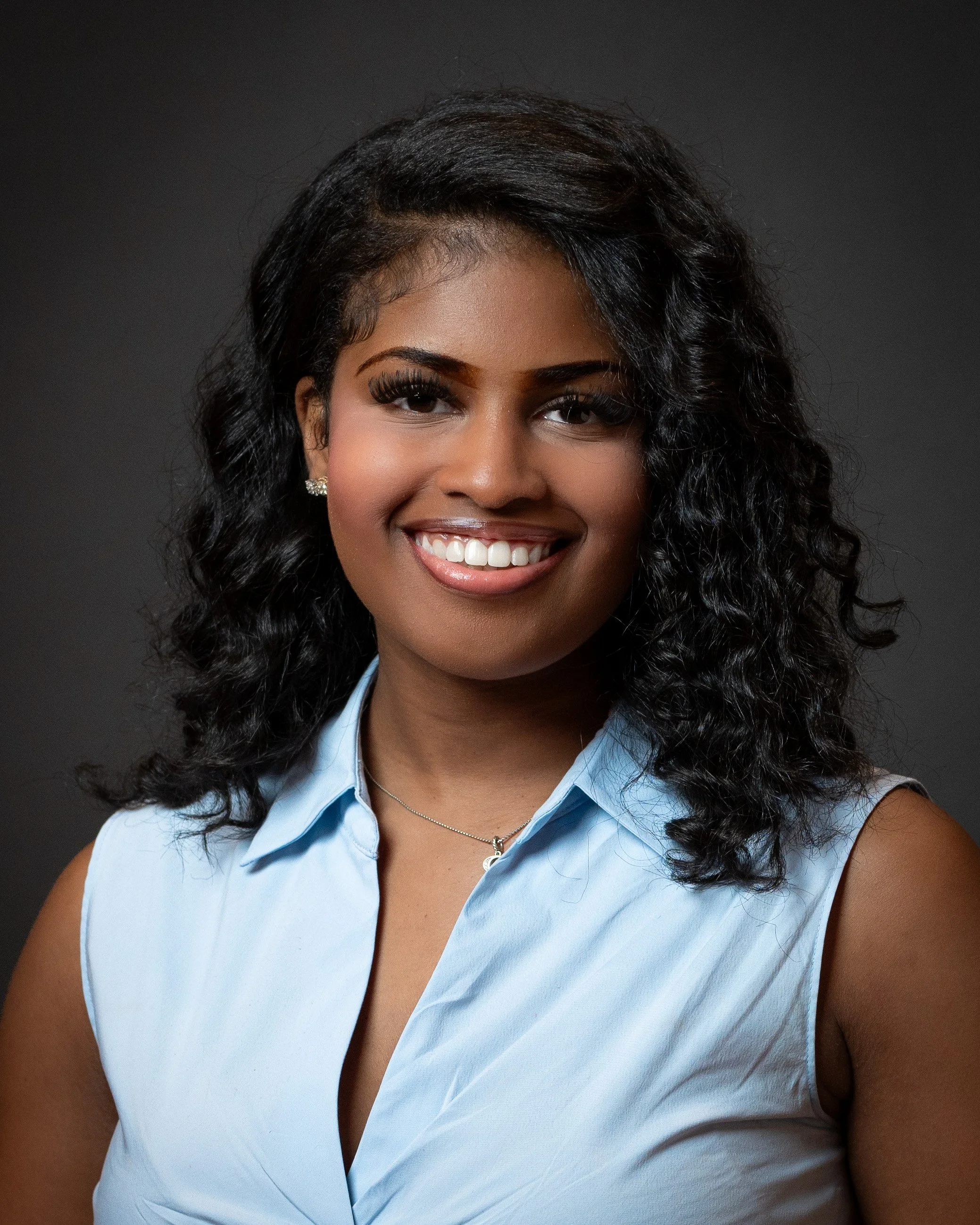
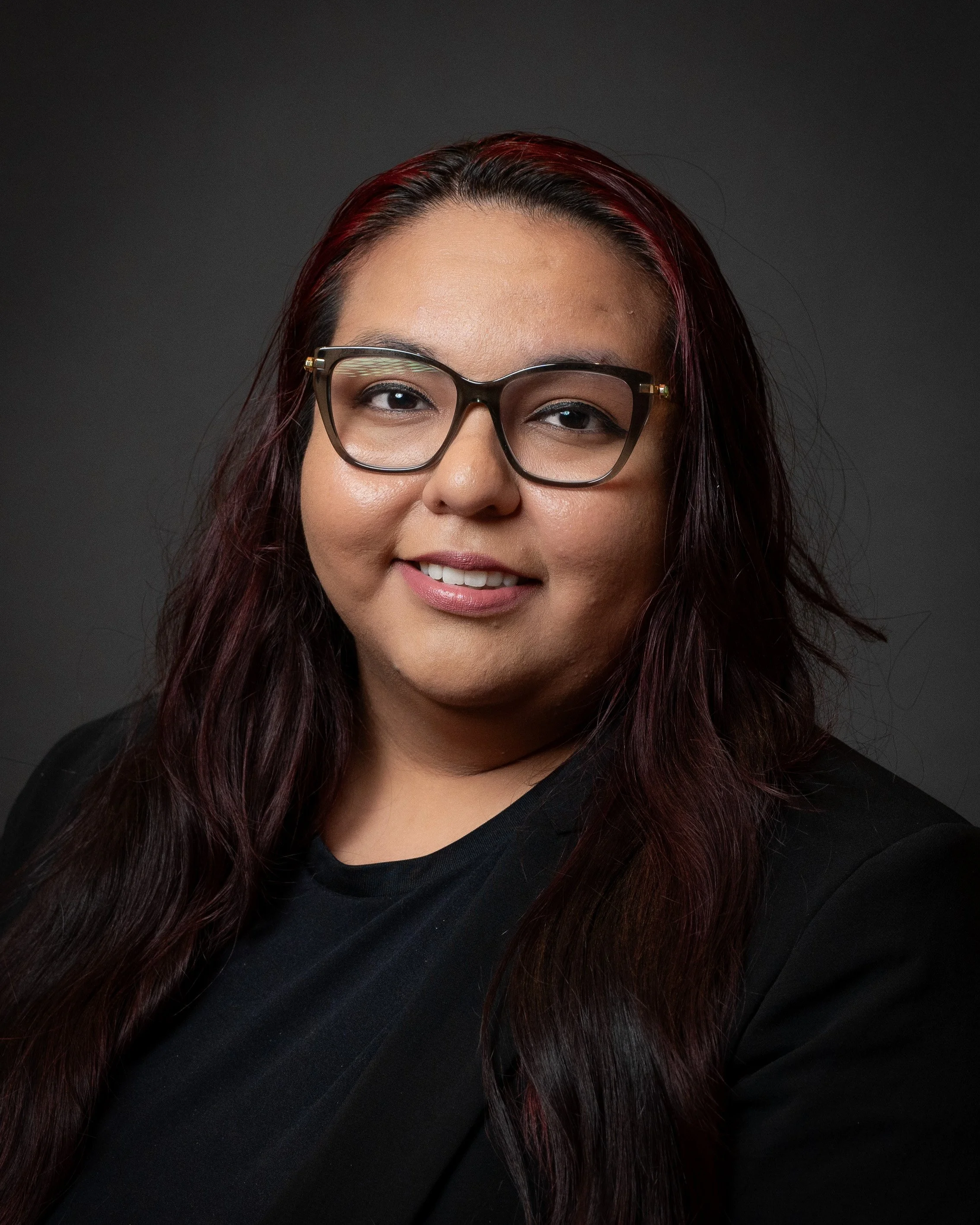
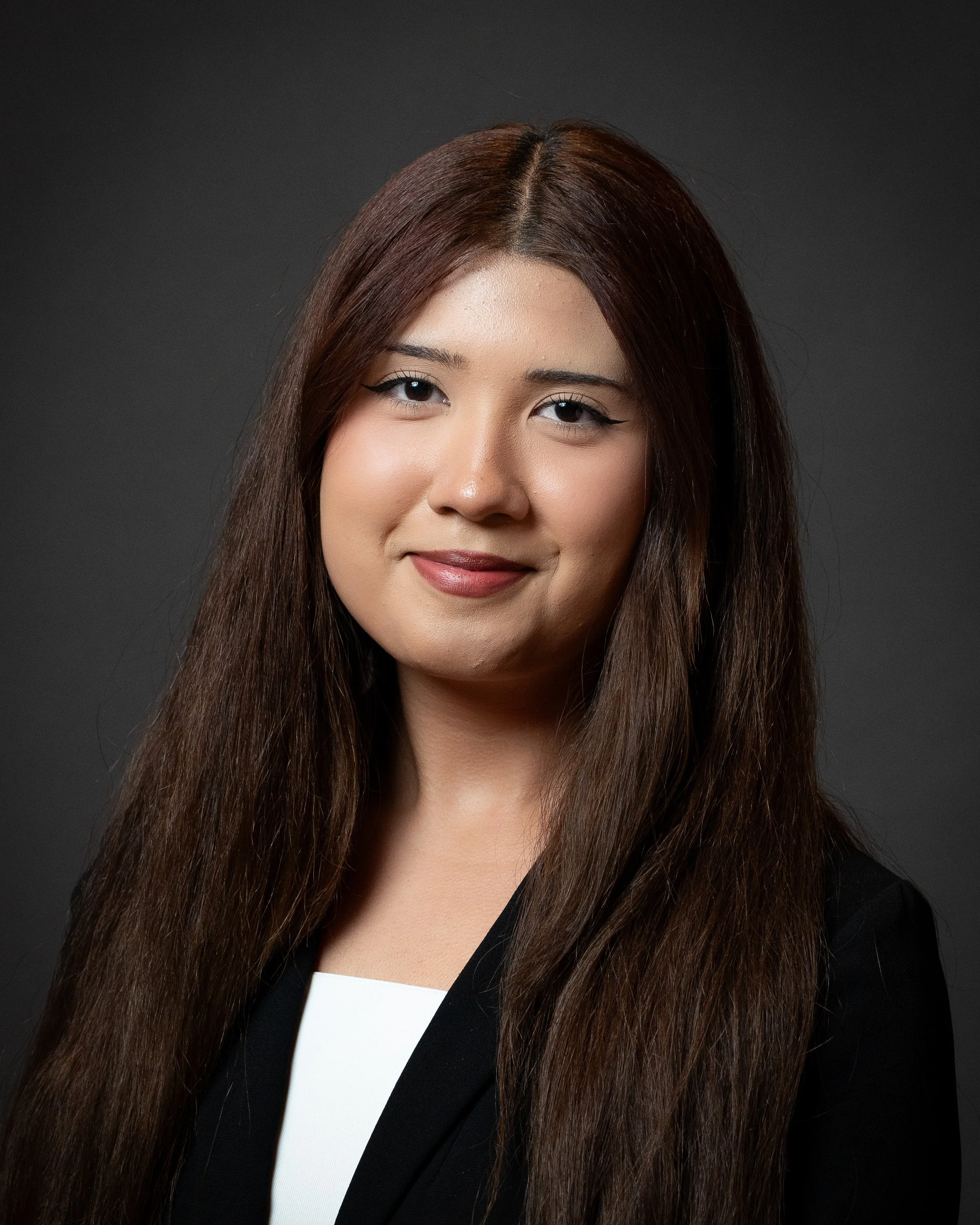
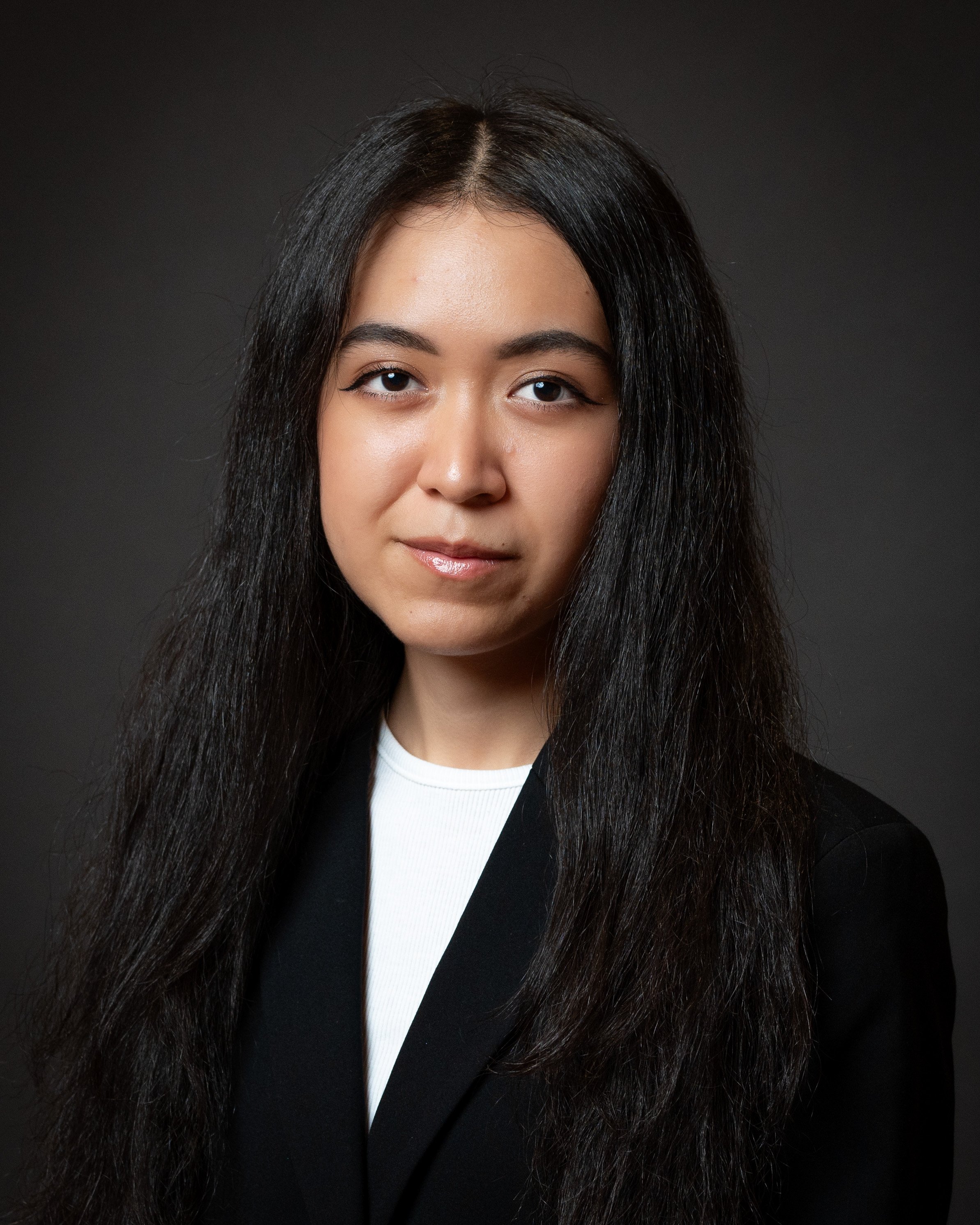
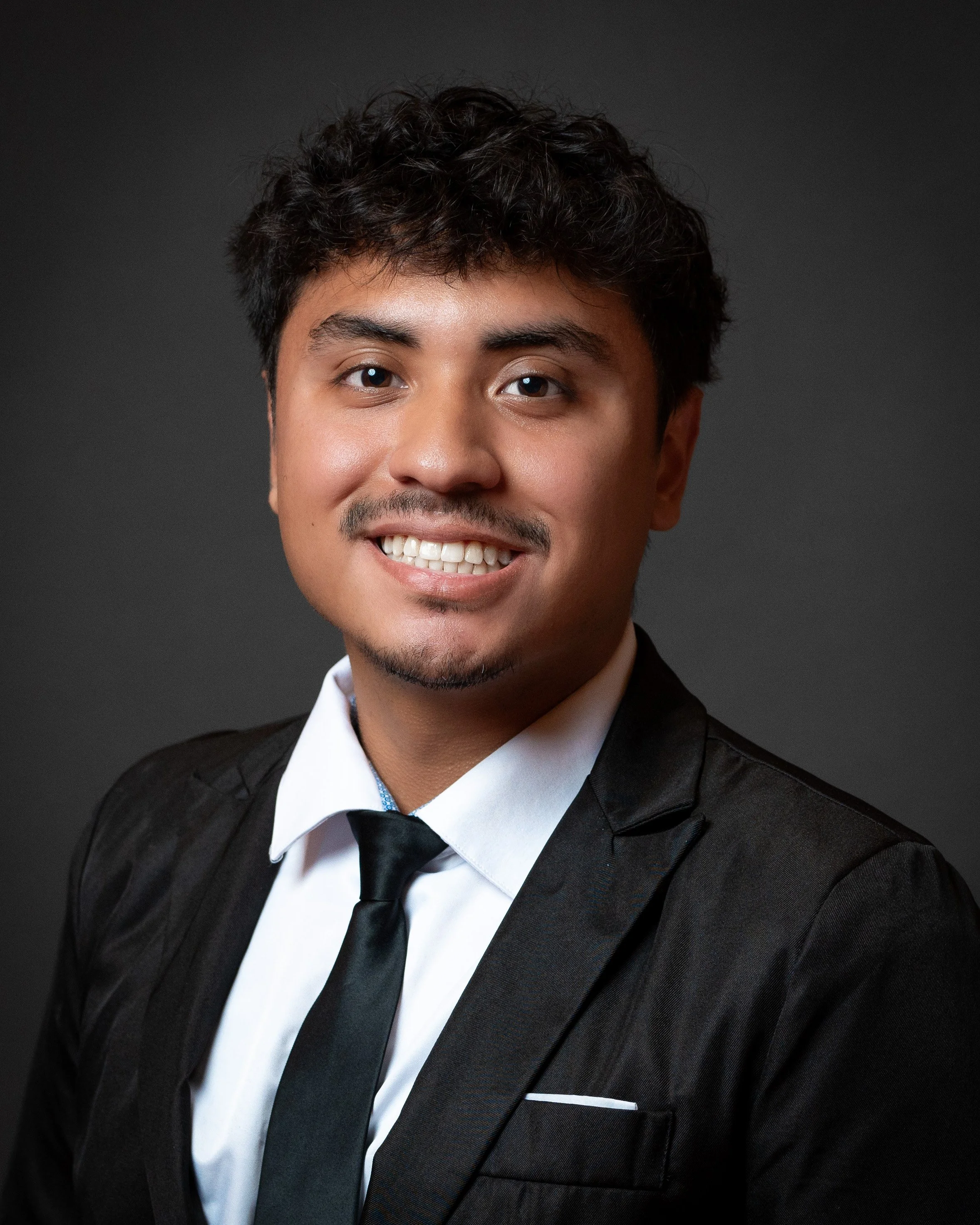
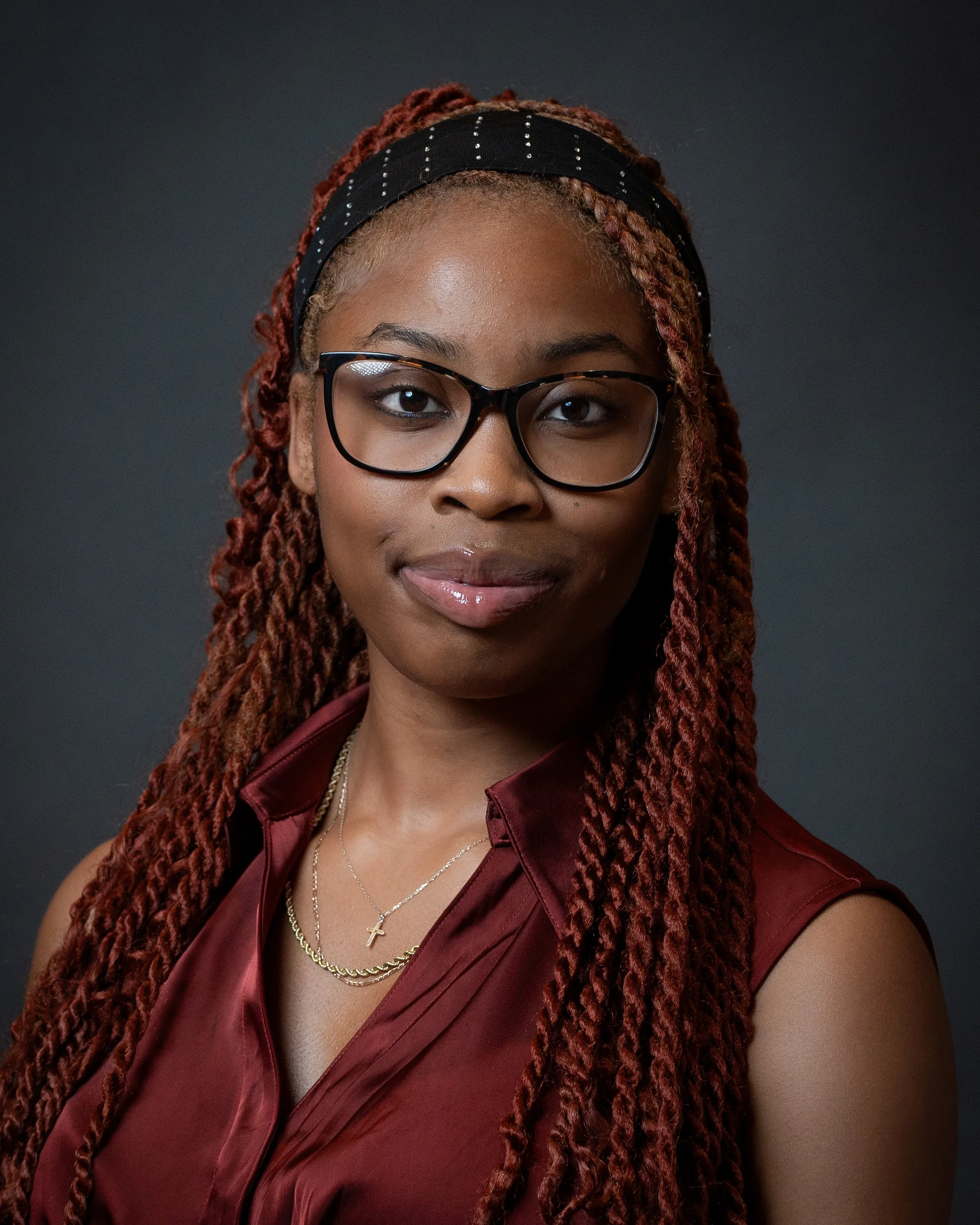
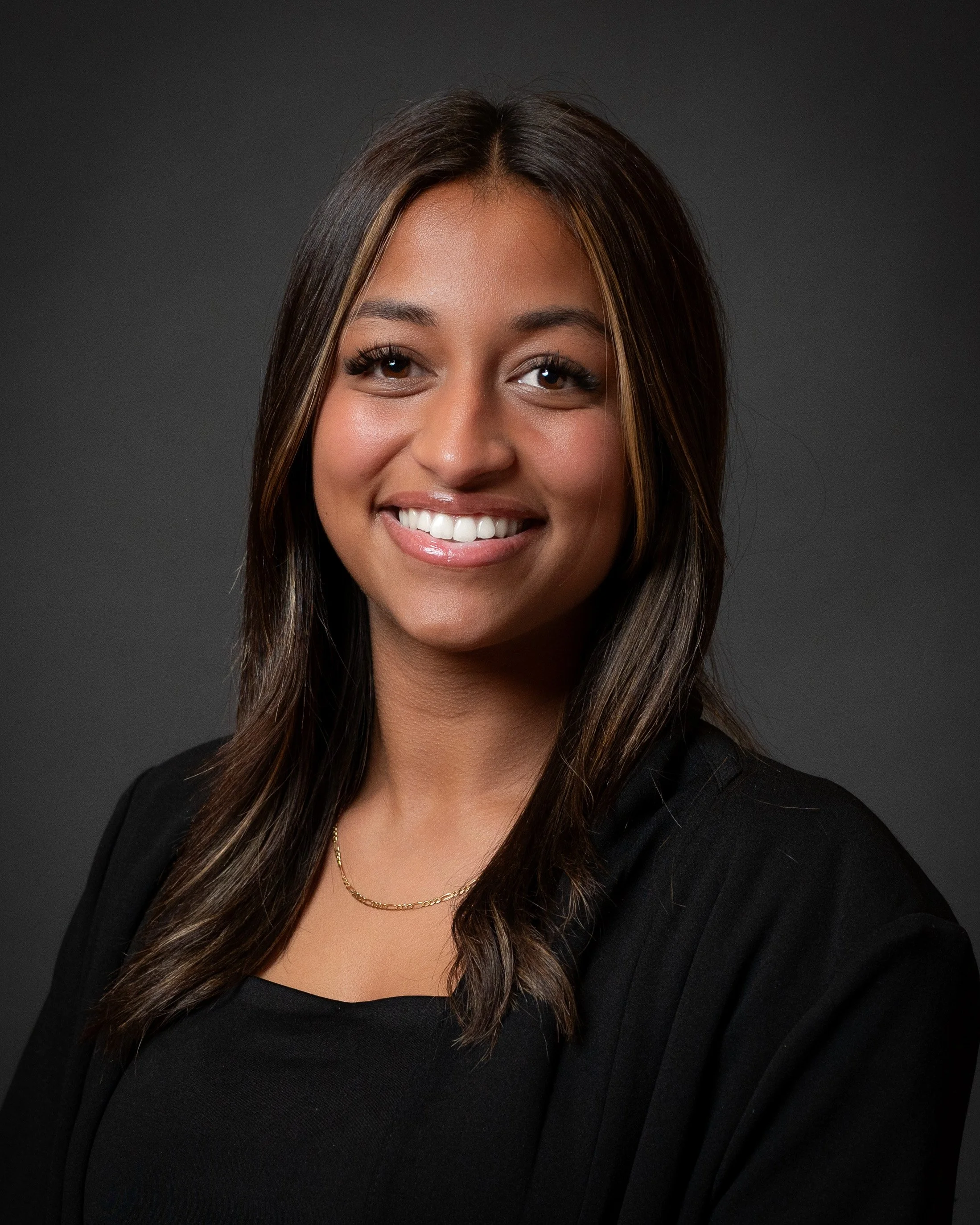
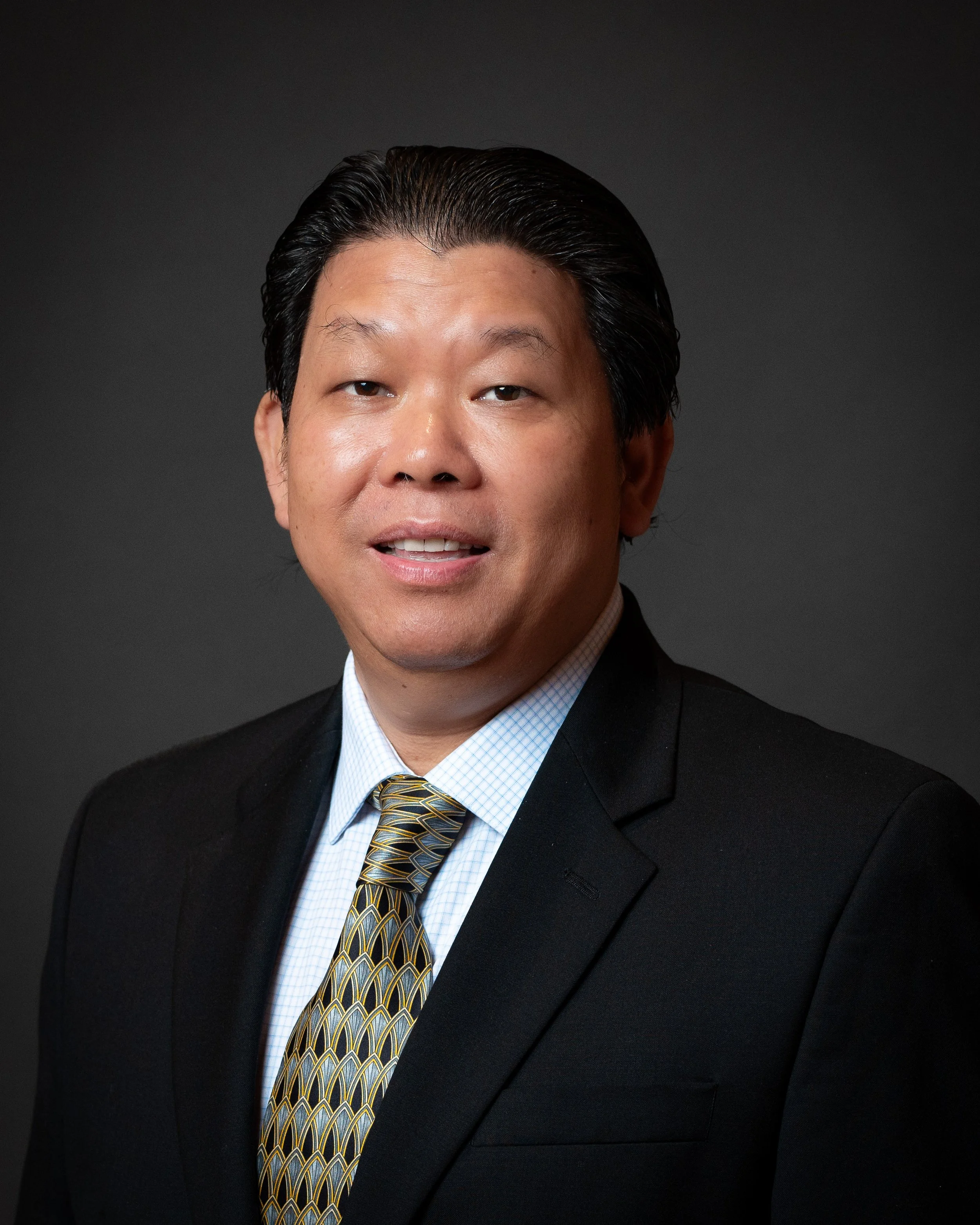
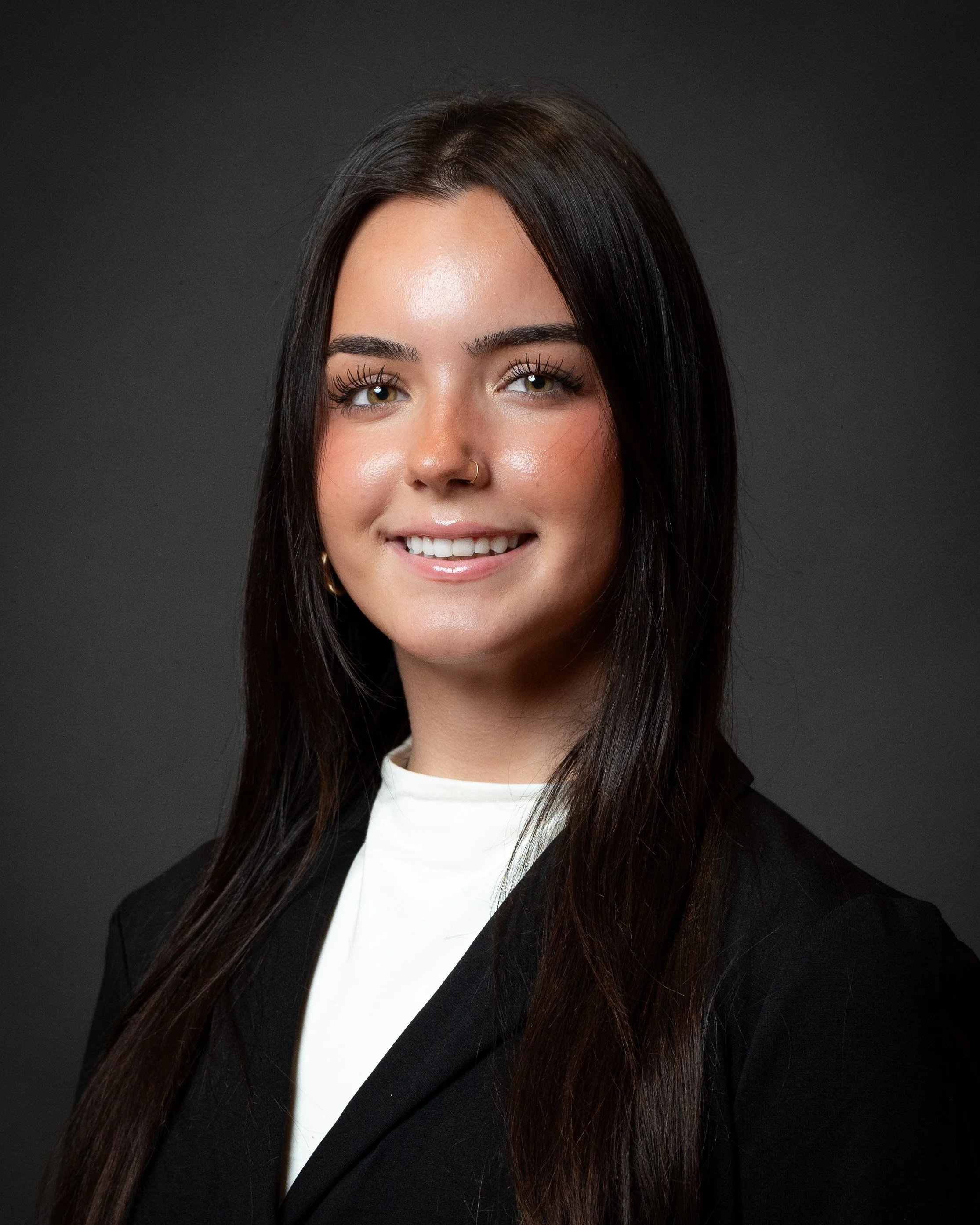
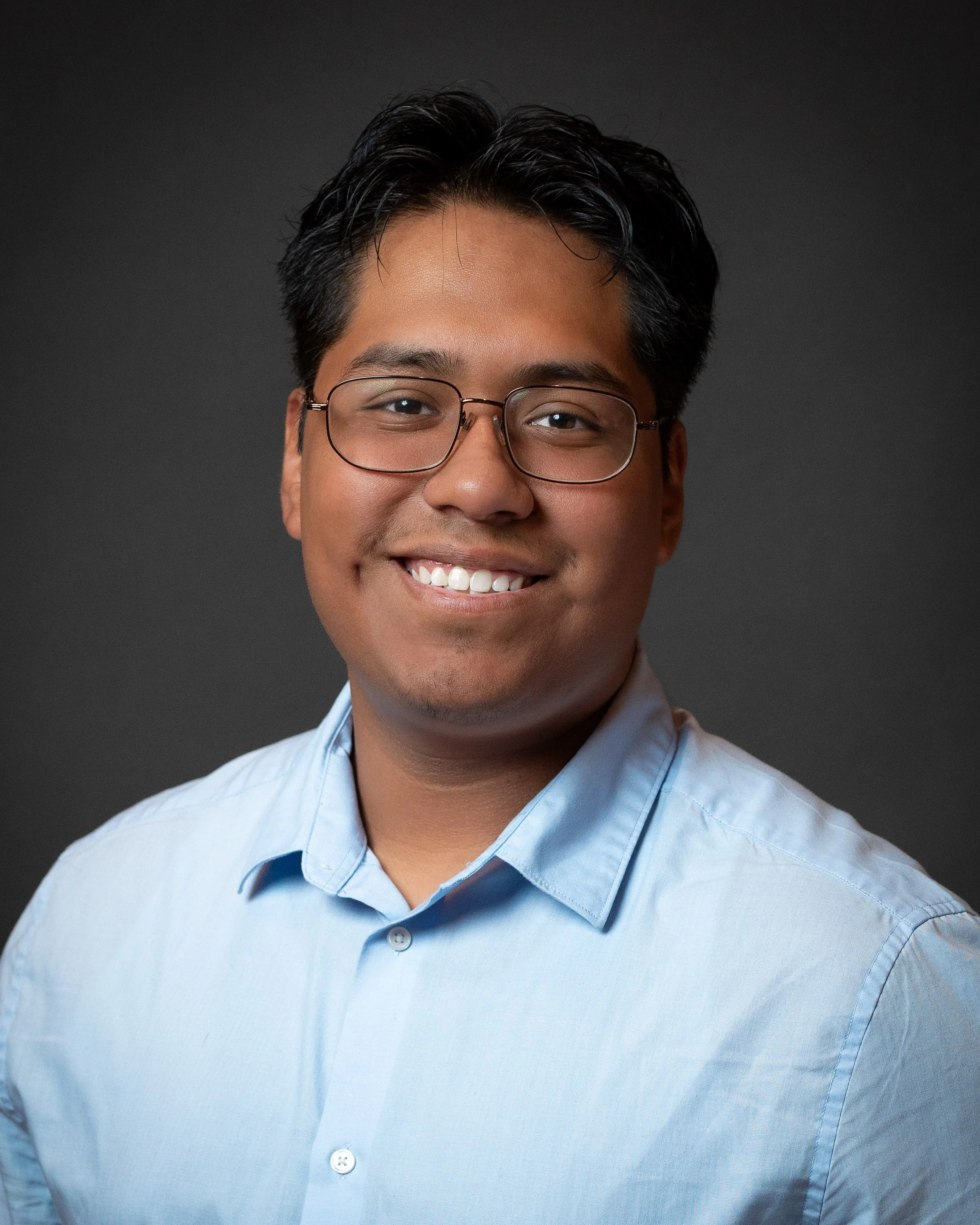
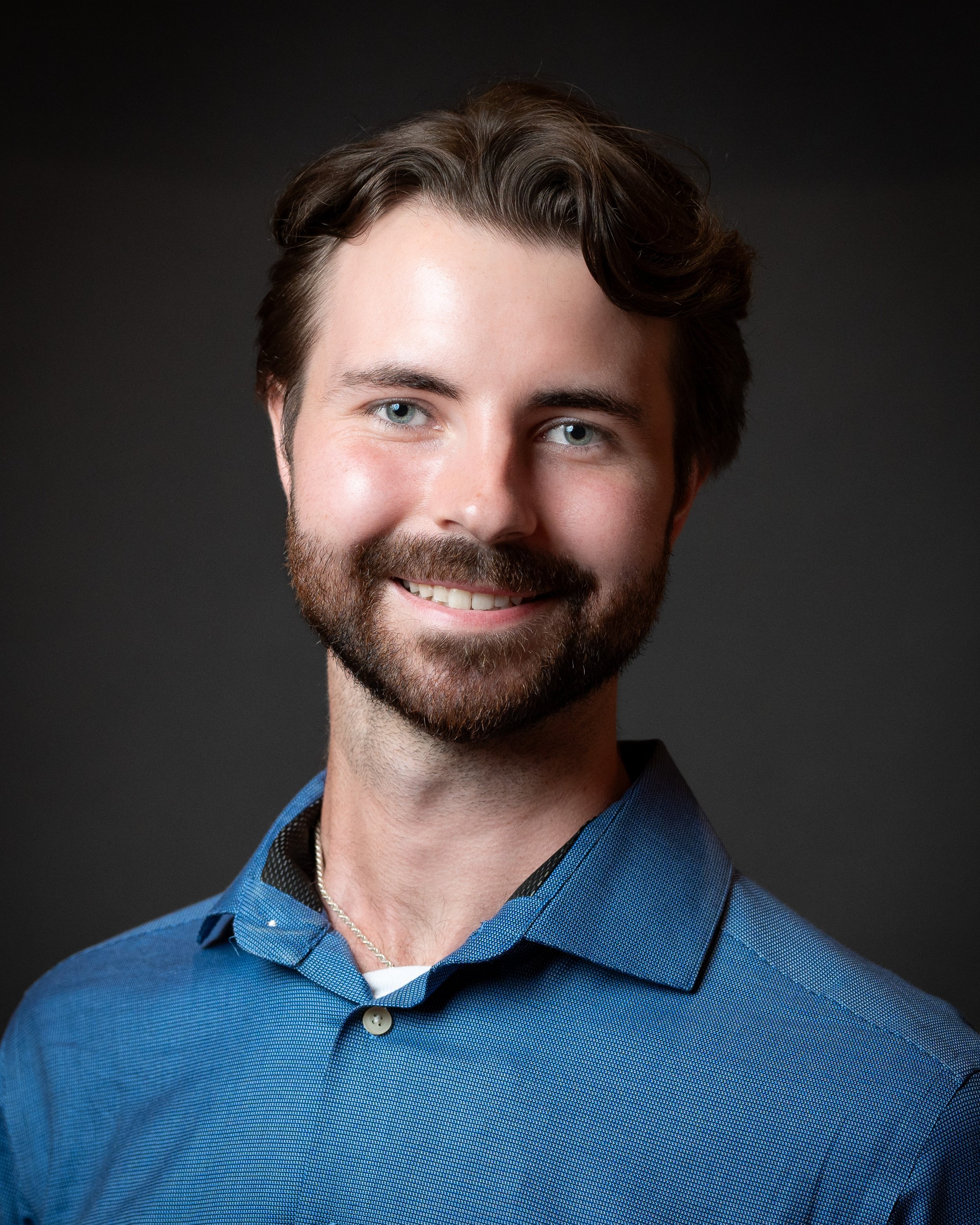
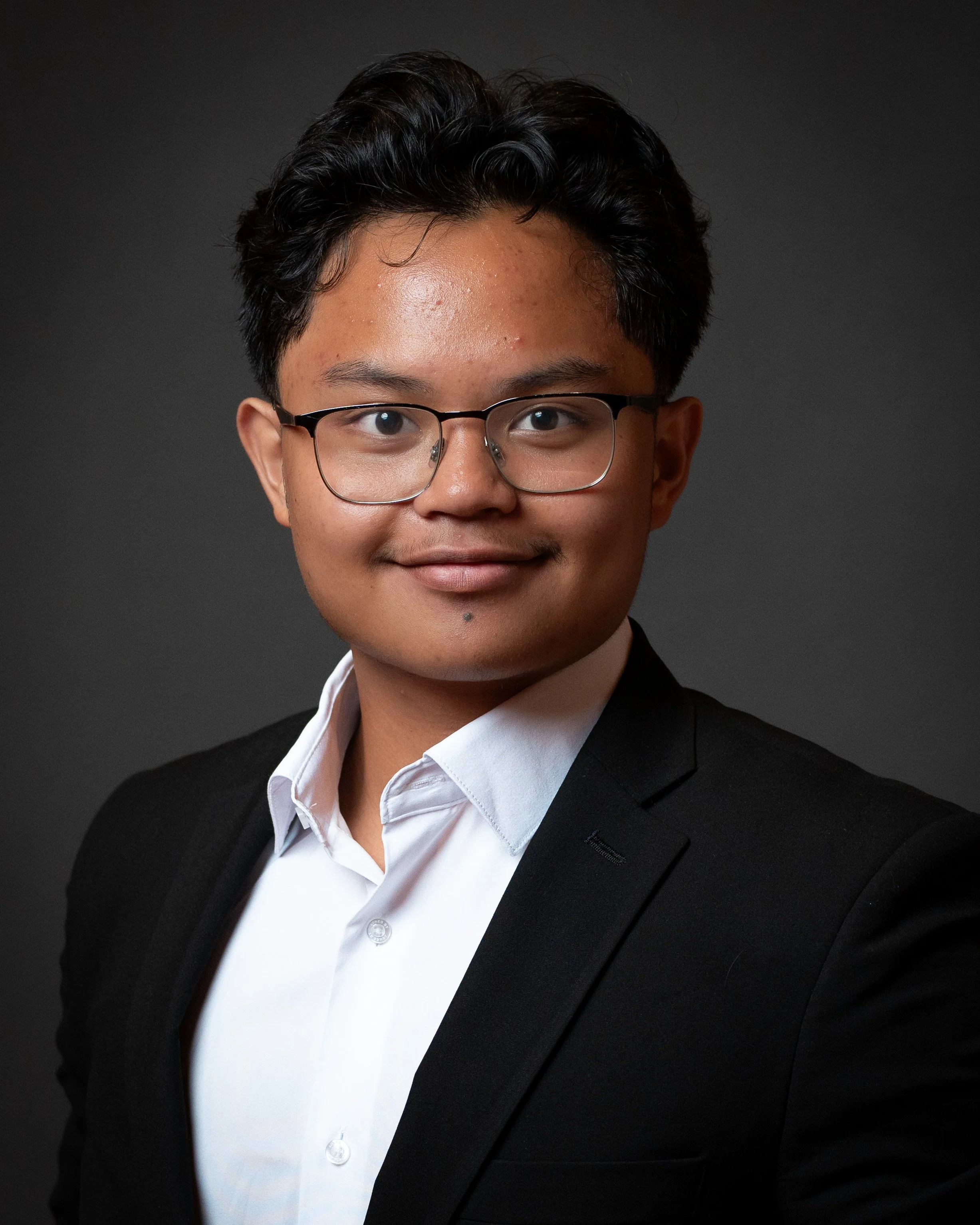
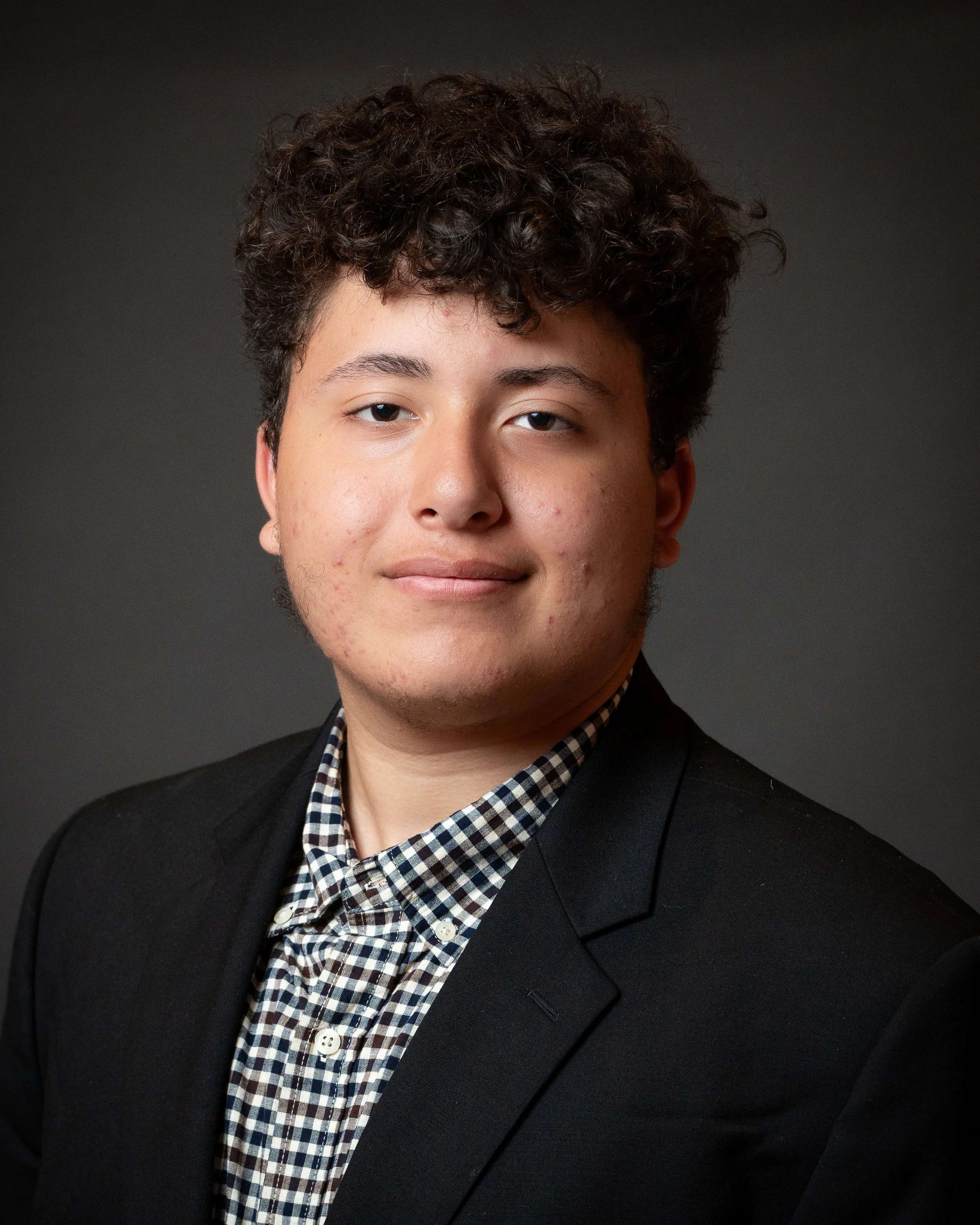
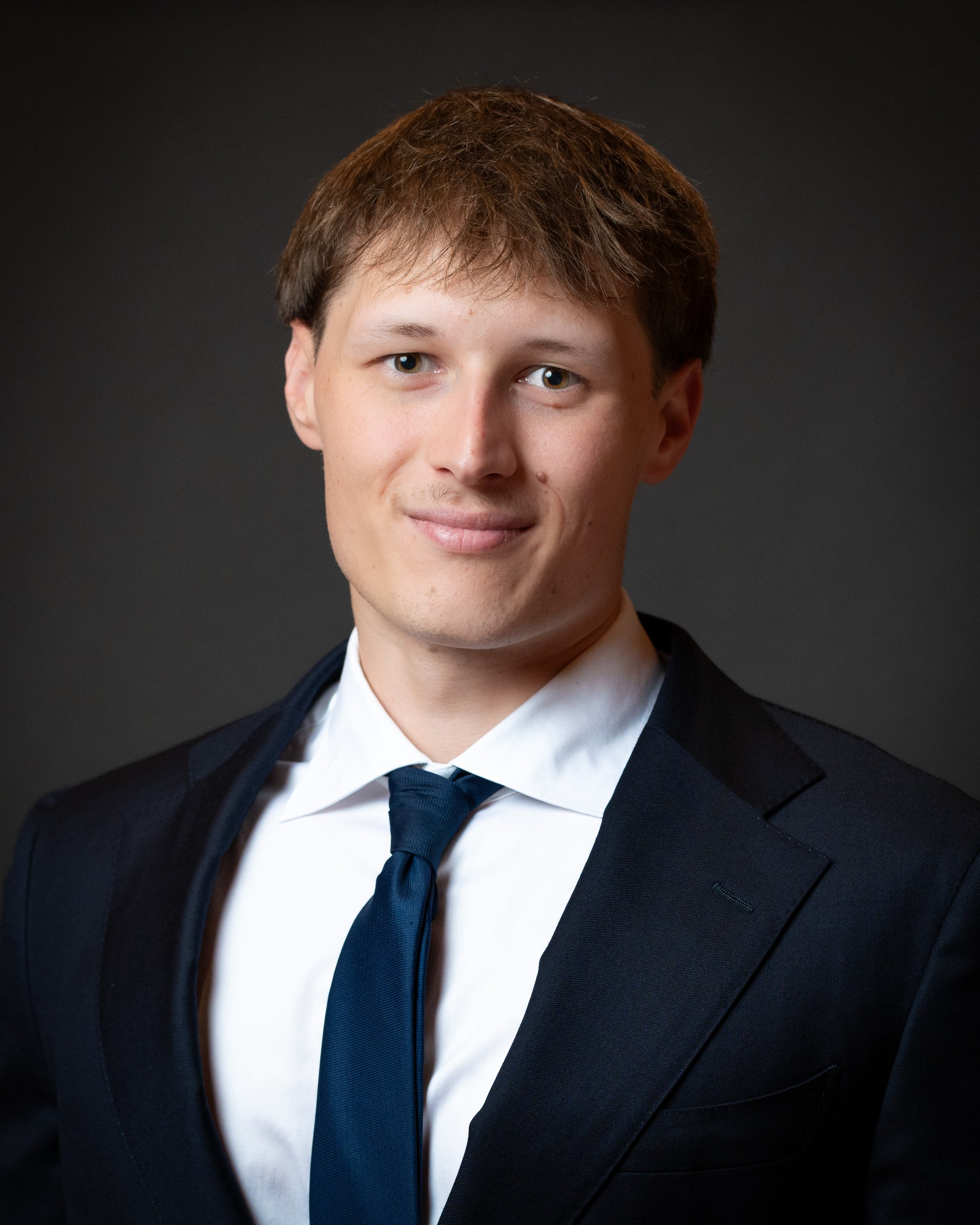
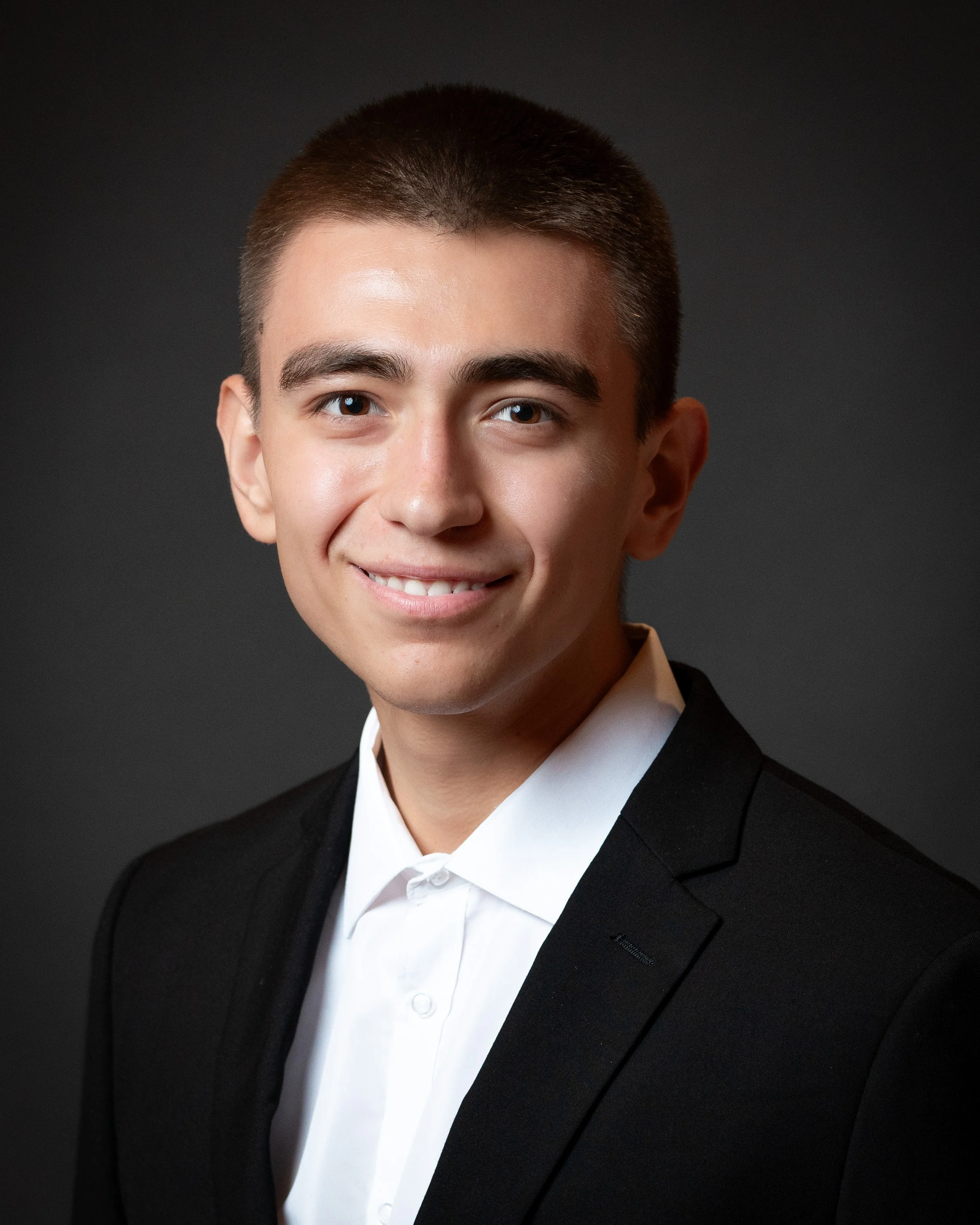
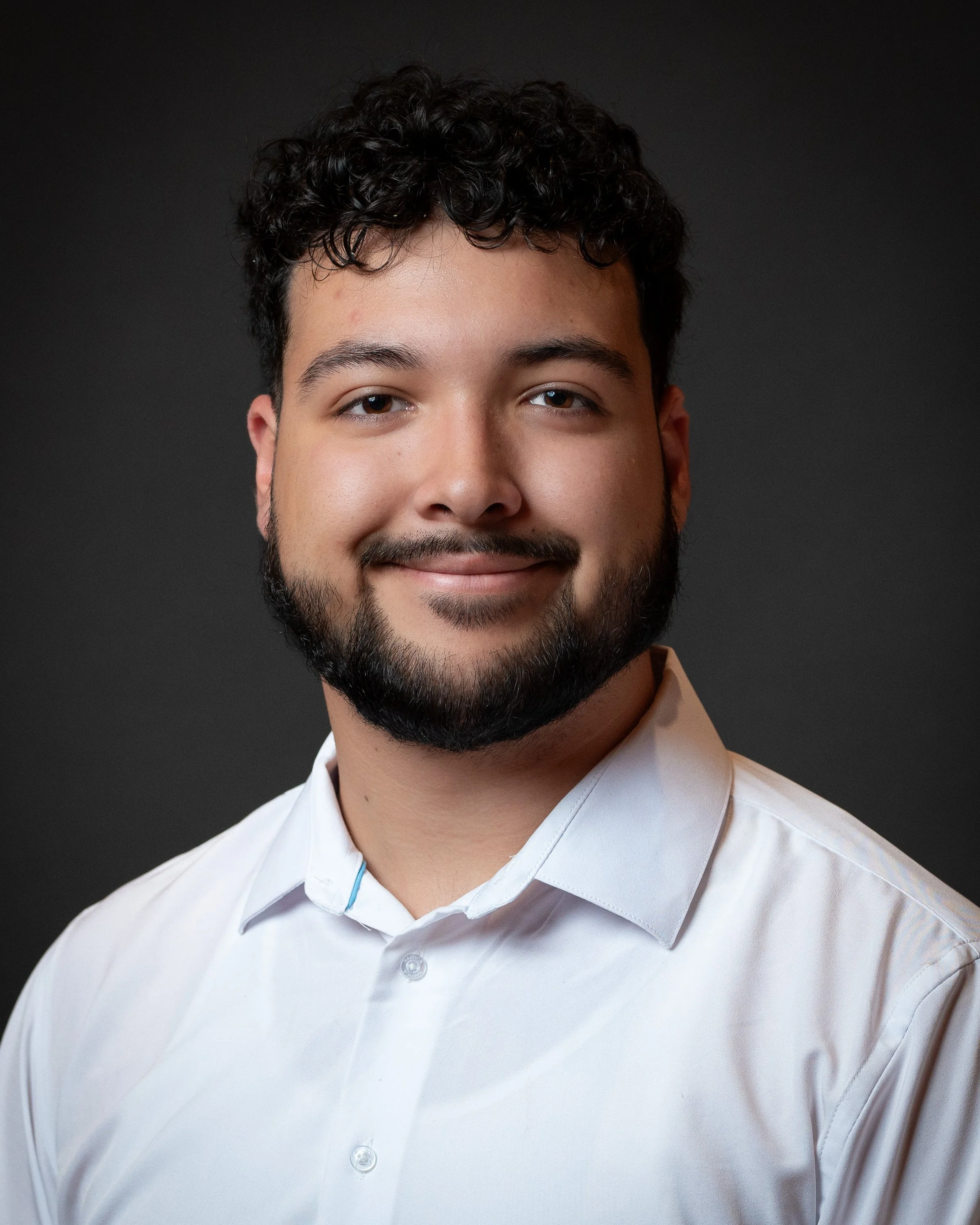
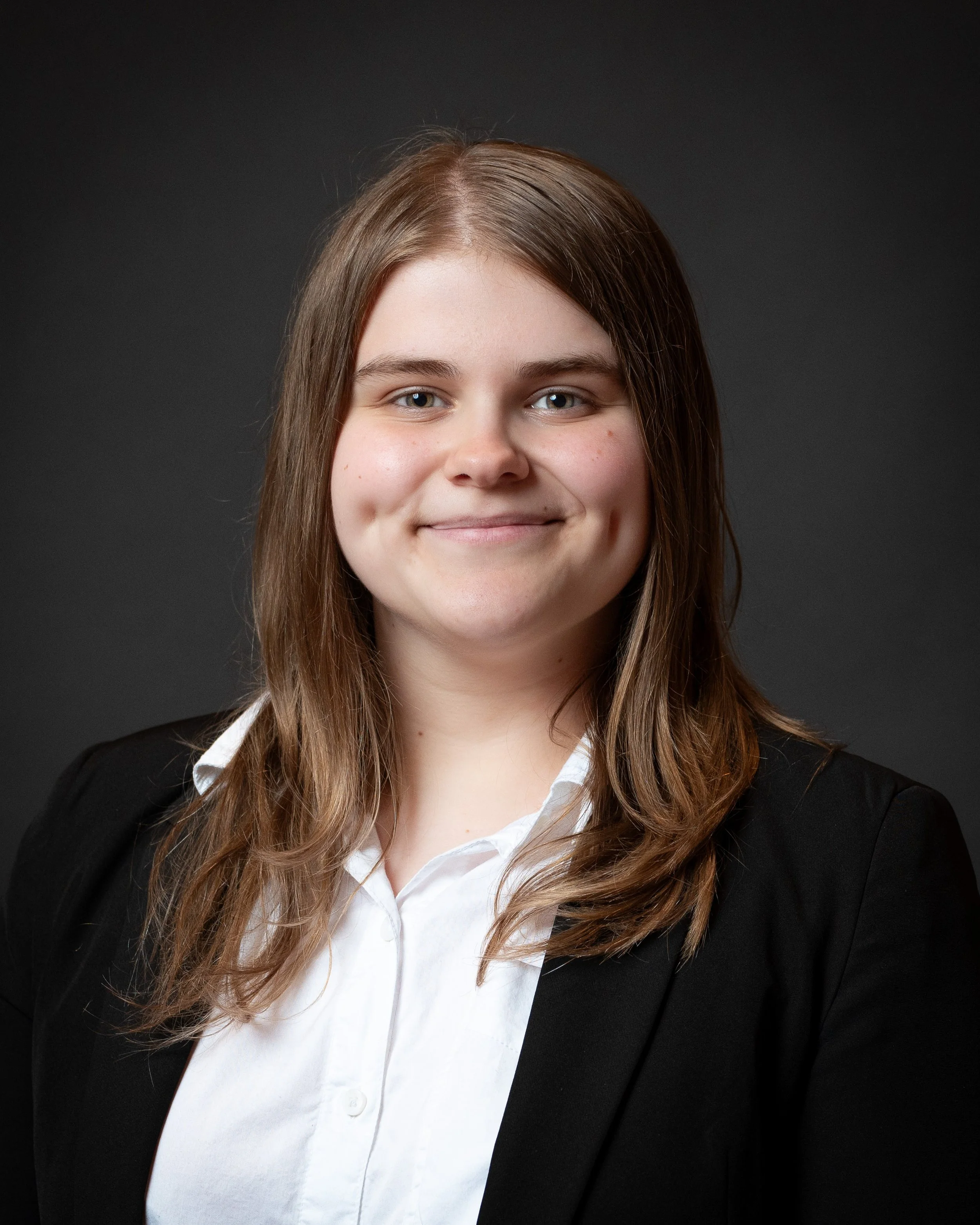
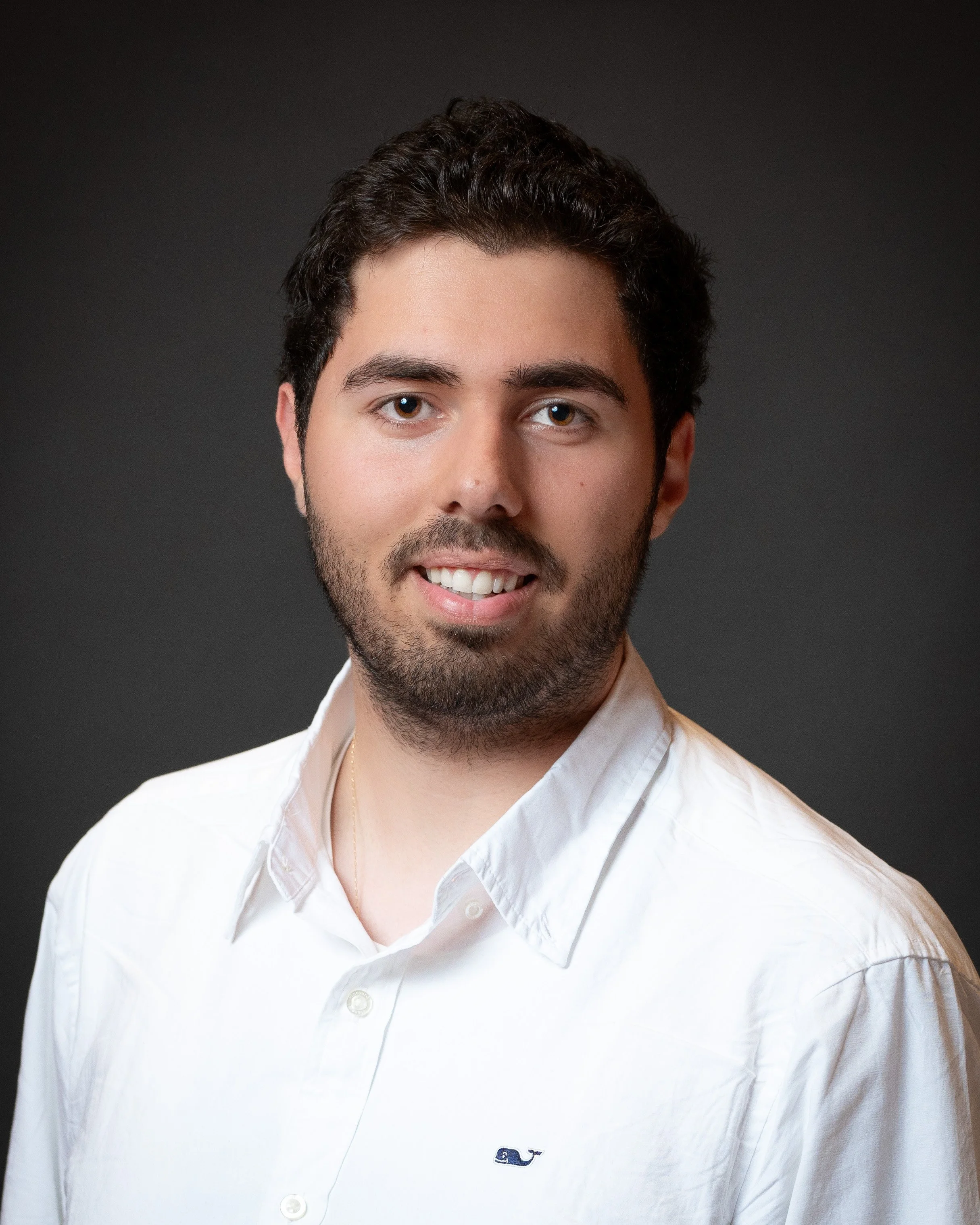
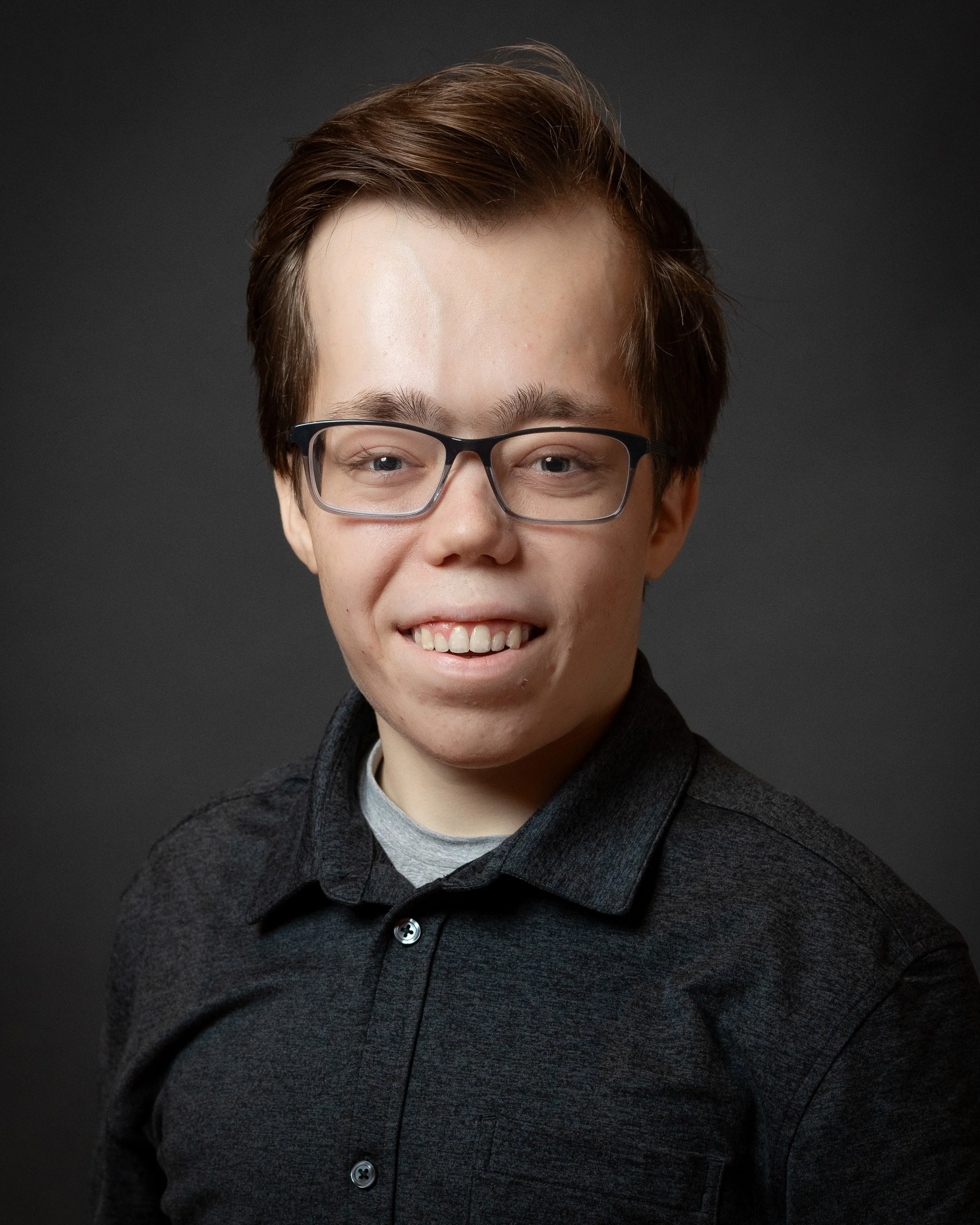
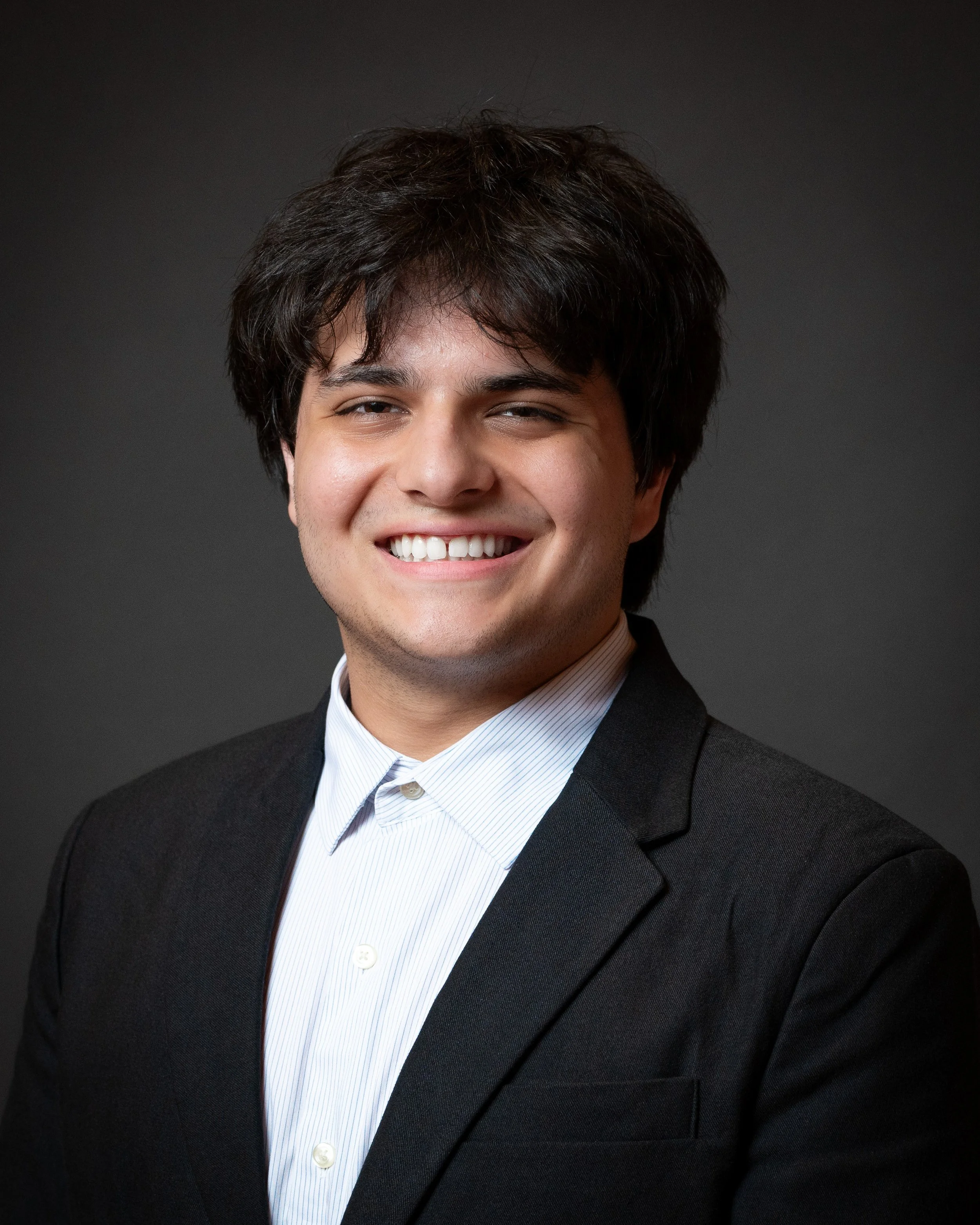
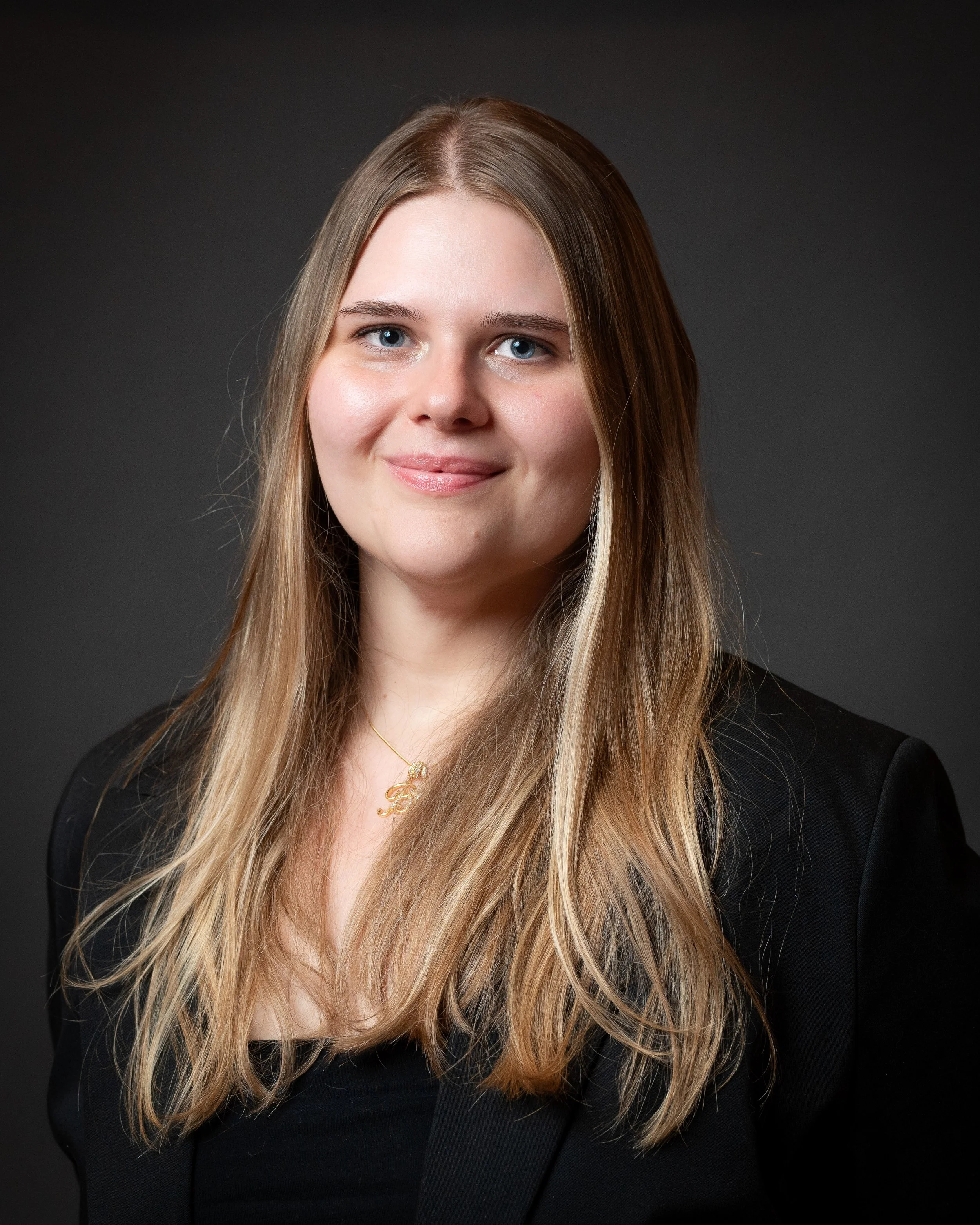
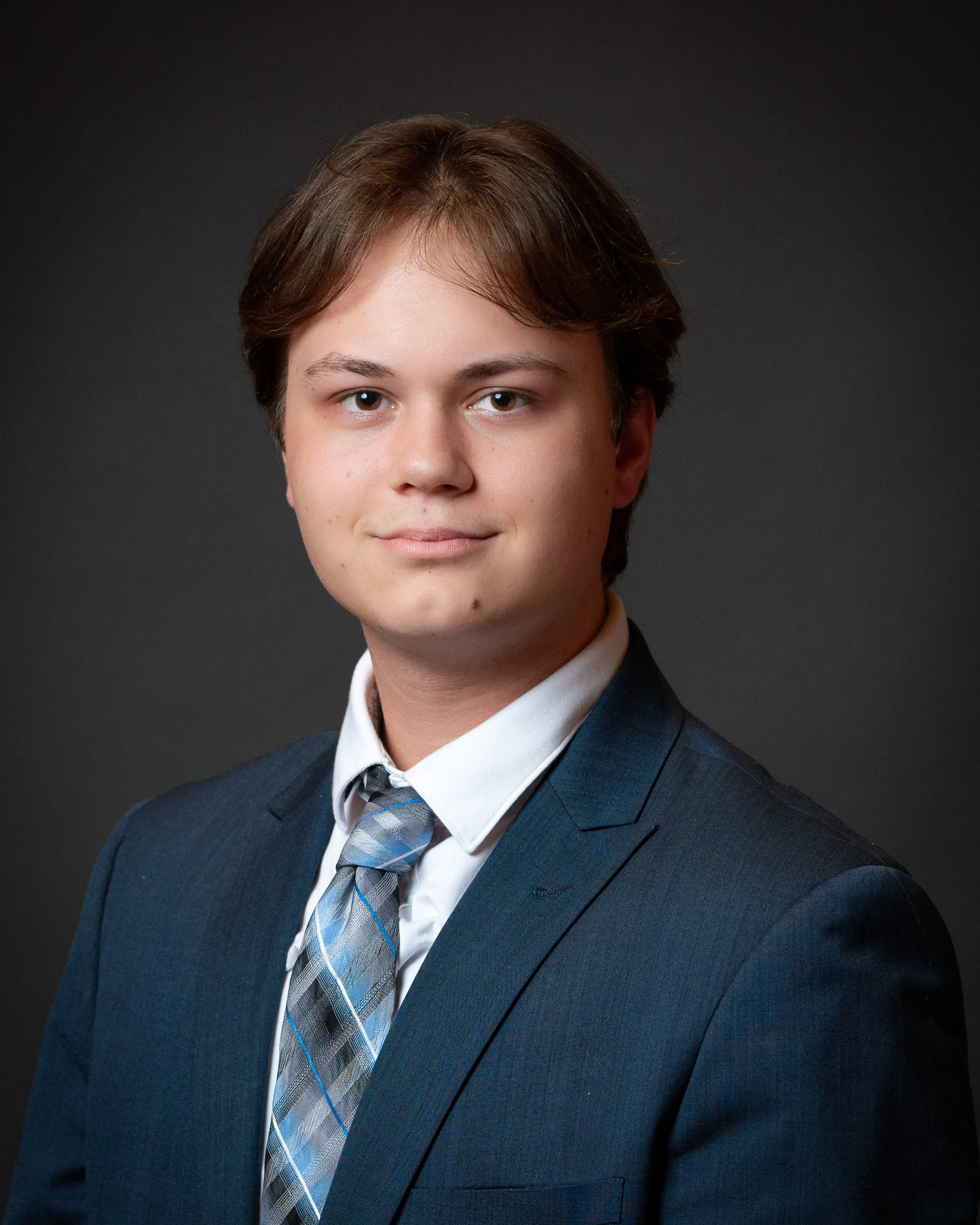
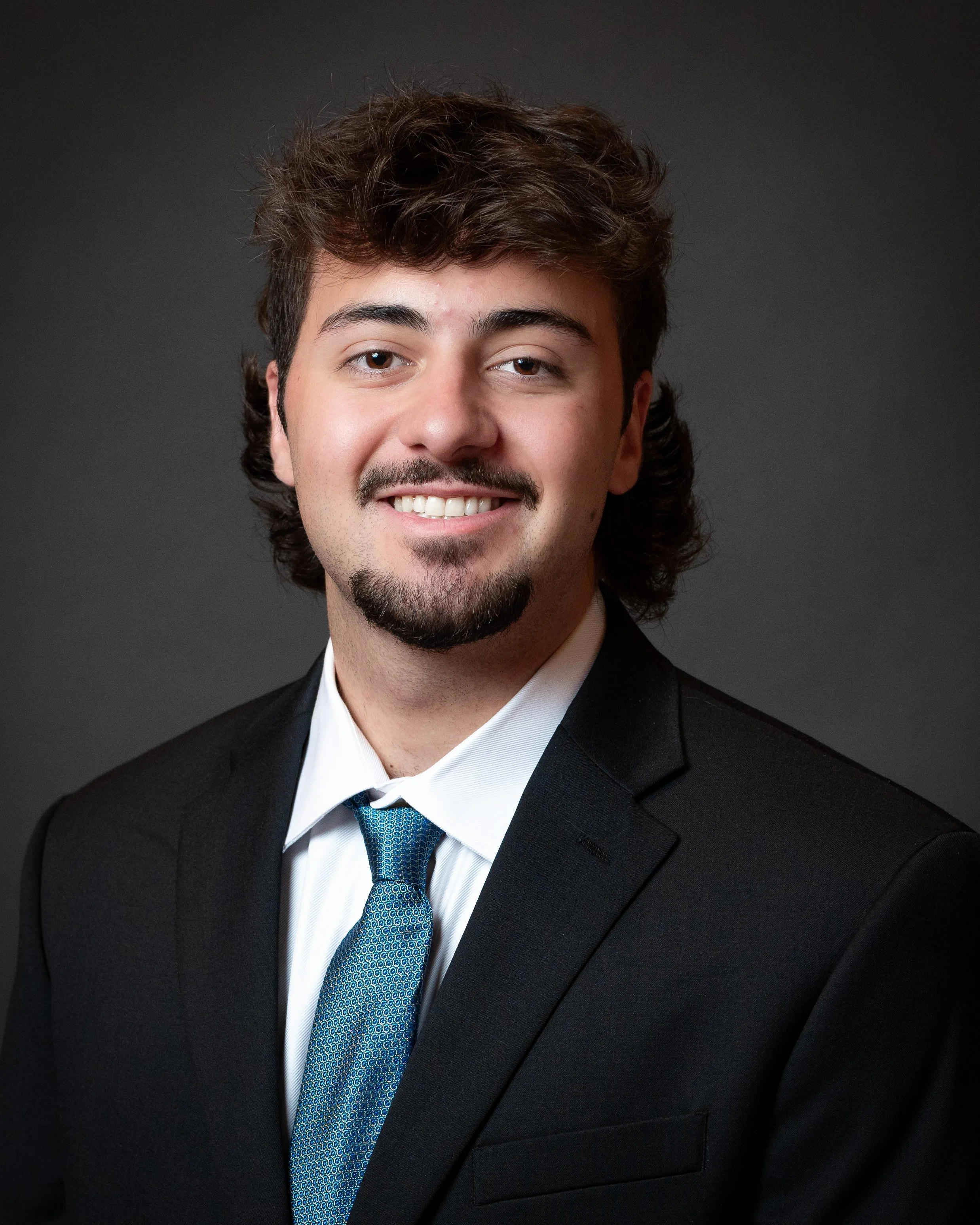
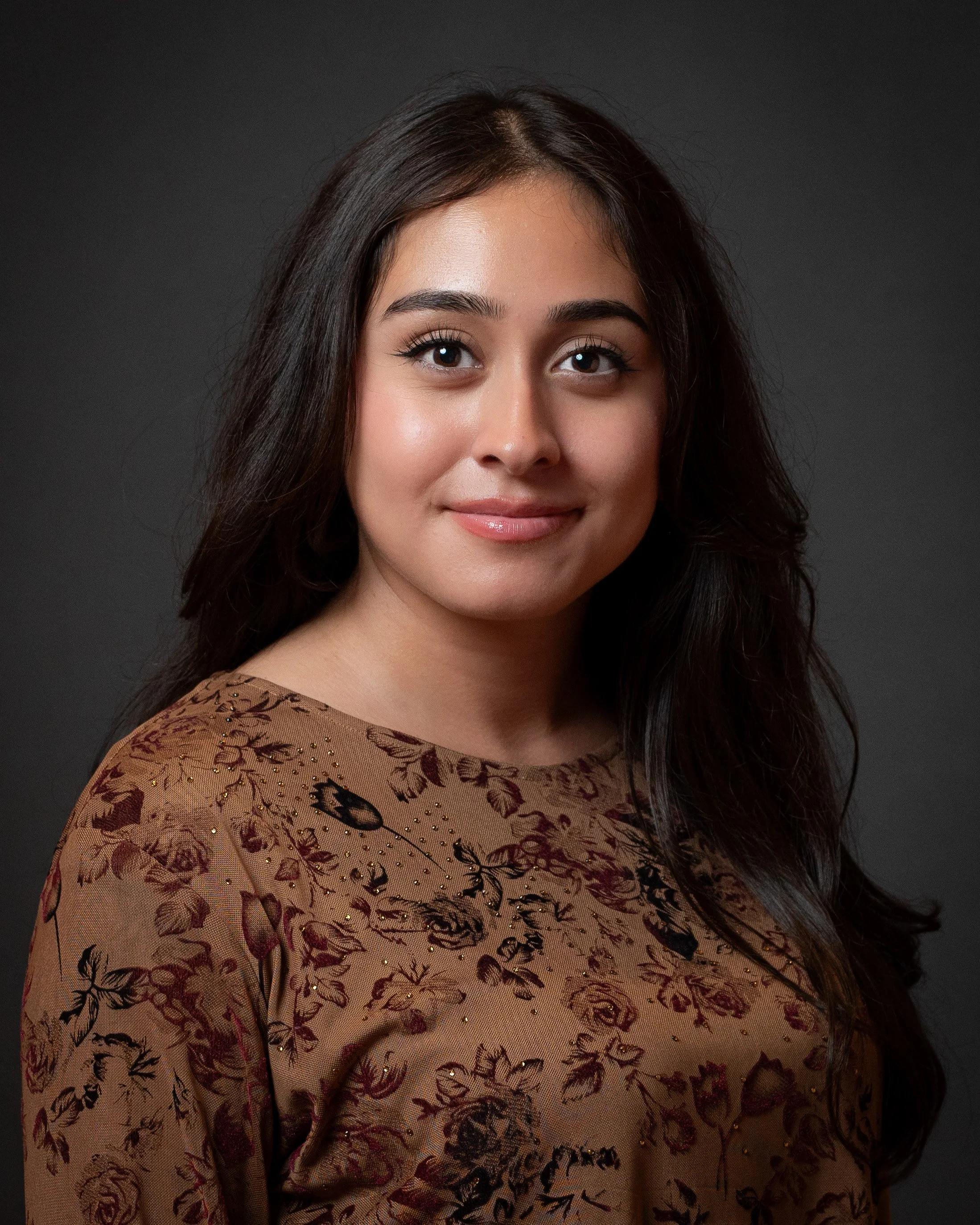
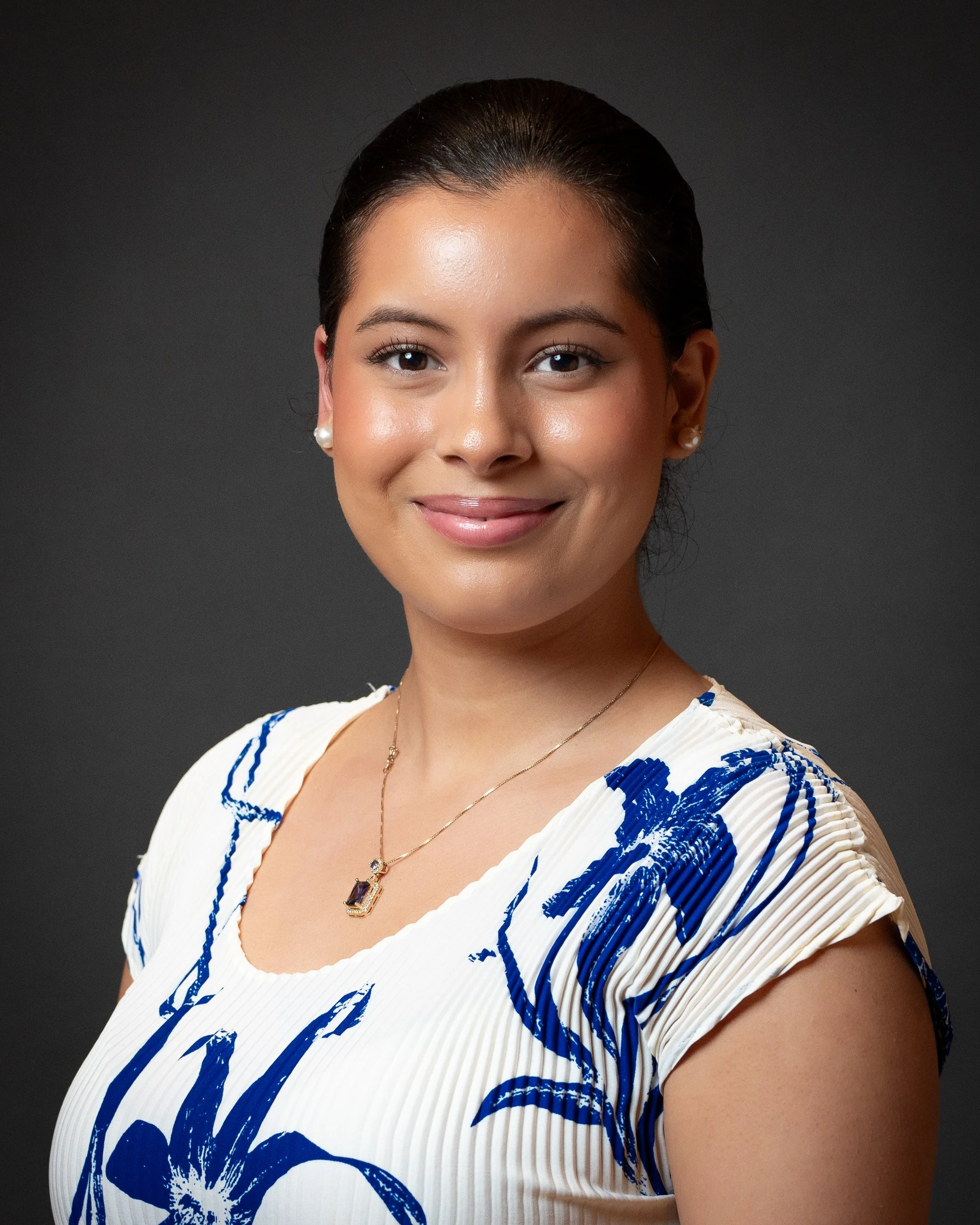
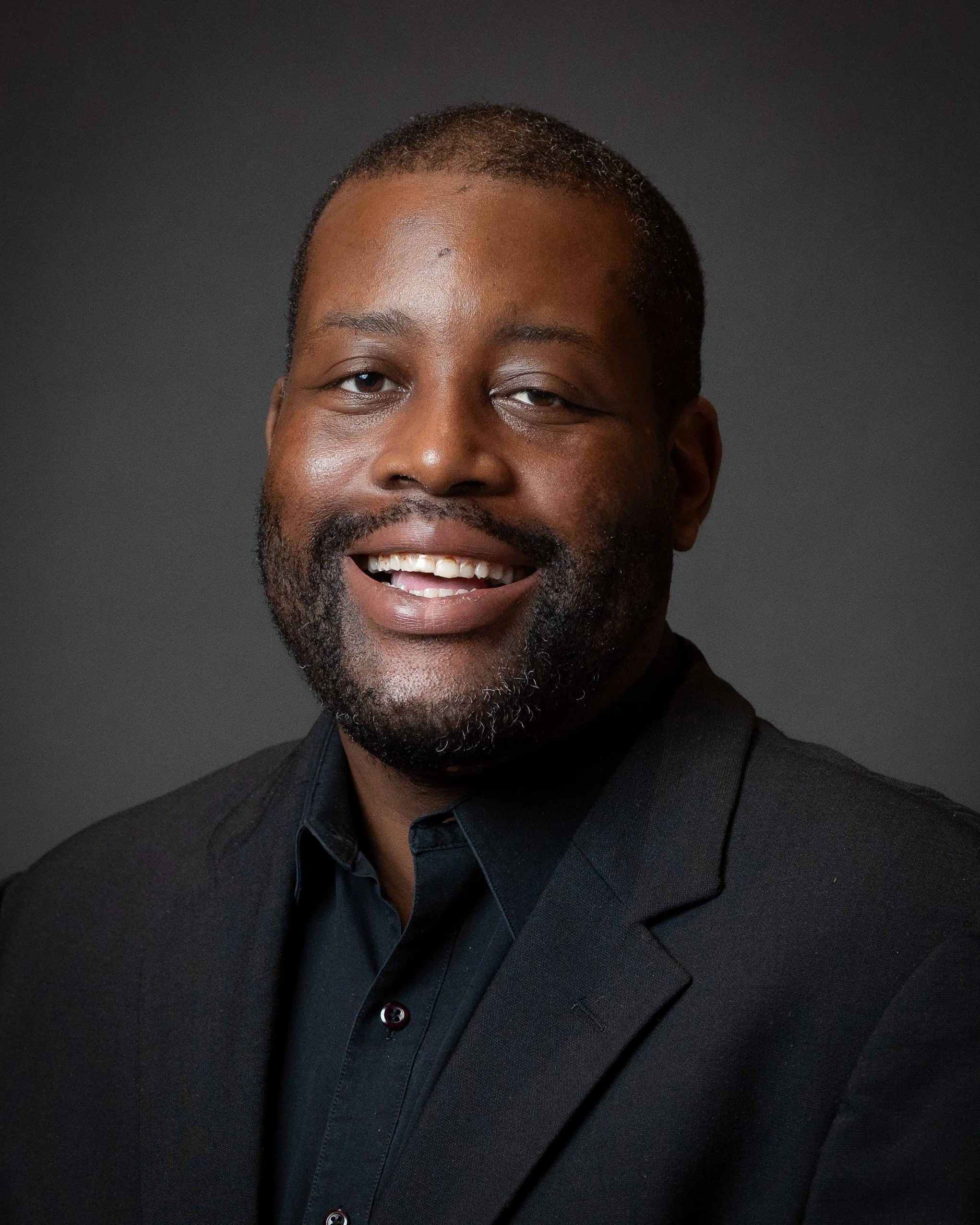
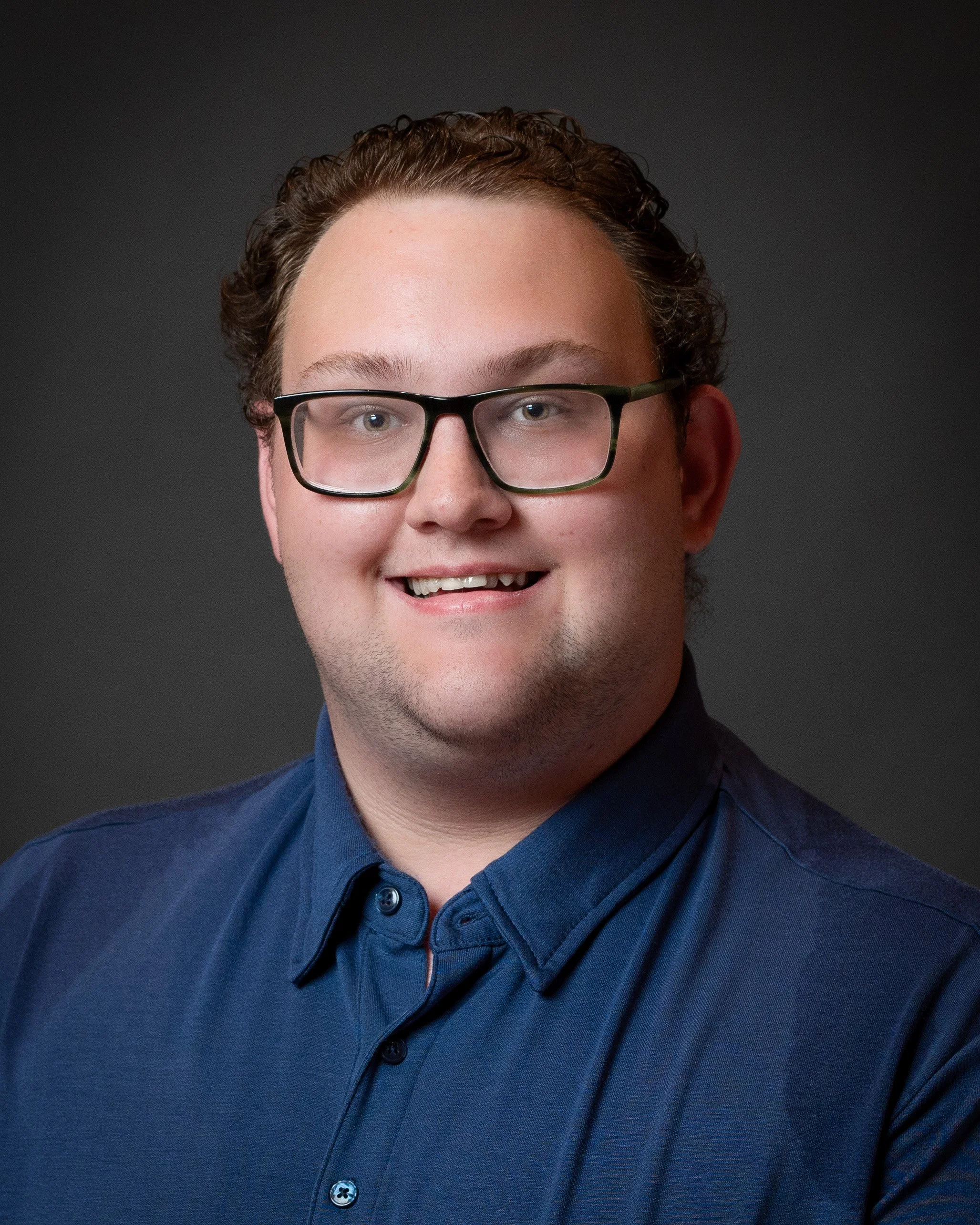
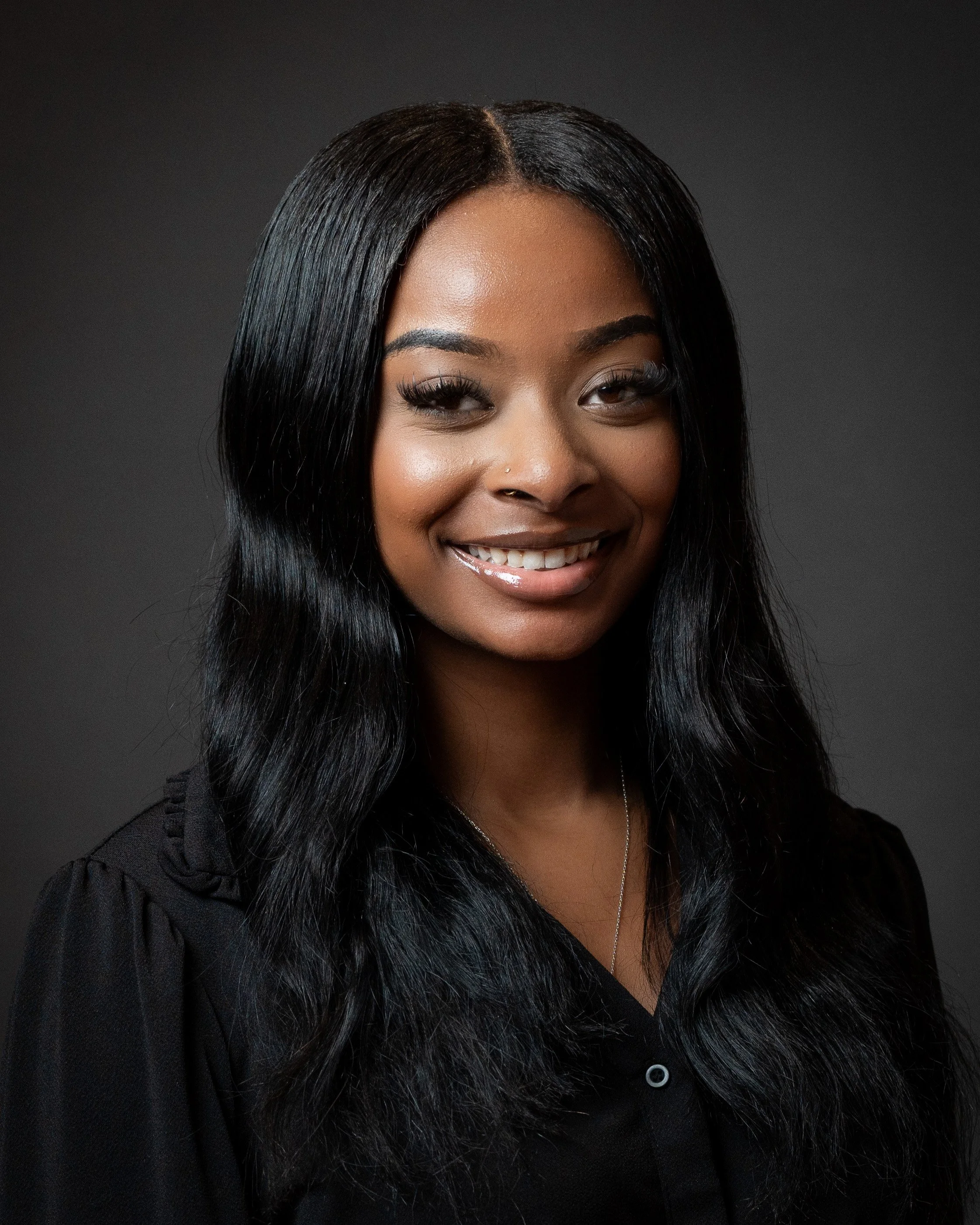
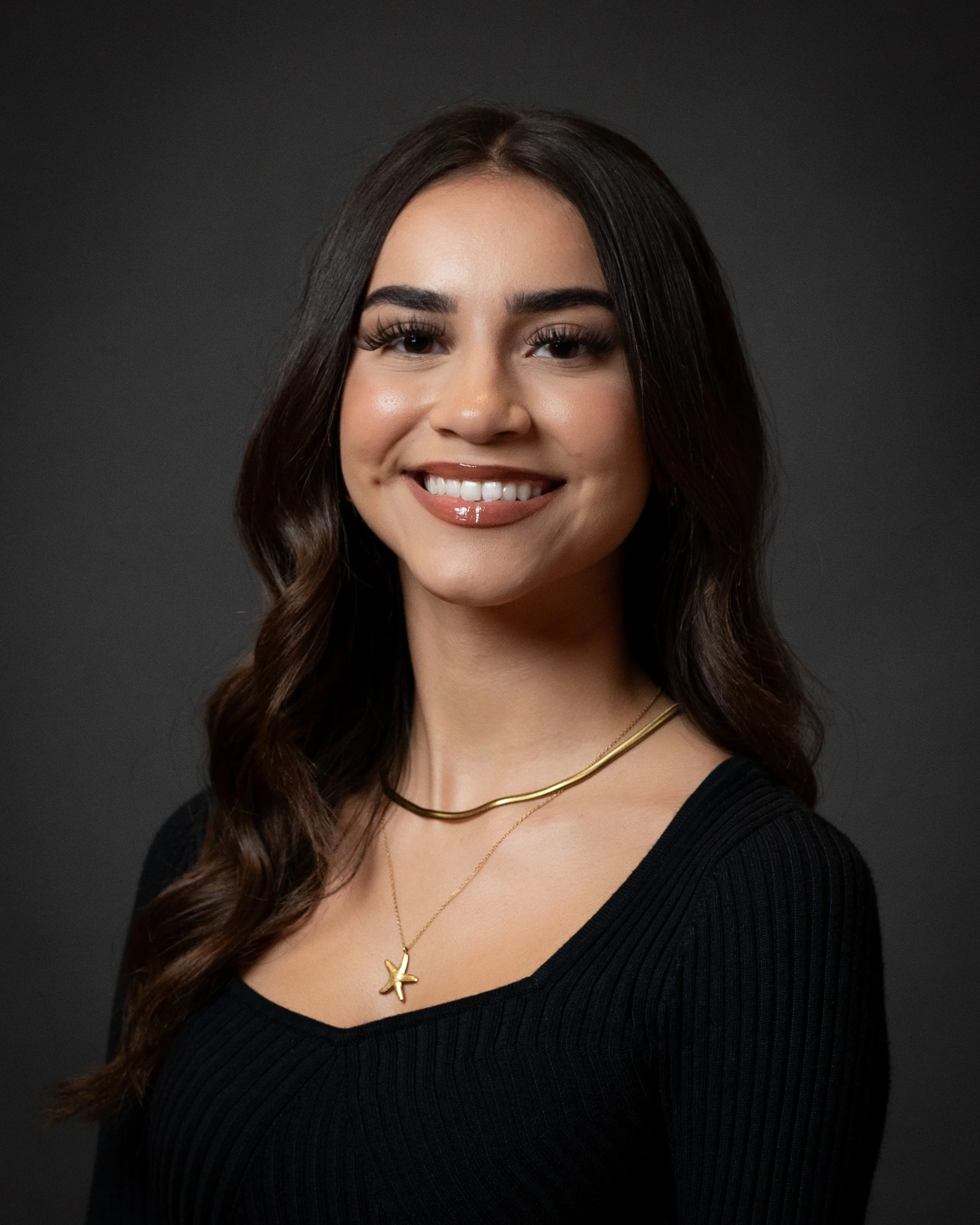
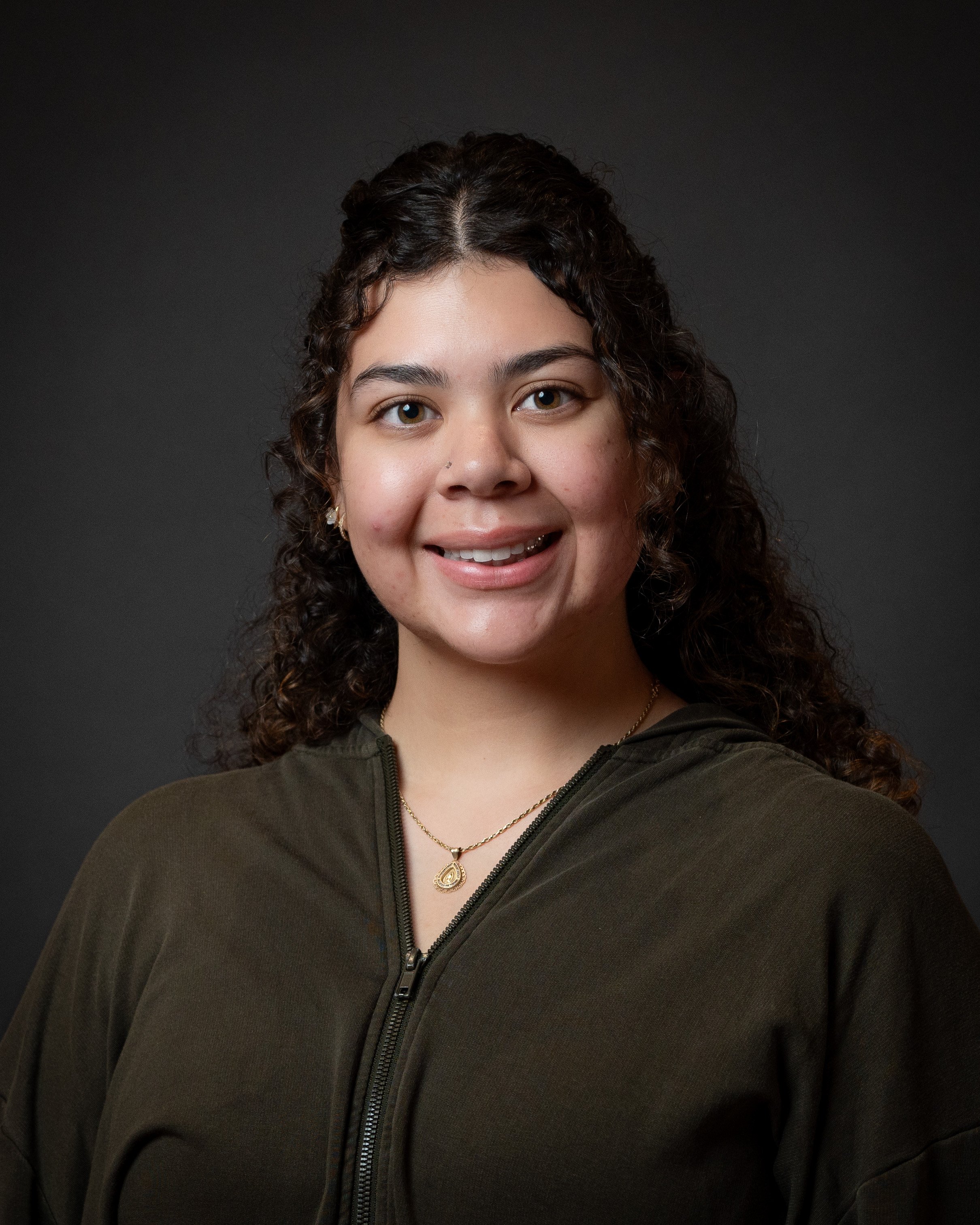
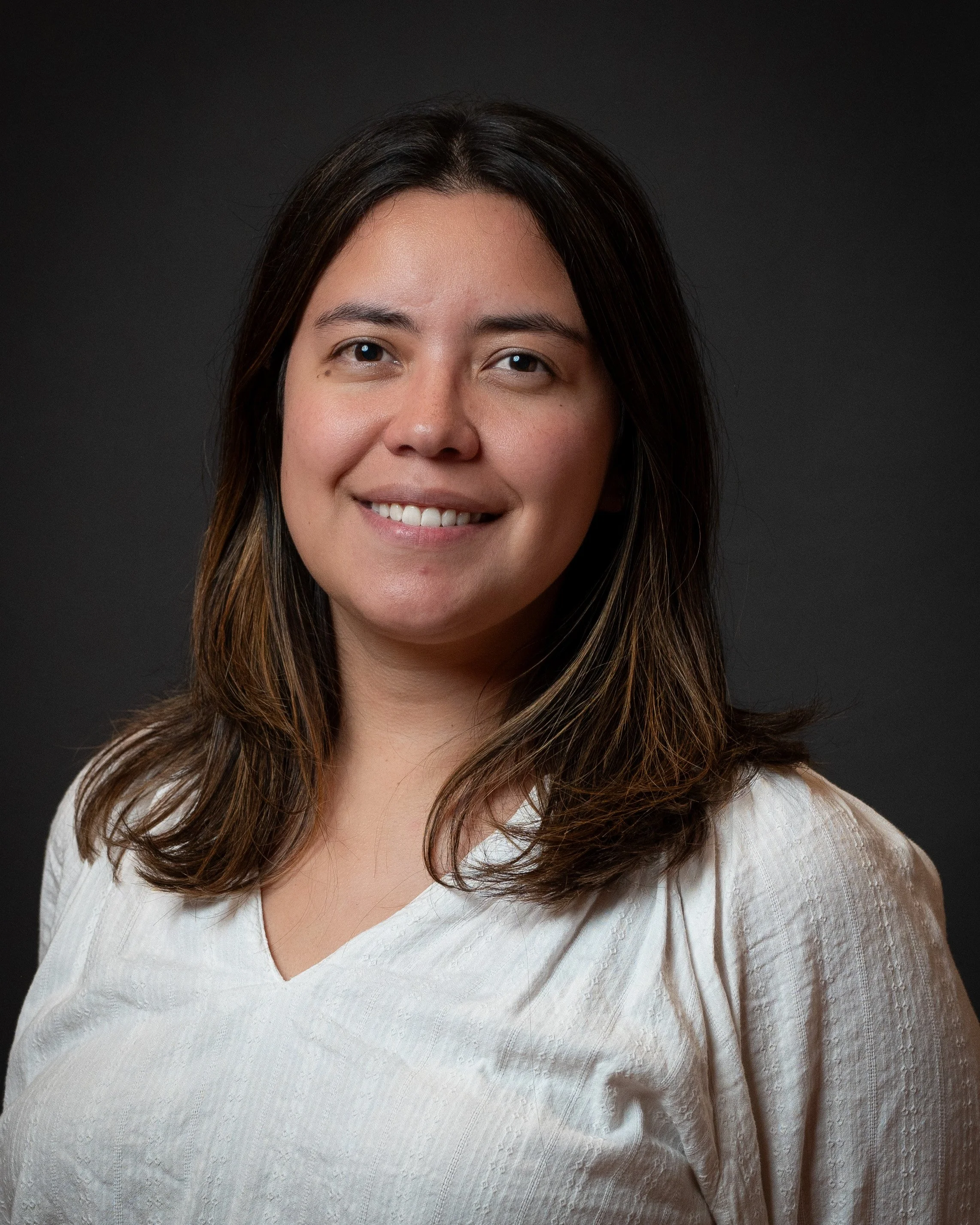
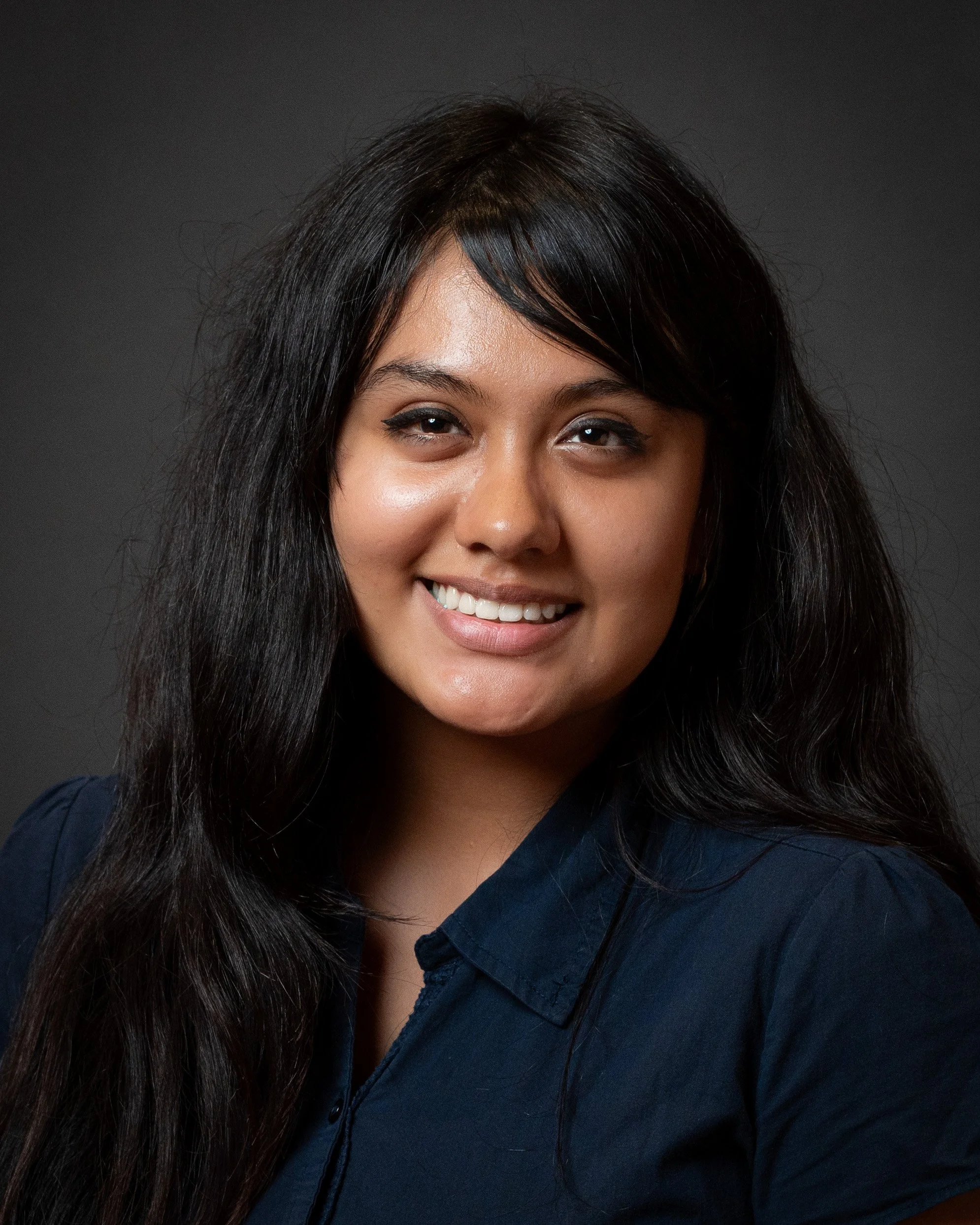
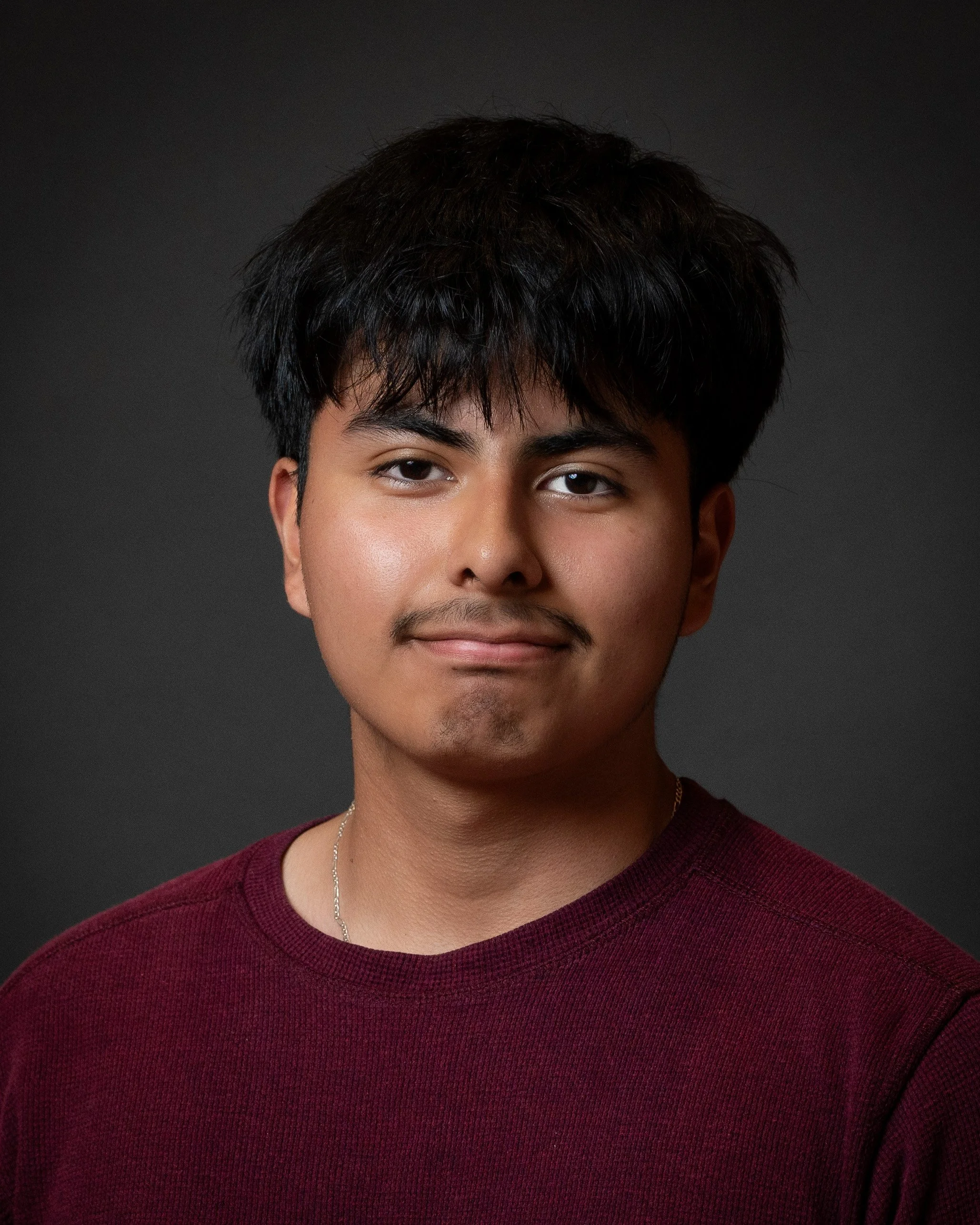
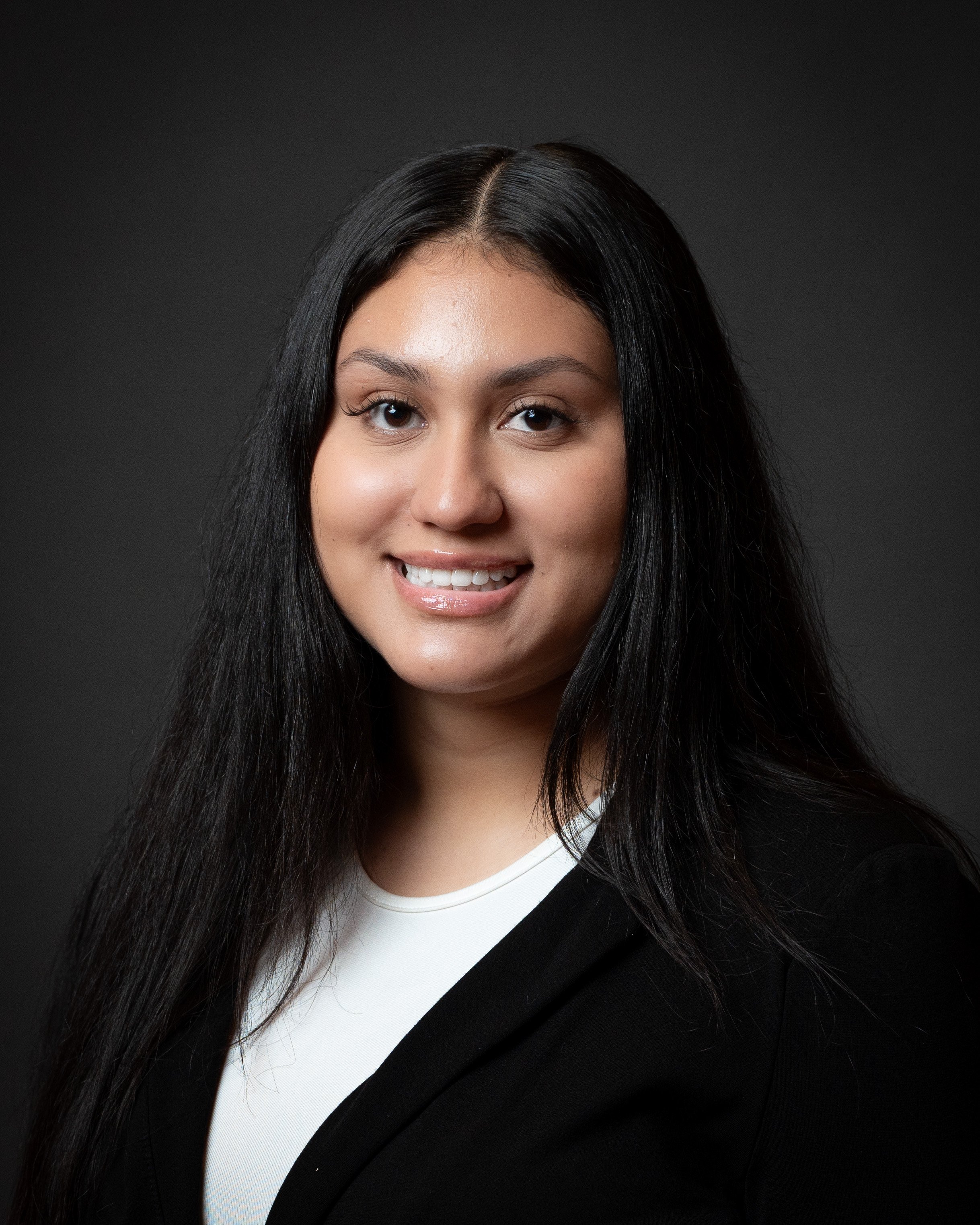
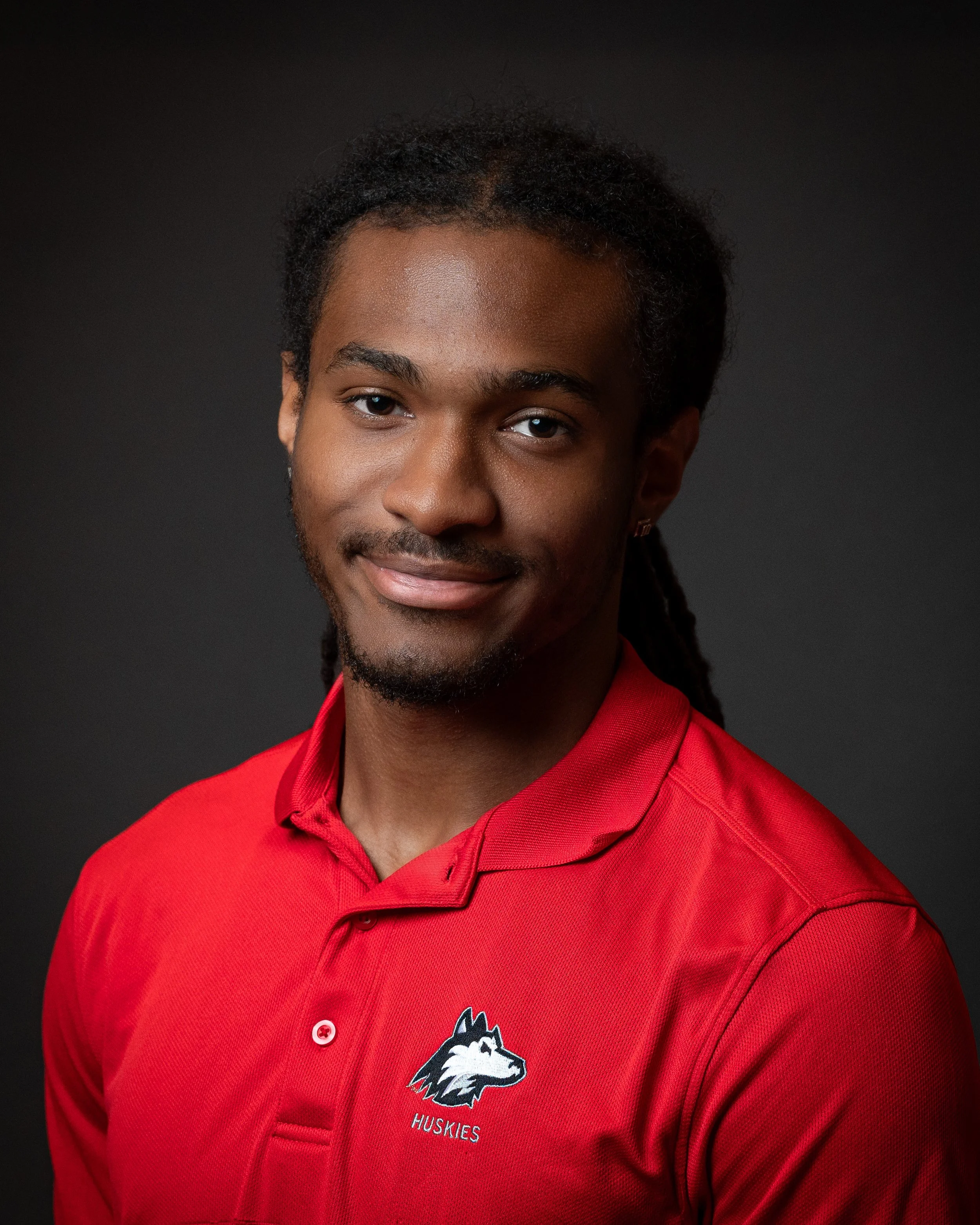
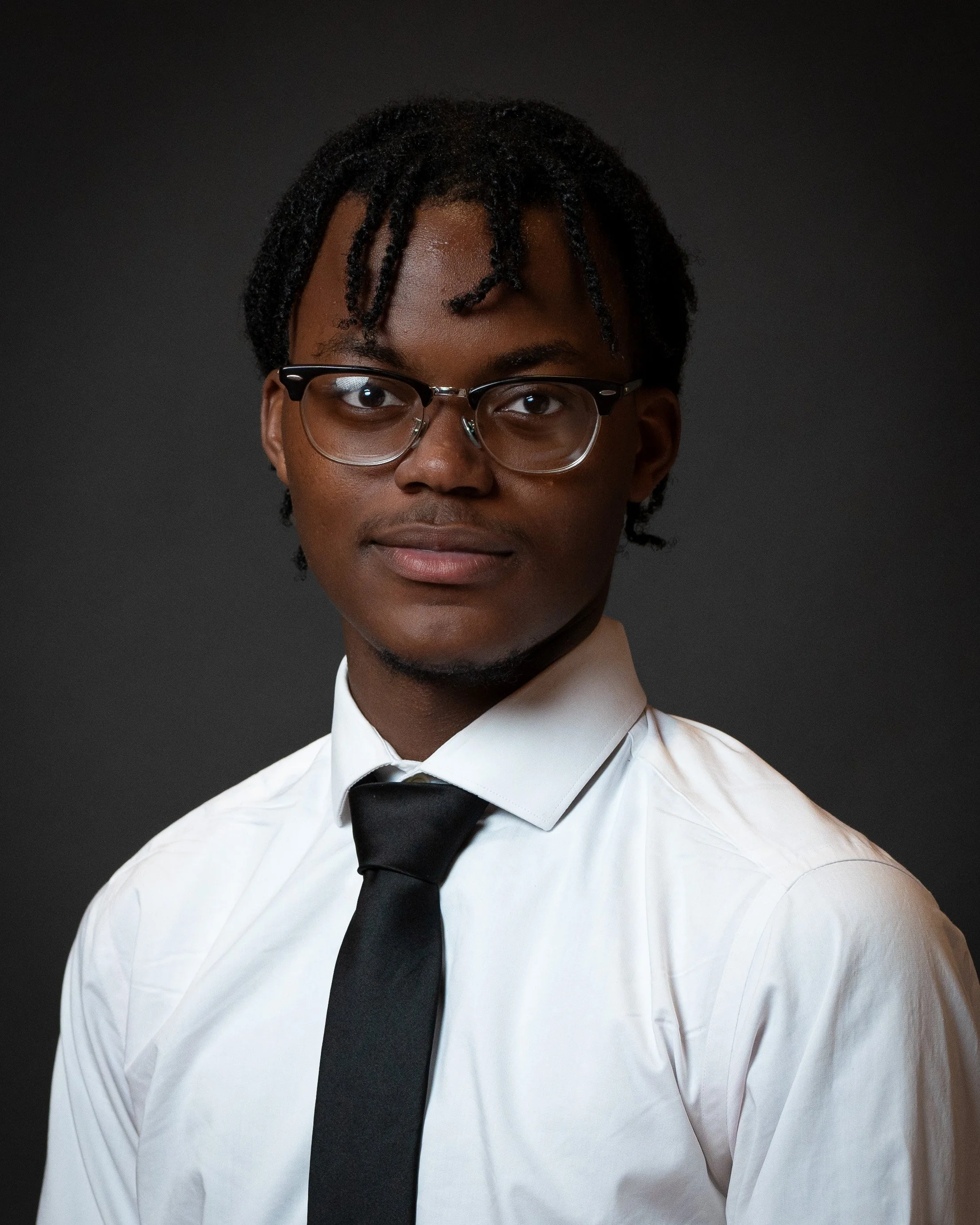
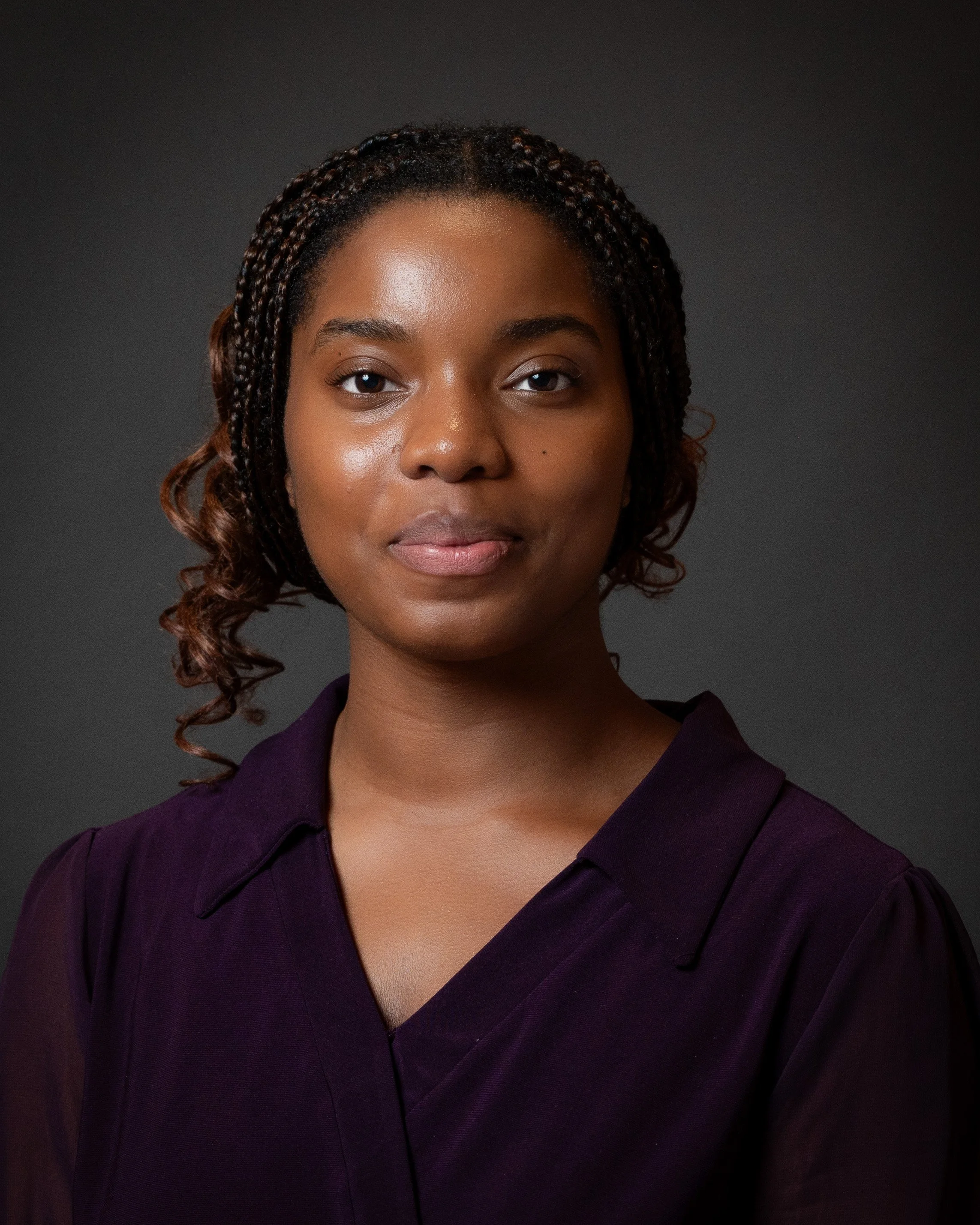
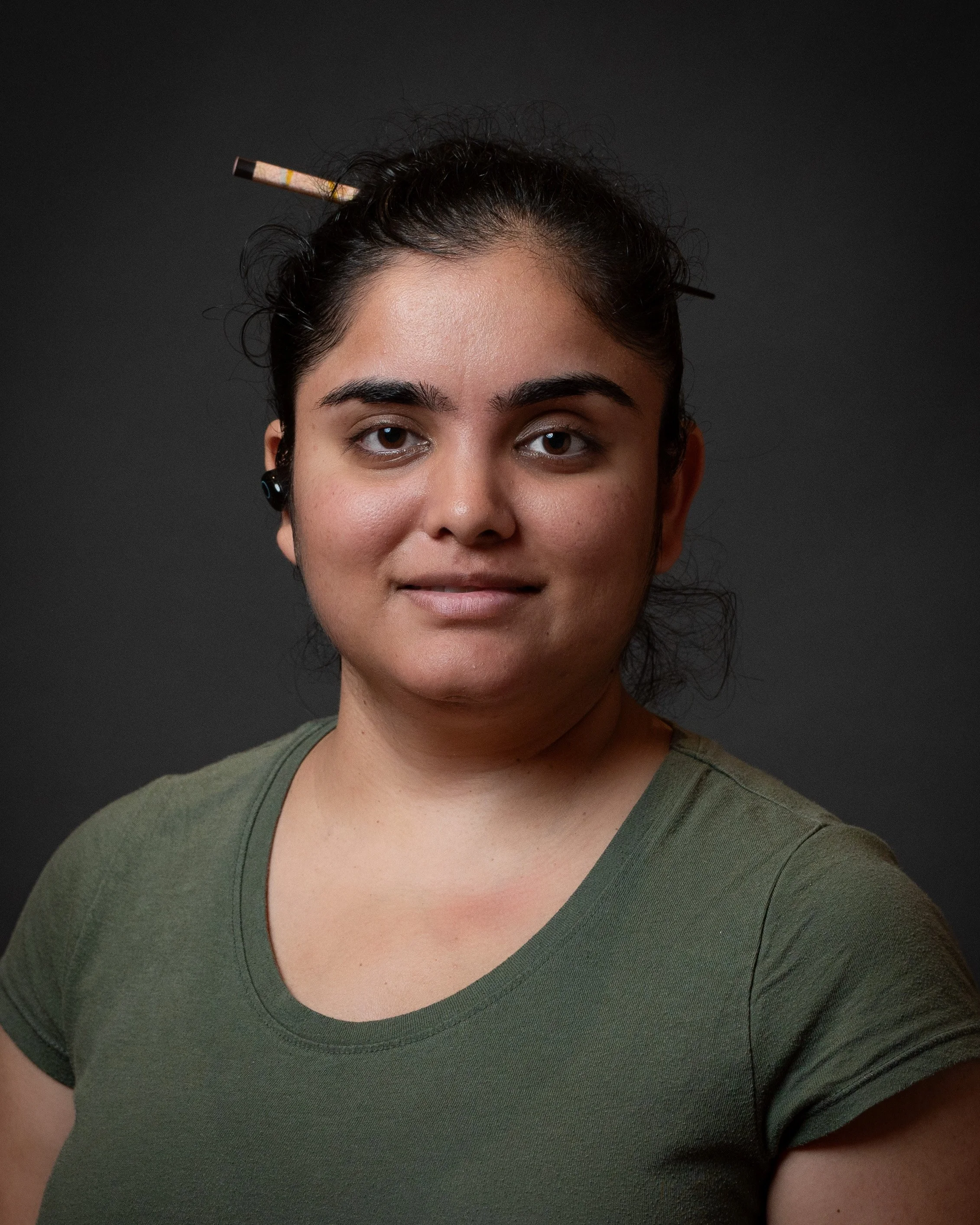
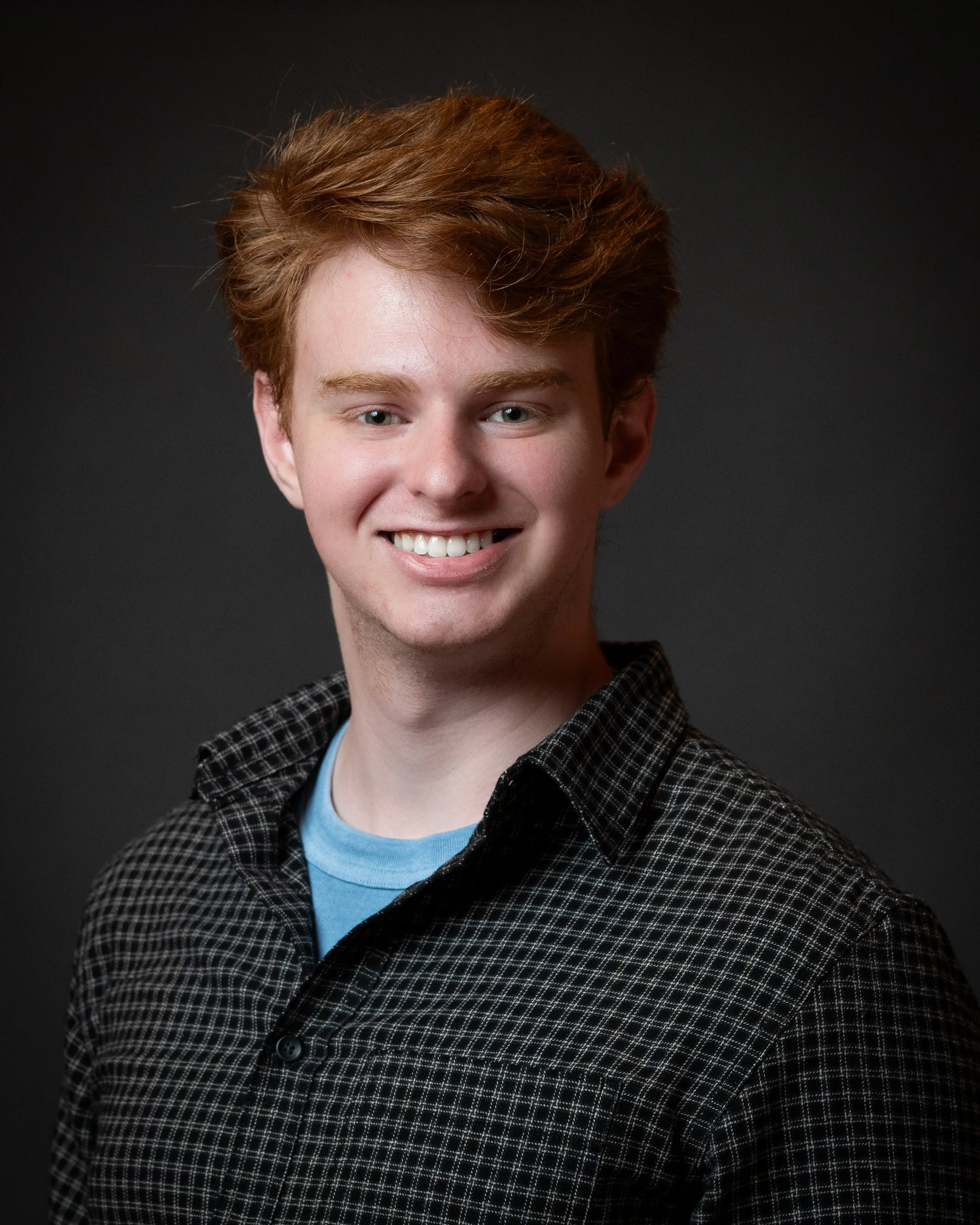
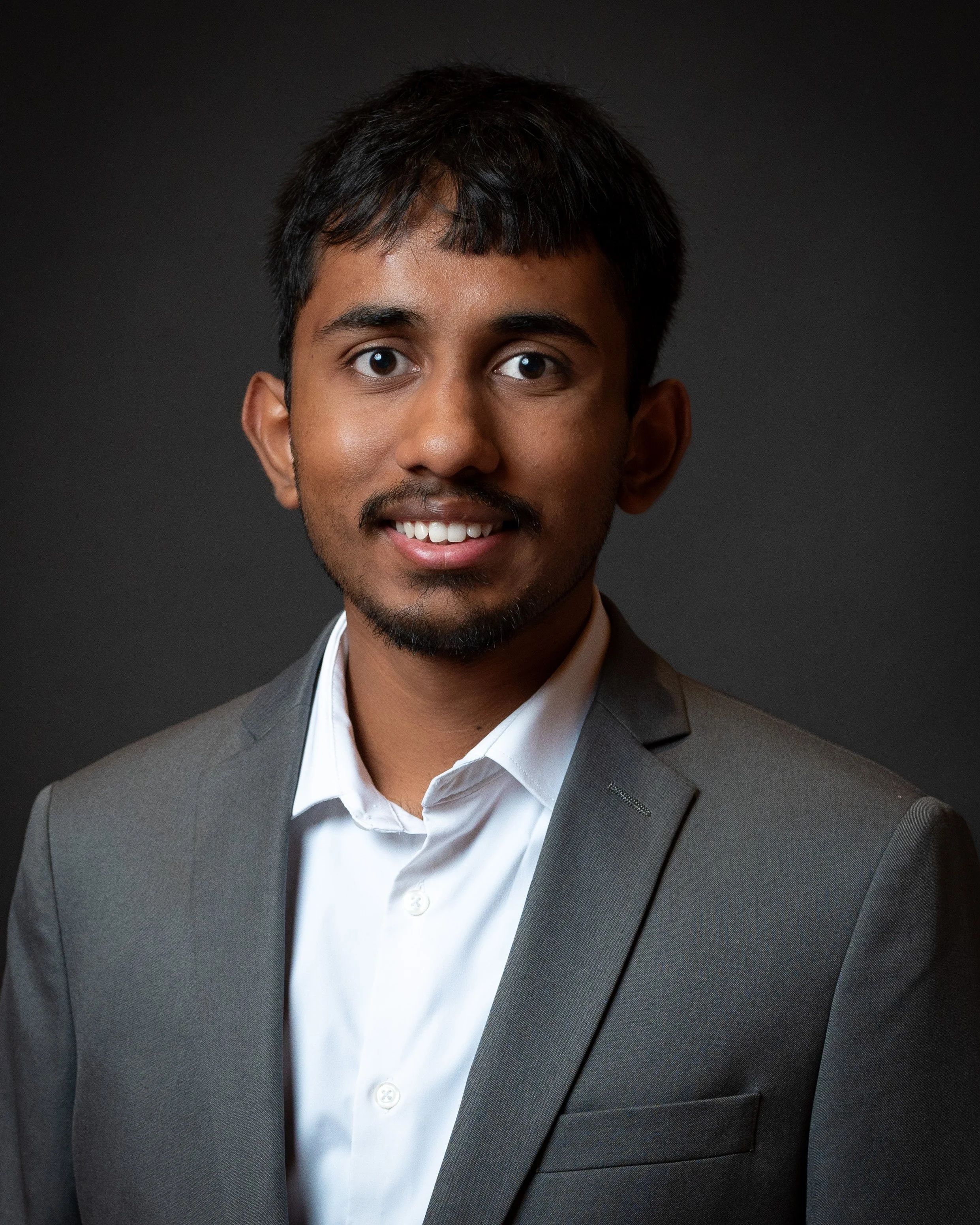
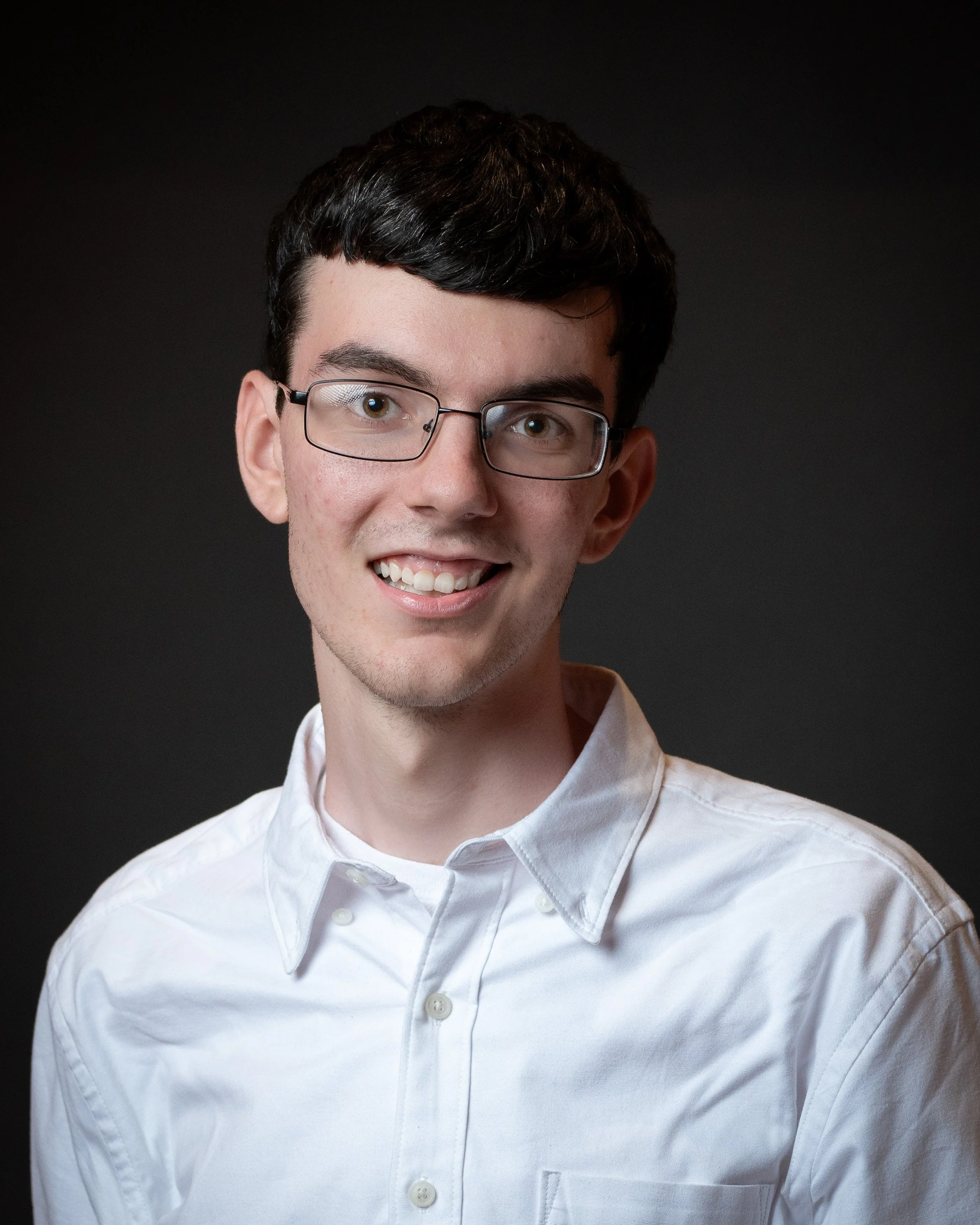
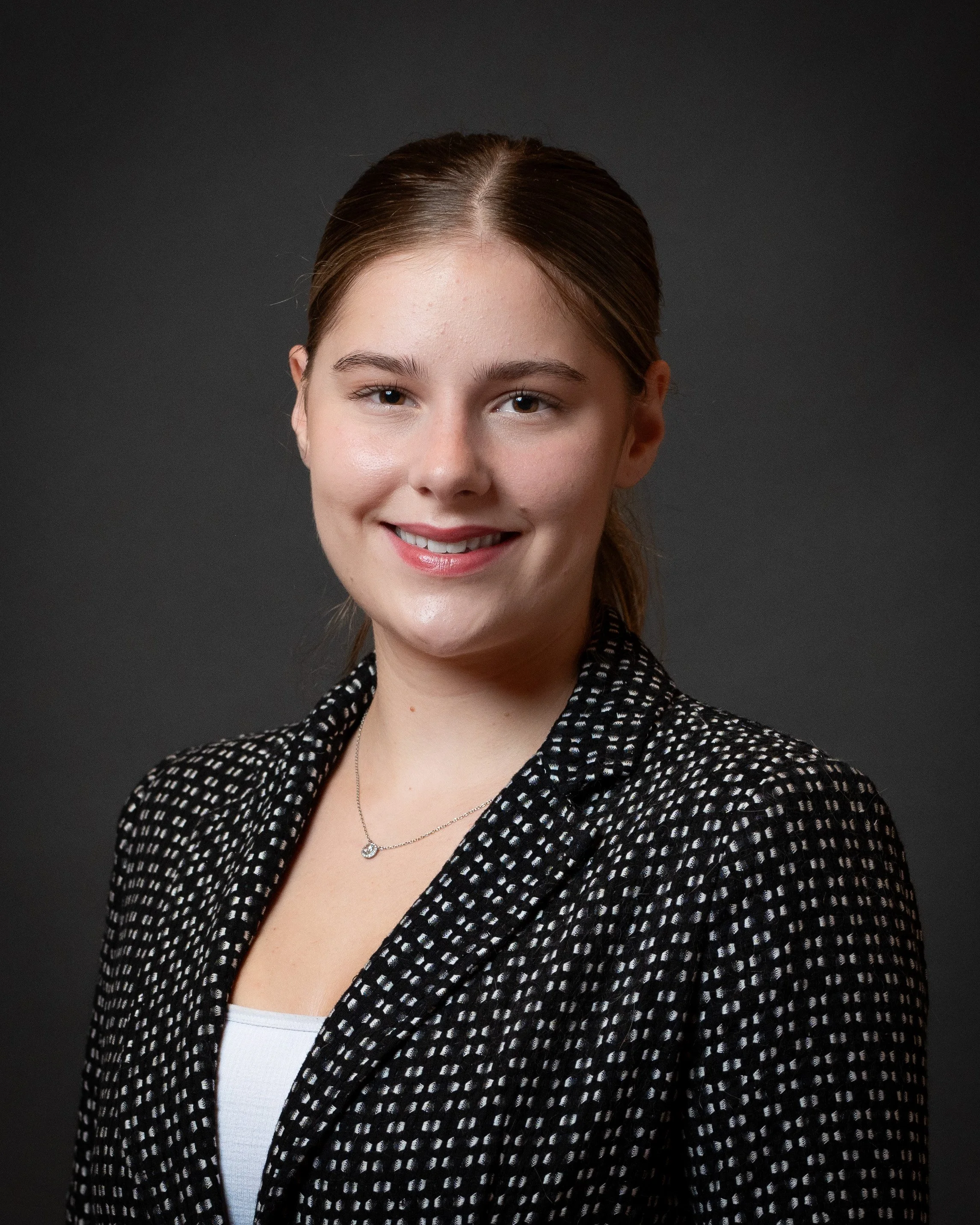
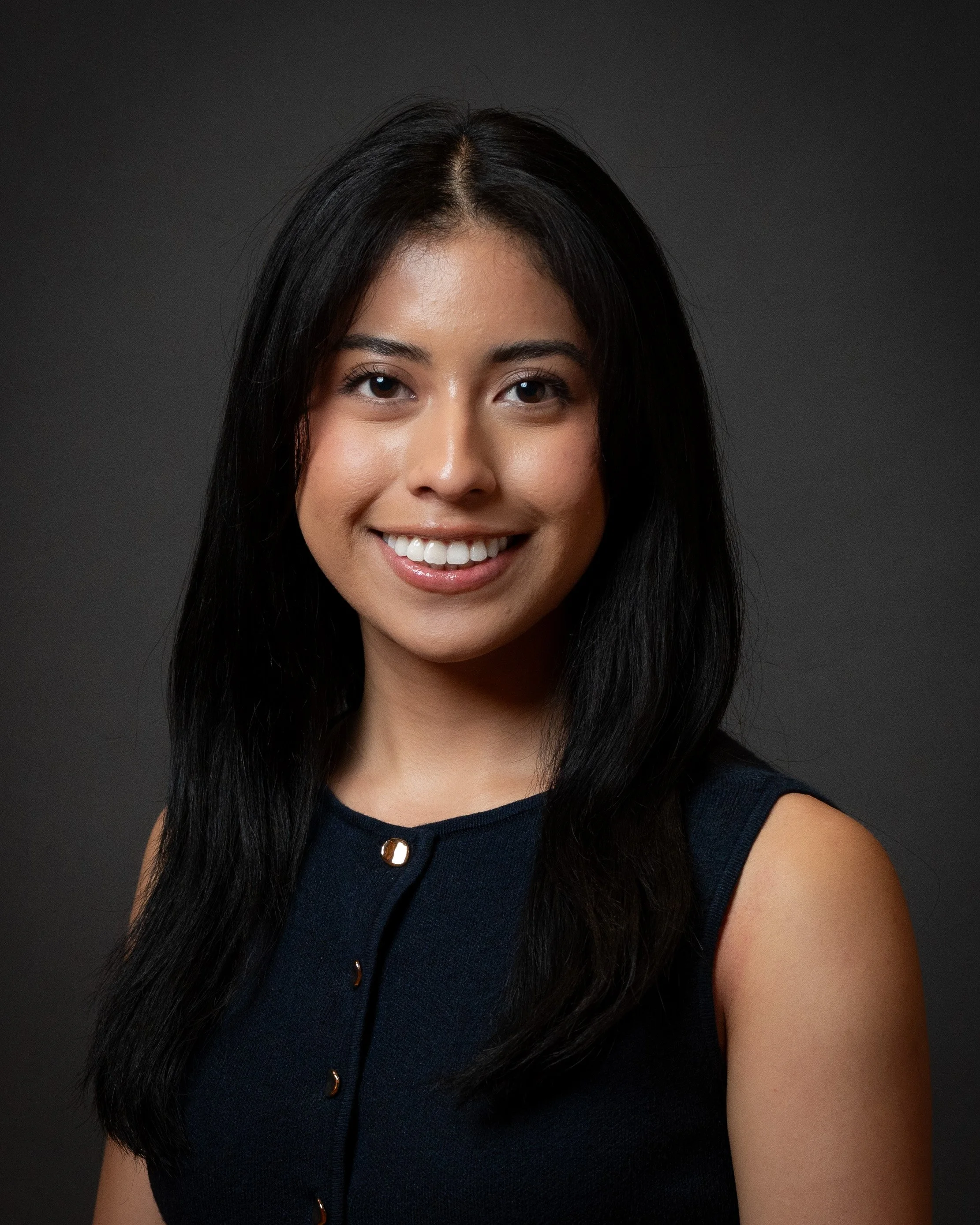
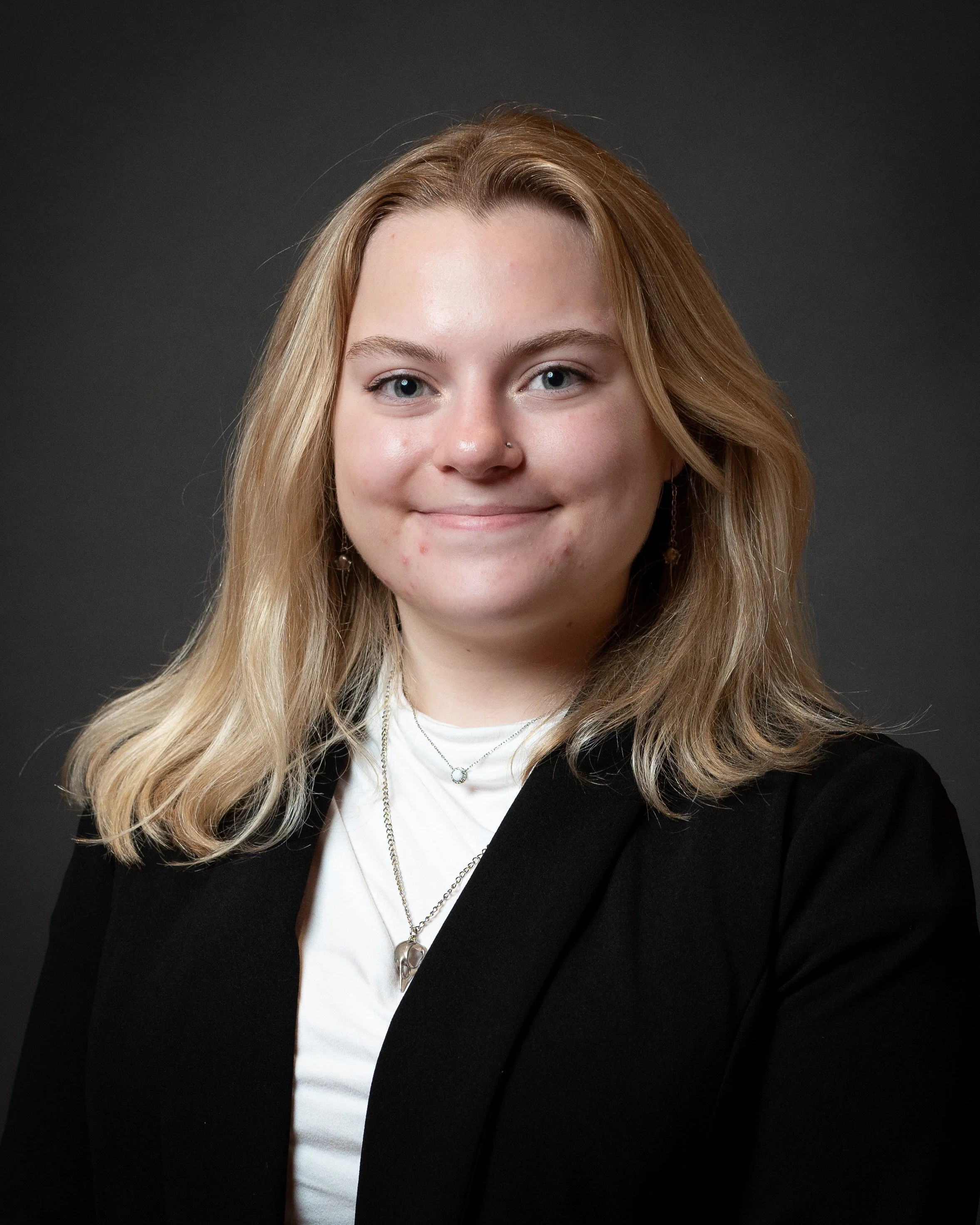
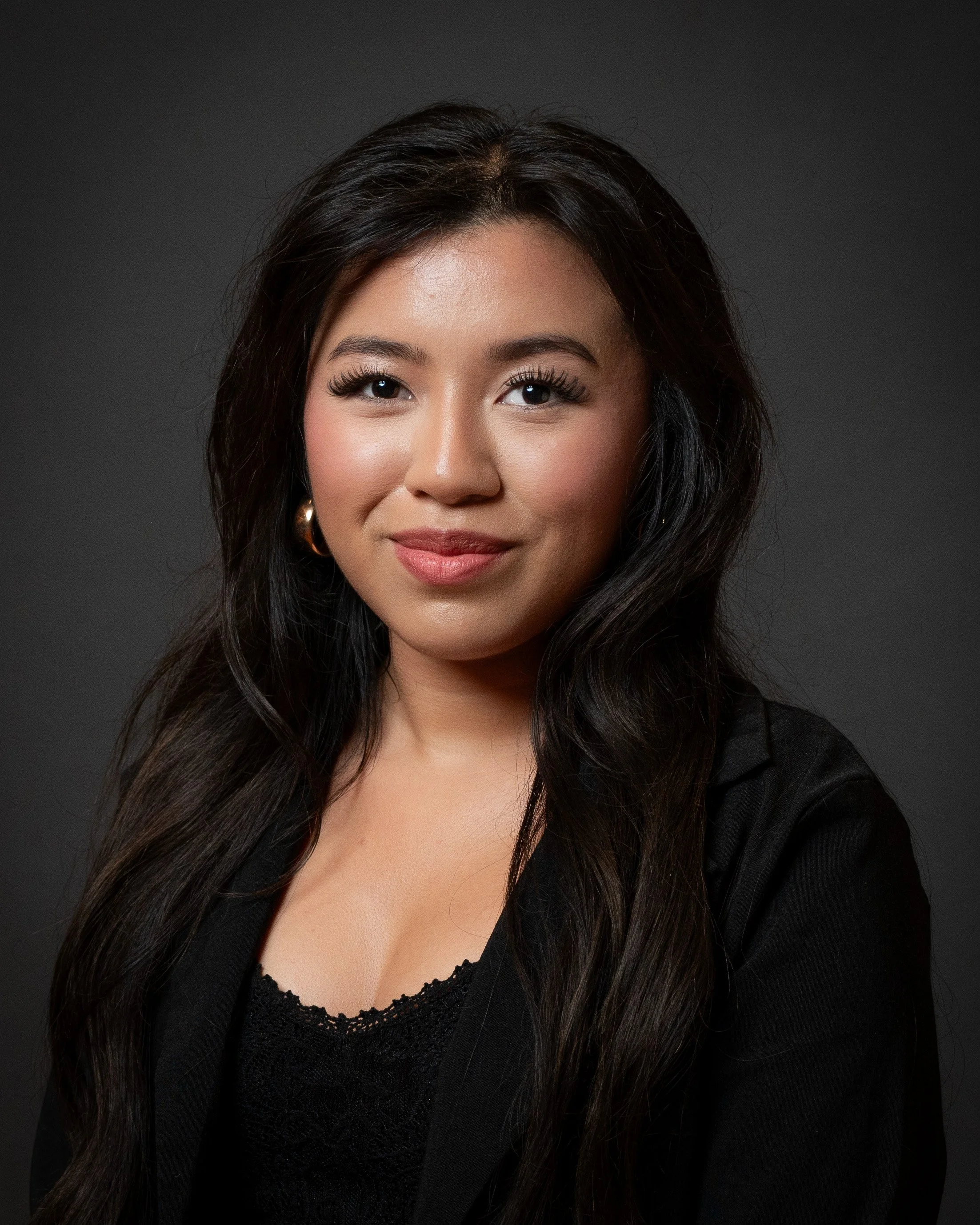
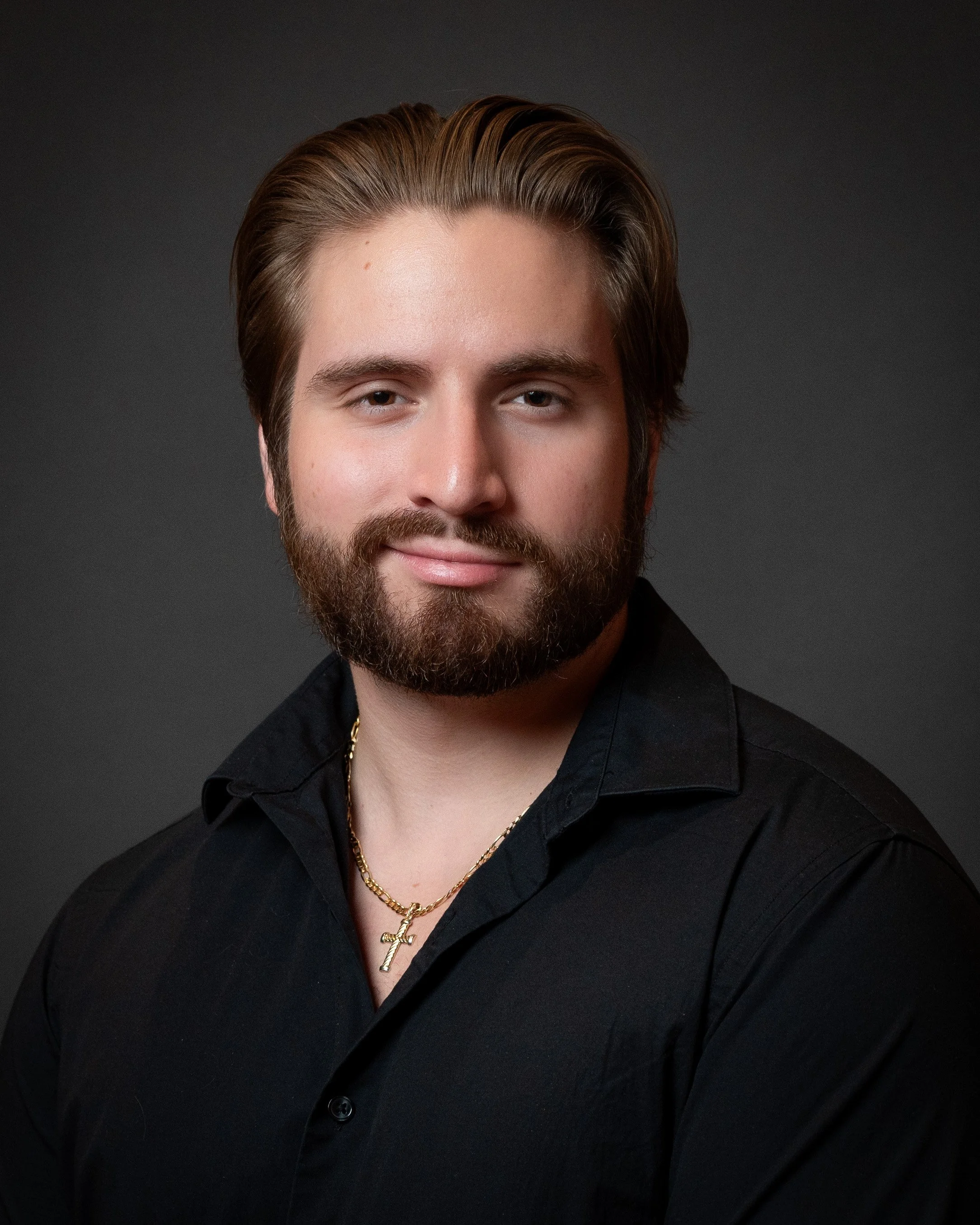
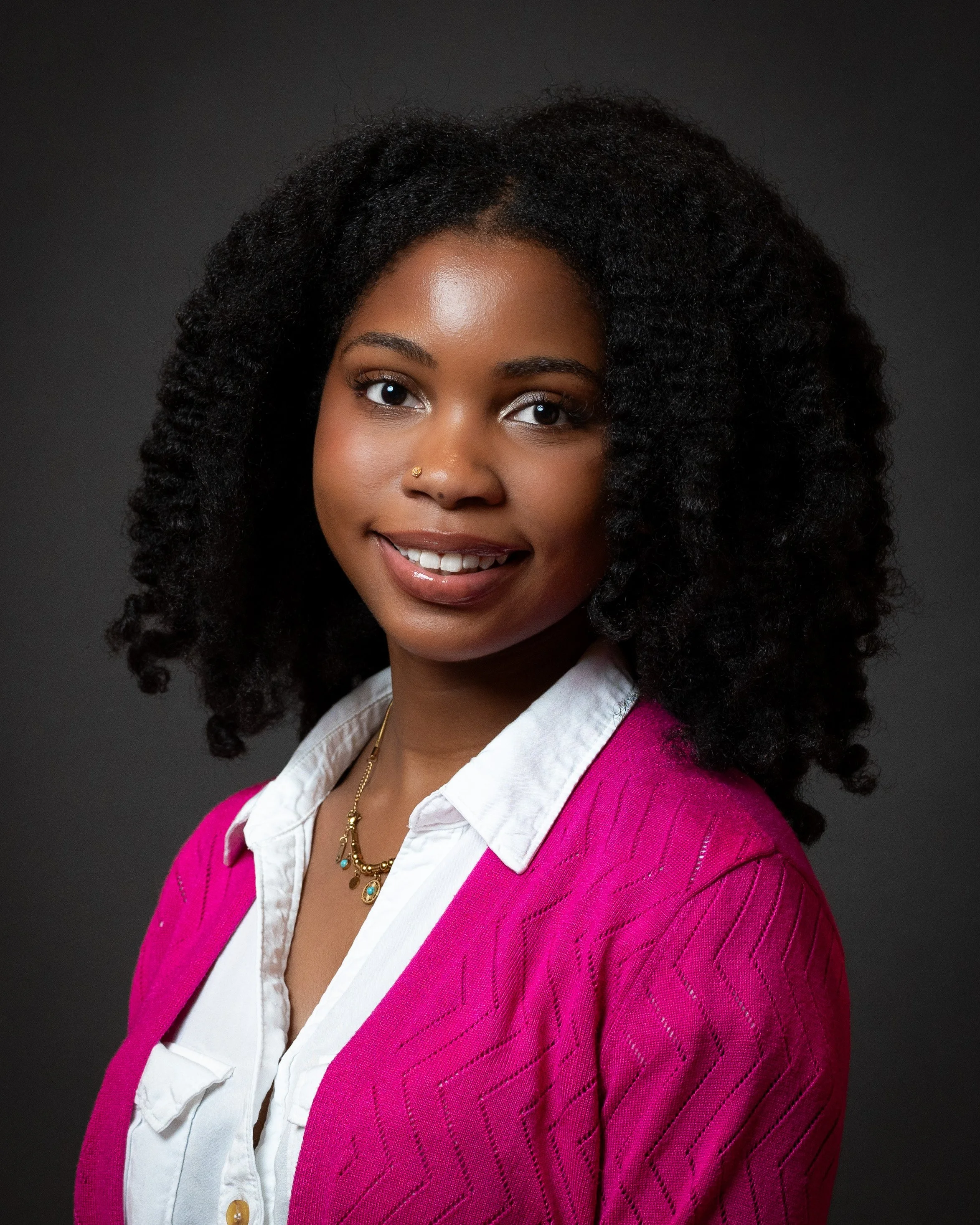
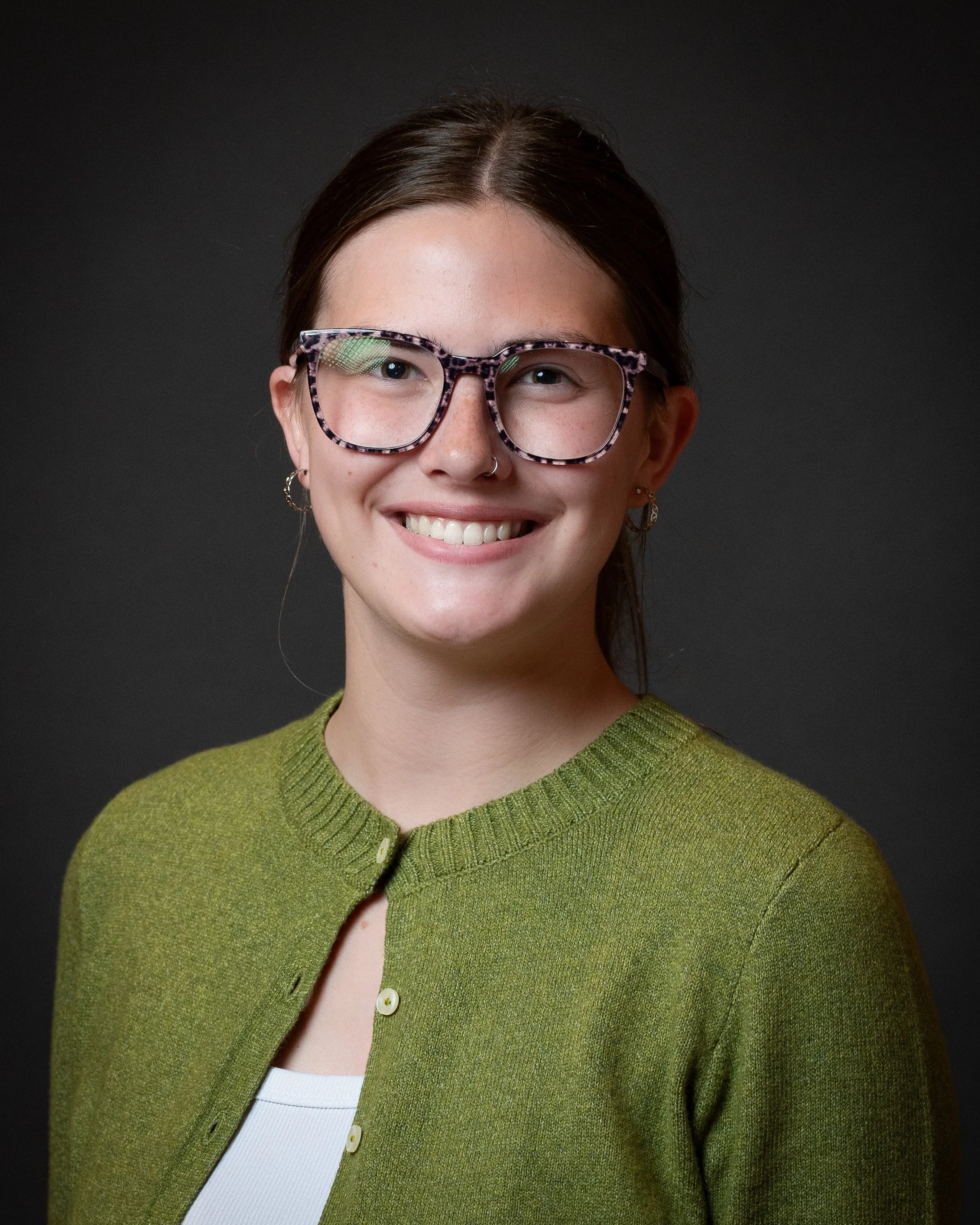
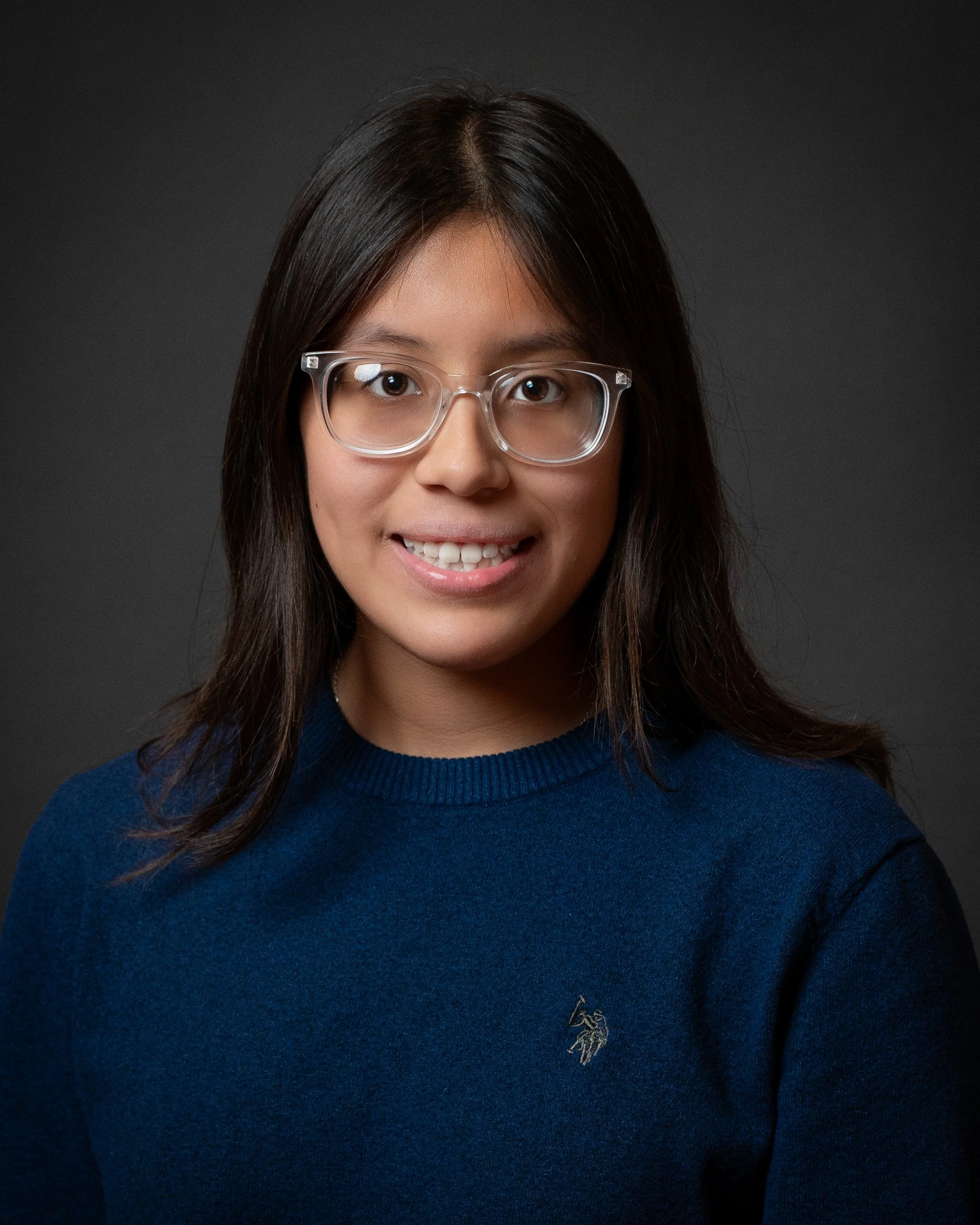
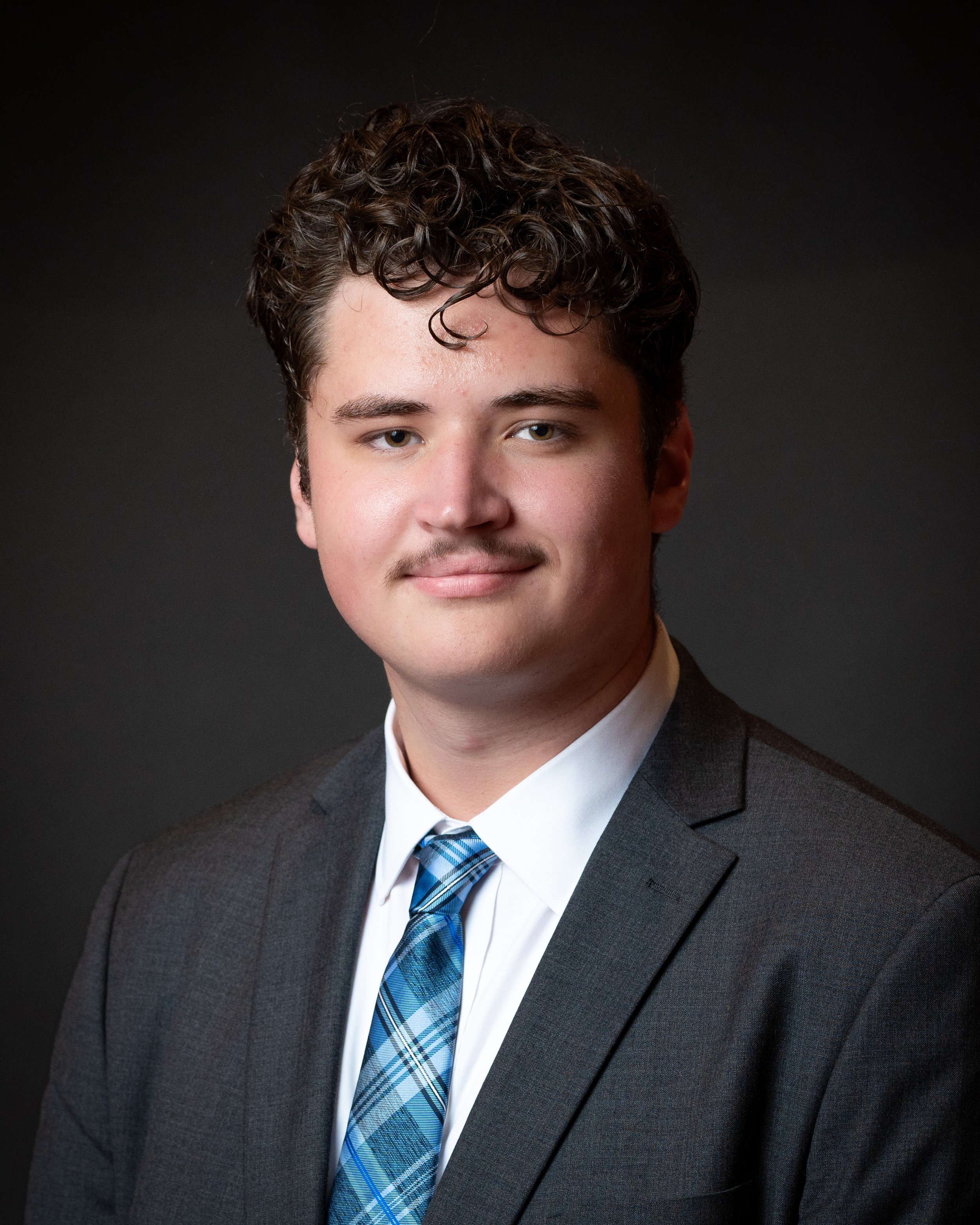
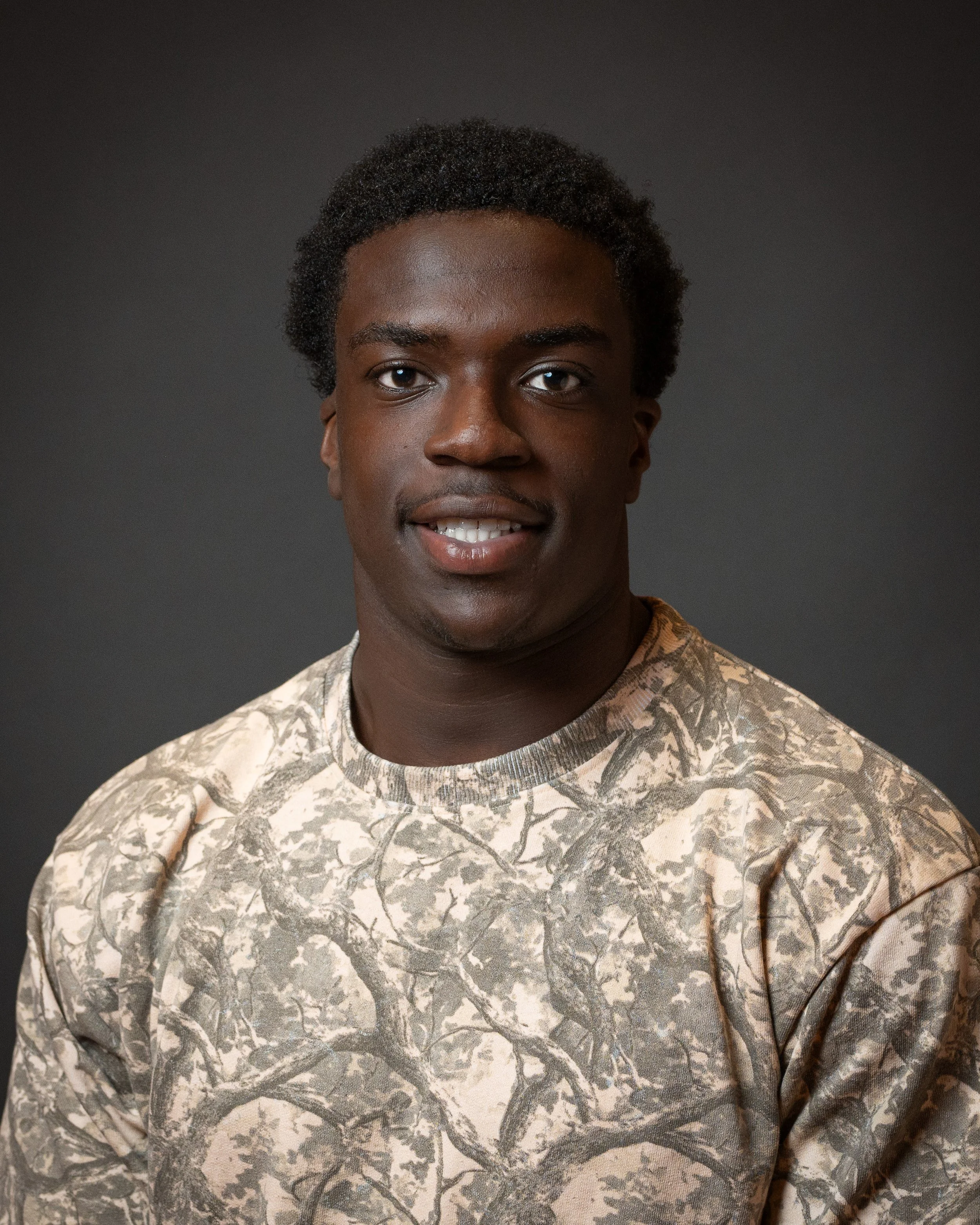
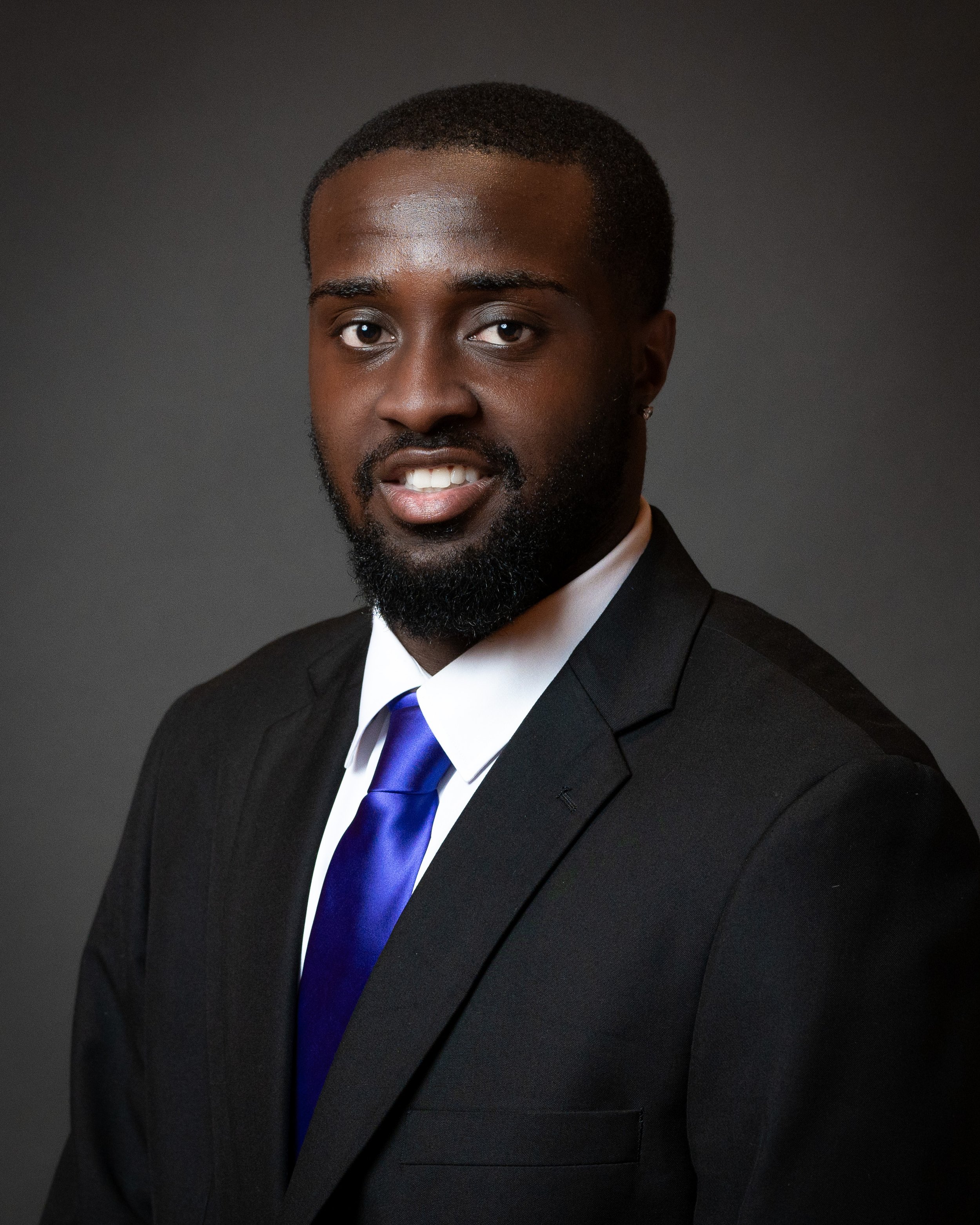
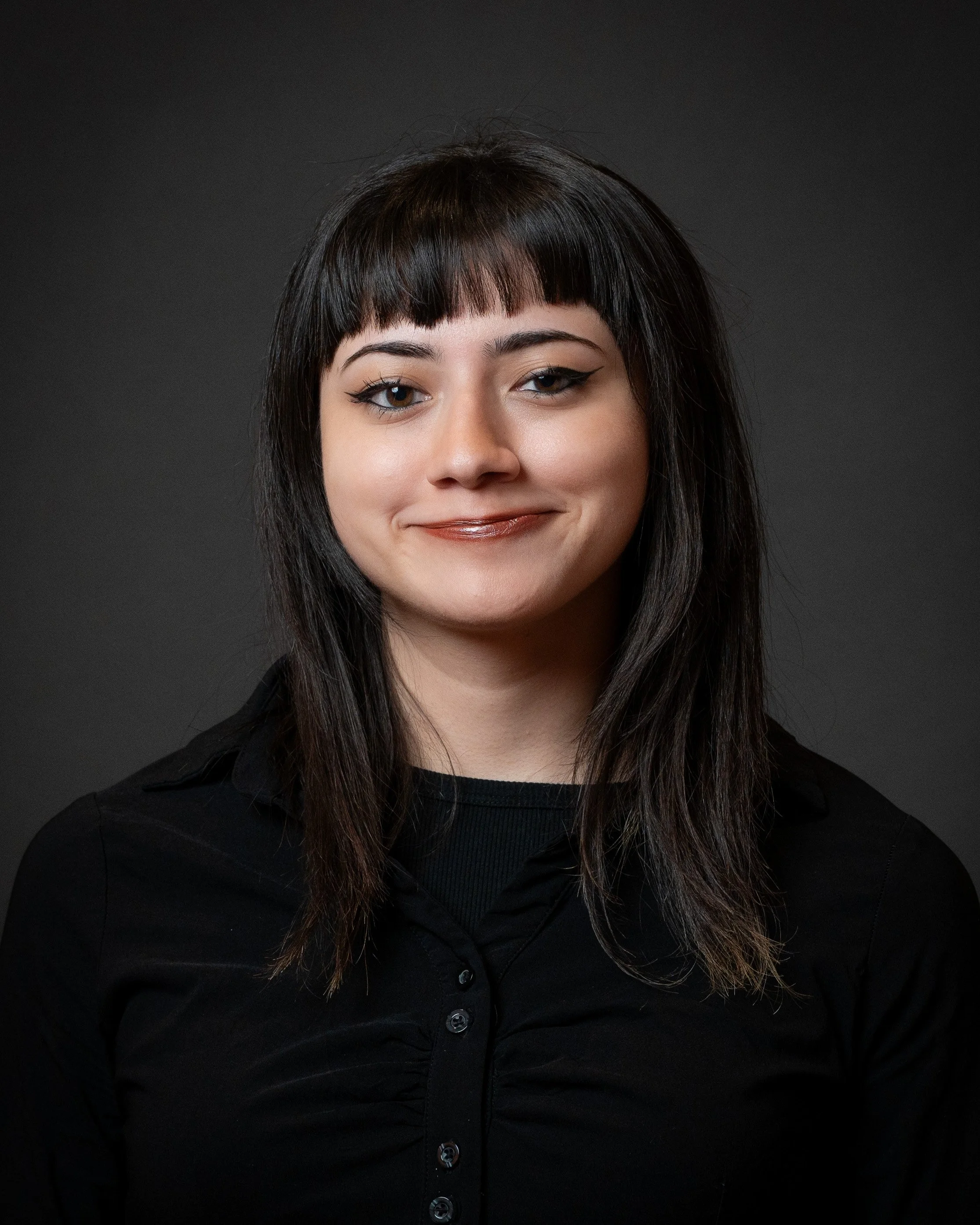
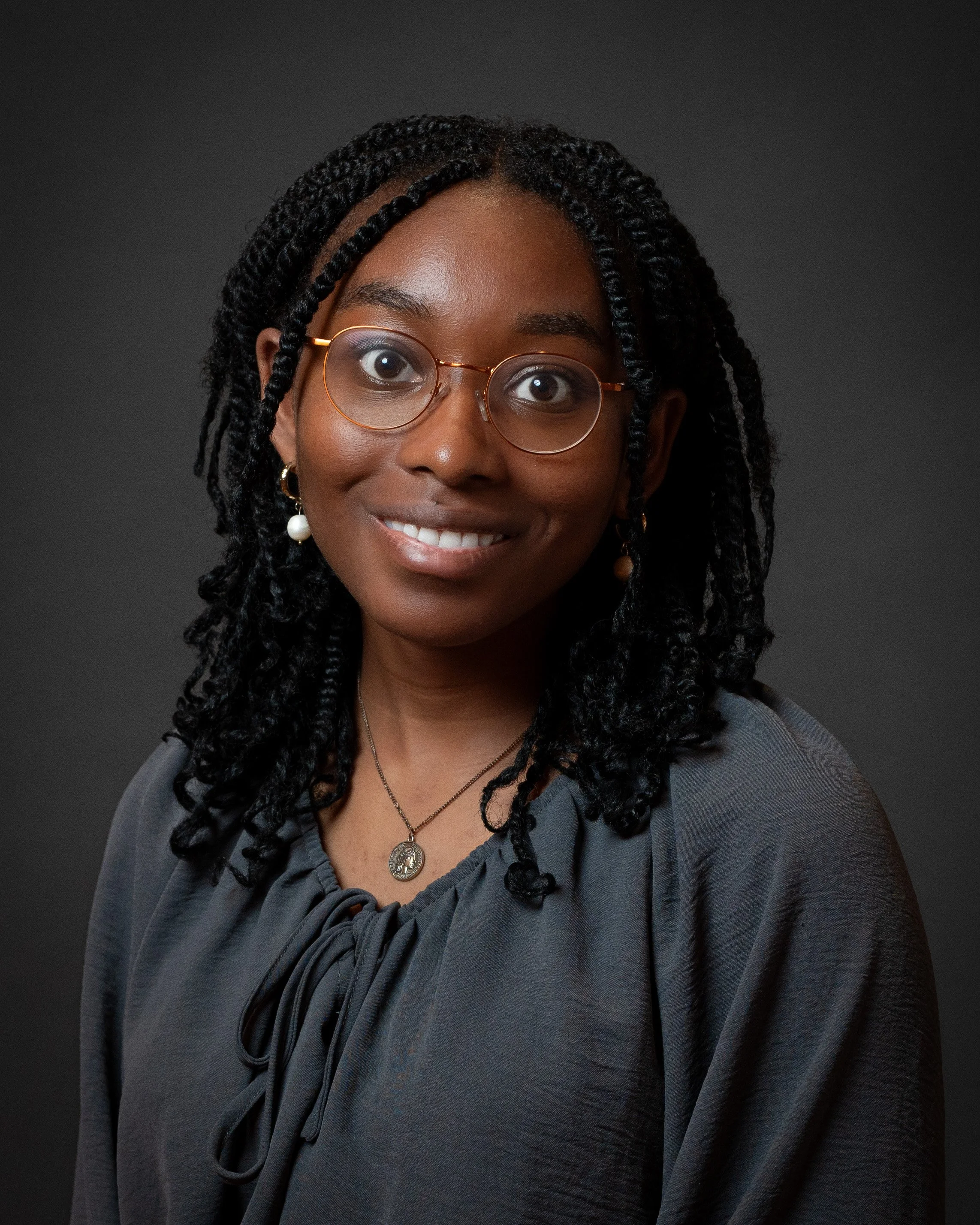
NIU Professional Headshots Gallery
Brought you by Braven.org
Taken by AMVPhotographs.com Instagram.com/AMV_photo
Download Instructions from Computer:
With the mouse arrow over the image, click right button (on a 2-button mouse) or hold control + mouse click (on a 1-button mouse) and a selection menu appears → Click “Open New Tab” and go to the new tab with your headshot
In the new tab, right click on the mouse and → Select “Save Image As…”
Note: if you don’t save it from the new tab, it won’t save as a JPEG file.
From your Phone:
Tap/hold onto your headshot until menu appears
Select “Save to Photos“
Did you have a great your experience? Love your headshot? It would mean a lot if you are able to leave a review to let future clients know about it! Tap here to leave a review.
I wish you all the best in your Fall semester! - AMV Photo